

Combine two set of images in two folders transparent PNG over background - batch export
- April 4, 2021
- 4 replies
- 12730 views
I am 100% sure this is already explained but I do not know what I should type in a search to get to the result.
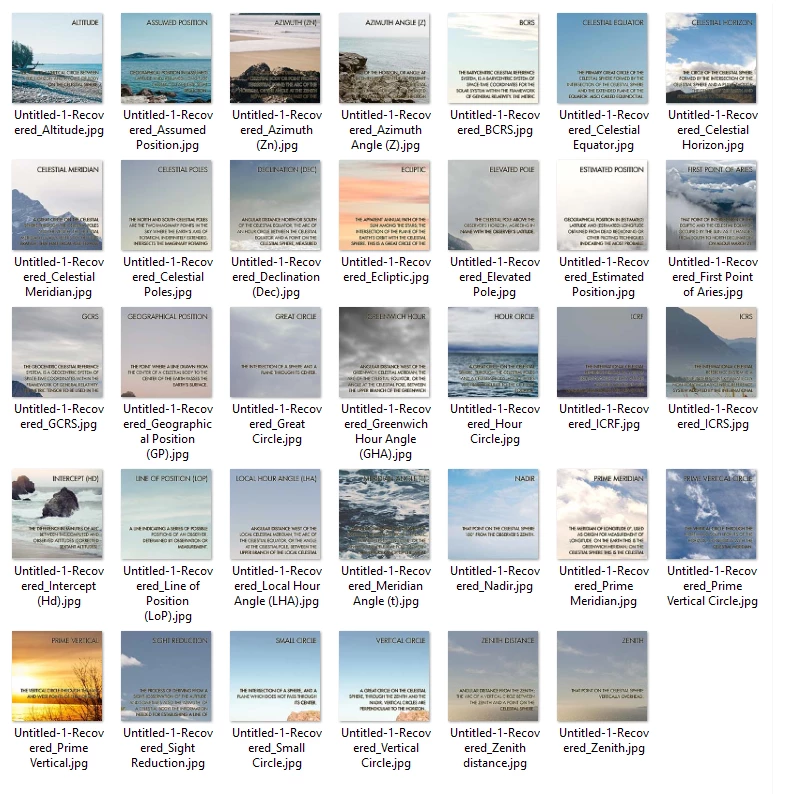
I have 500 PNG transparent images in one folder named Image (1) Image (2) Image (3)... and 500 background JPG images in another folder named Background (1) Background (2). All images are the same dimensions.
I want Photoshop to take:
Image (1) and put it over Background (1) and export
Image (2) and put it over Background (2) and export
Image (3) and put it over Background (3) and export... and so on the entire folder.
I have to do this a lot so my plan was to get a folder of PNG and JPG and duplicate that, rename it (and for this to be as easy as possible I went for images in folder one with renaming everything in to "Image" which gives me results Image (1) Image (2)... and the other folder Background which gives me results background (1) Background (2)... if I do this then my Photoshop action will always work since the names of the photos will always be that, I think?
How do I achieve this?
The PNG files should be created from an Excel file.
I have an Excel file with text in 2 columns.
One is the TERM name and the other column is the definition.
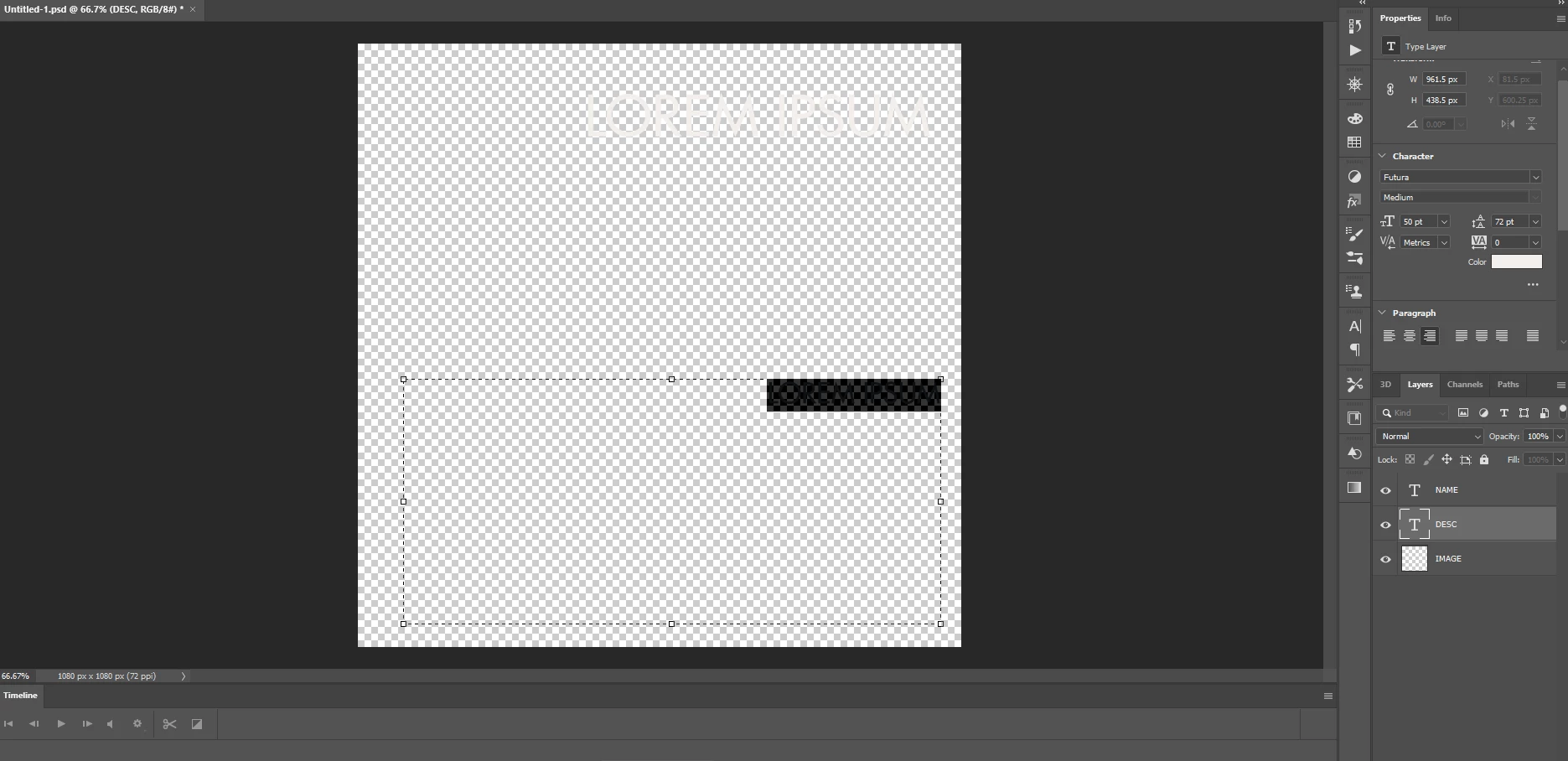
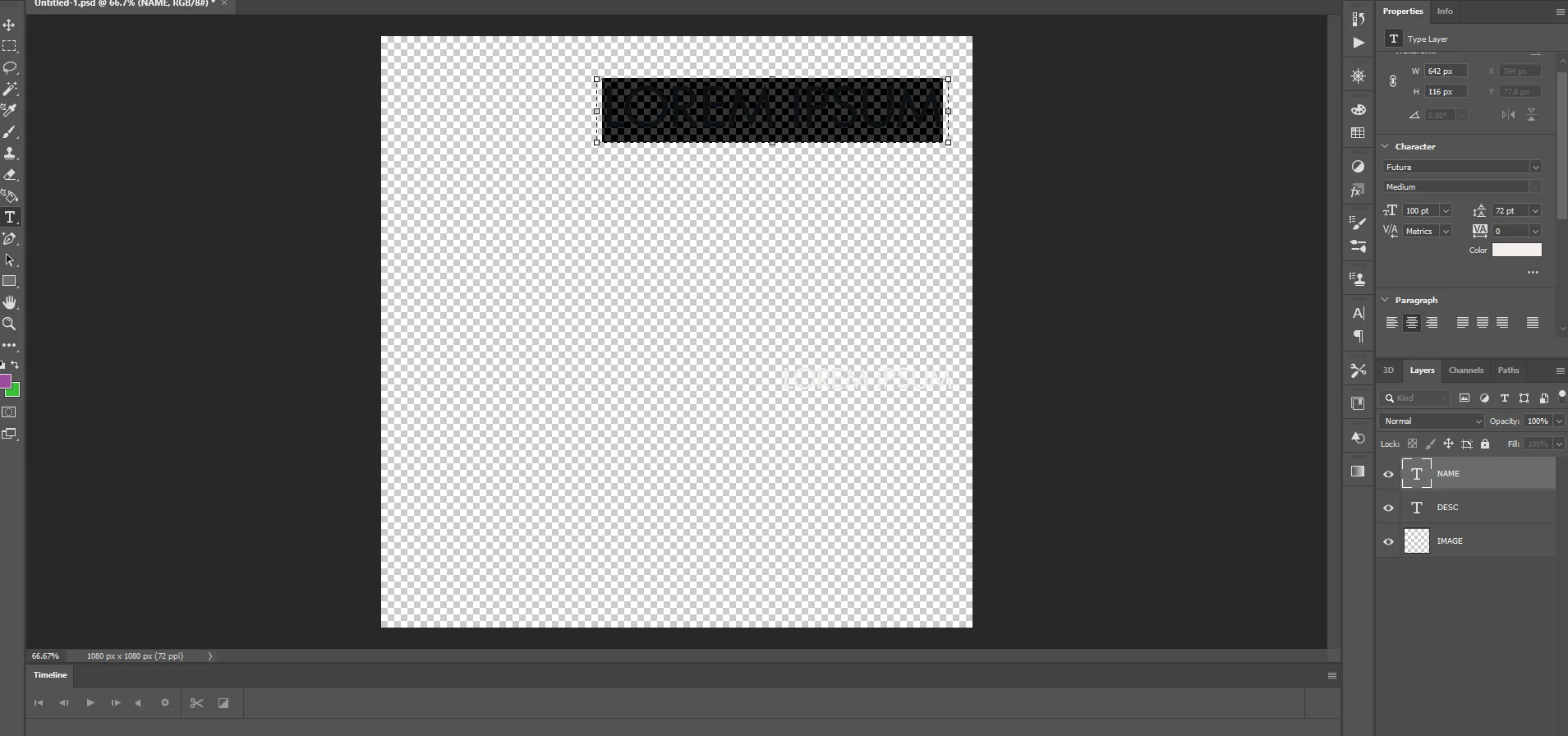
I am trying to figure out how to set Photoshop to batch export transparent PNG using the text from the EXCEL (see image).
And then combine them with the background image.
I do not want to do this in one action because I will combine transparent PNGs with different backgrounds.
Any help?
Thank you.
 AdChoices