bartonlew
Legend
February 15, 2023
Answered

conforming canvas size to image size

  • February 15, 2023
  • 2 replies
  • 7143 views

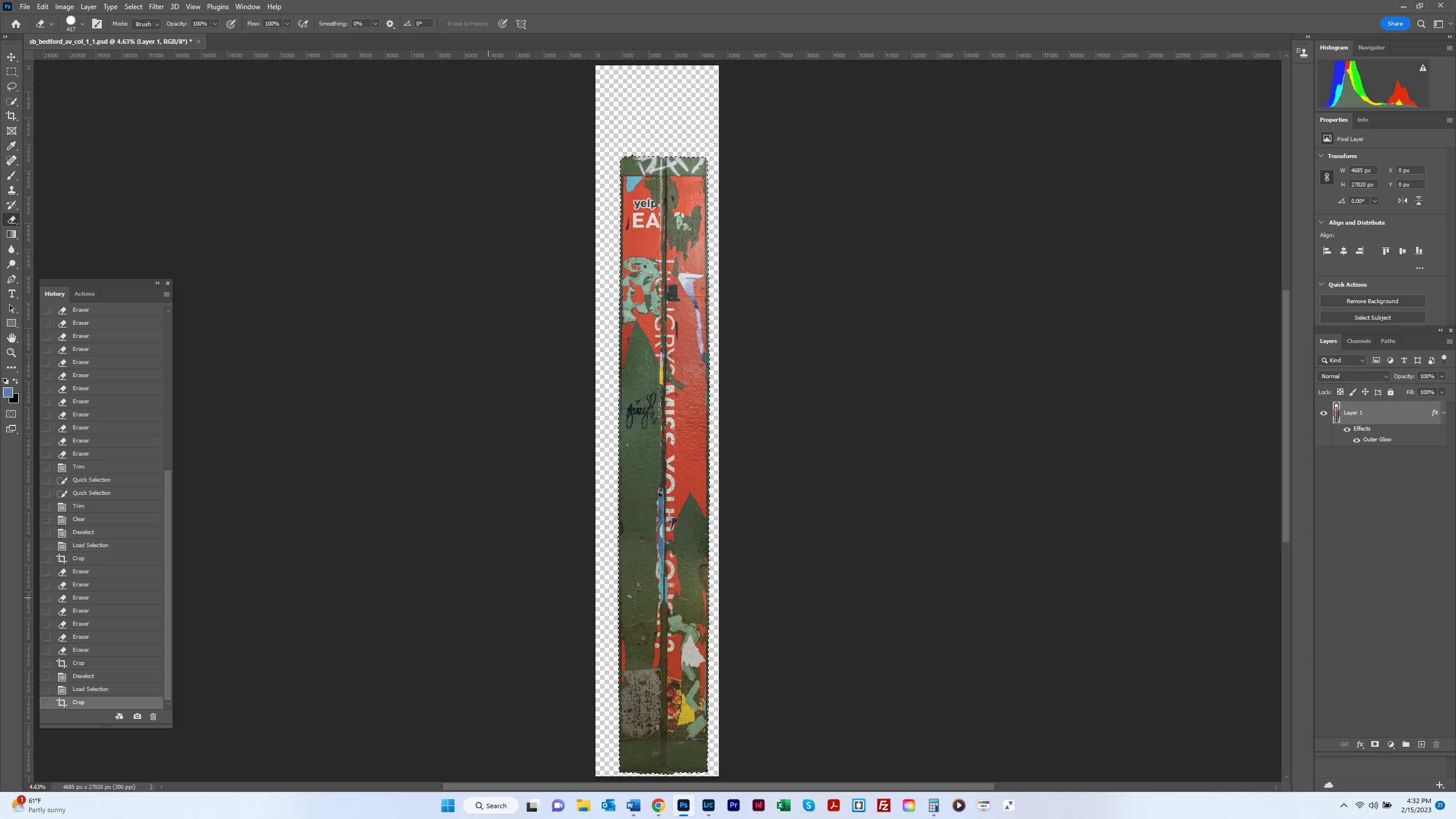
I  selected an object to isolate it and copied it to its own layer.  I then resaved the document and deleted the background layer.  I need to conform the object’s (a composite) dimensions to their actual size in life.  I was going to do that by selecting Image Size, then input the object’s dimensions.  But that gives me the size of the document including the canvas.  How can I shrink the canvas to be the exact size as the object?  Thanks. 


This topic has been closed for replies.
Correct answer PECourtejoie

Thanks, you are right.  I went to 100%, and saw what you're seeing in the uuper right.  Also, the dashed lines were all around the area at top that I had deleted.  So I brushed over the area with the Eraser Tool.  However, when I select Image>Crop, there is still no change.  Can you tell me what I should be seeing or what the anticipated change is by selecting Image>Crop, so I know what is supposed to be happening here?  Thanks.  


Hi, you have stray pixels, so instead of using image>crop, use the crop tool and place the handles at the corners of your pillar, then click the checkmark, you'll then eliminate the extraneous areas of the image. 

You can also give the wanted dimensions in the Option bar, in order to crop and resample (give the wanted dimensions) at the same time.

2 replies

c.pfaffenbichler
Community Expert
Community Expert
February 15, 2023

Image > Trim > Transparent Pixels

bartonlew
bartonlewAuthor
Legend
February 15, 2023

Thanks.  I'm not sure what happened here.  I did as you said, and I got this, which was the same result following D Fosse's directions:


c.pfaffenbichler
Community Expert
Community Expert
February 15, 2023

What is the problem? 

Can you provide the image? 

D Fosse
Community Expert
Community Expert
February 15, 2023

Ctrl-click the layer in the Layers panel, which loads the pixels as a selection, then Image > Crop.

bartonlew
bartonlewAuthor
Legend
February 15, 2023

Thanks.  Doing this gave me a cropped image, but one still including canvas.  The same thing happened following C Paffenbichler's isntructions.