
Participant
June 12, 2023
Question

content-aware scale - protect mode is NOT protecting subject

  • June 12, 2023
  • 1 reply
  • 1310 views

Using photoshop 23.4.2 on Big Sur...

I'm trying to use content-aware scale to extend the background -- I've selected the subject & made an alpha channel of it, then chosen 'protect' when using content aware scale.

It's not protecting the subject at all and is scaling it along with the background. I've attached images of before and after.

Is this a bug or is there something I'm missing? This has happened on mutliple files, and I'm about to give up using this feature though it would be helpful if it worked.
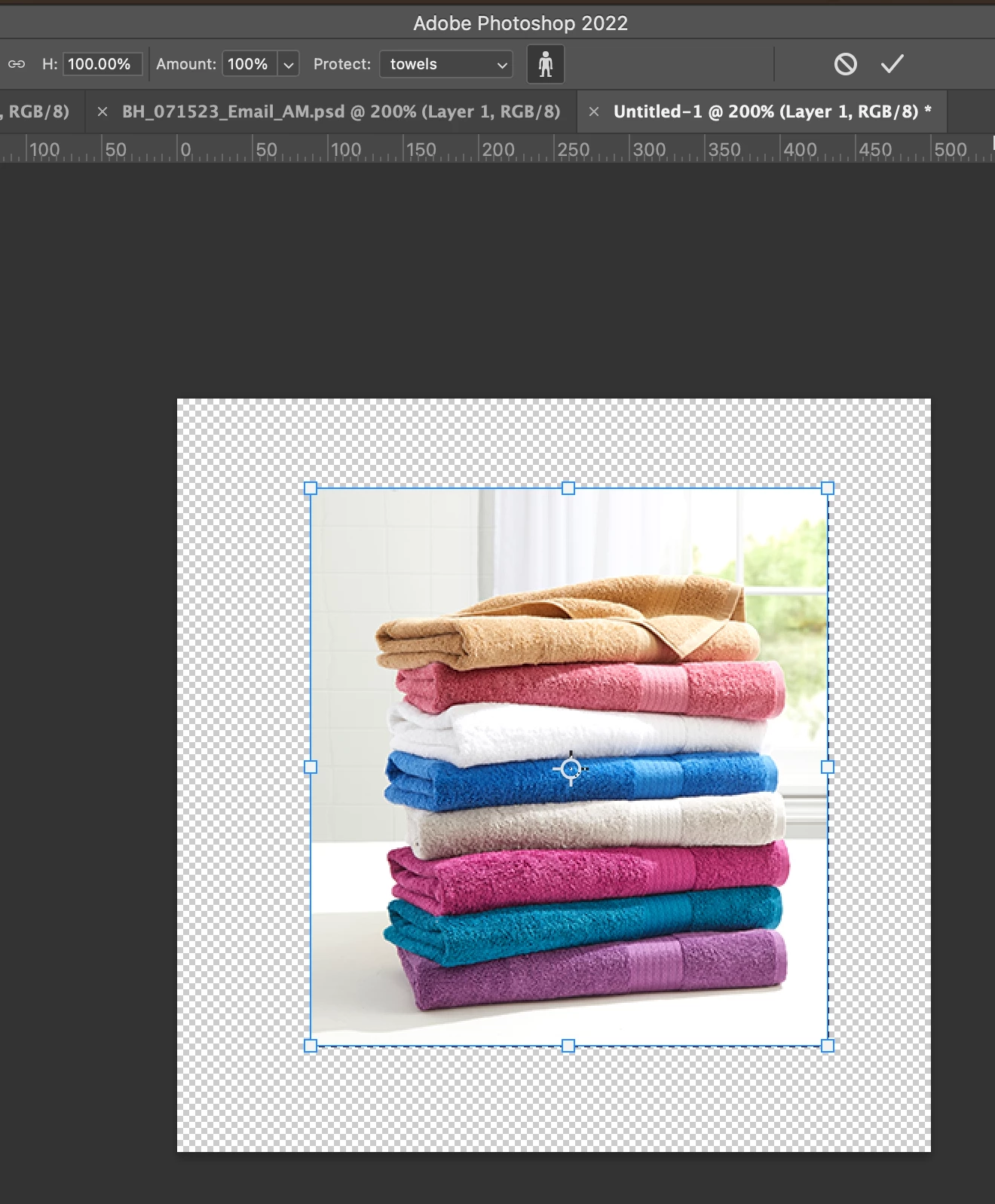
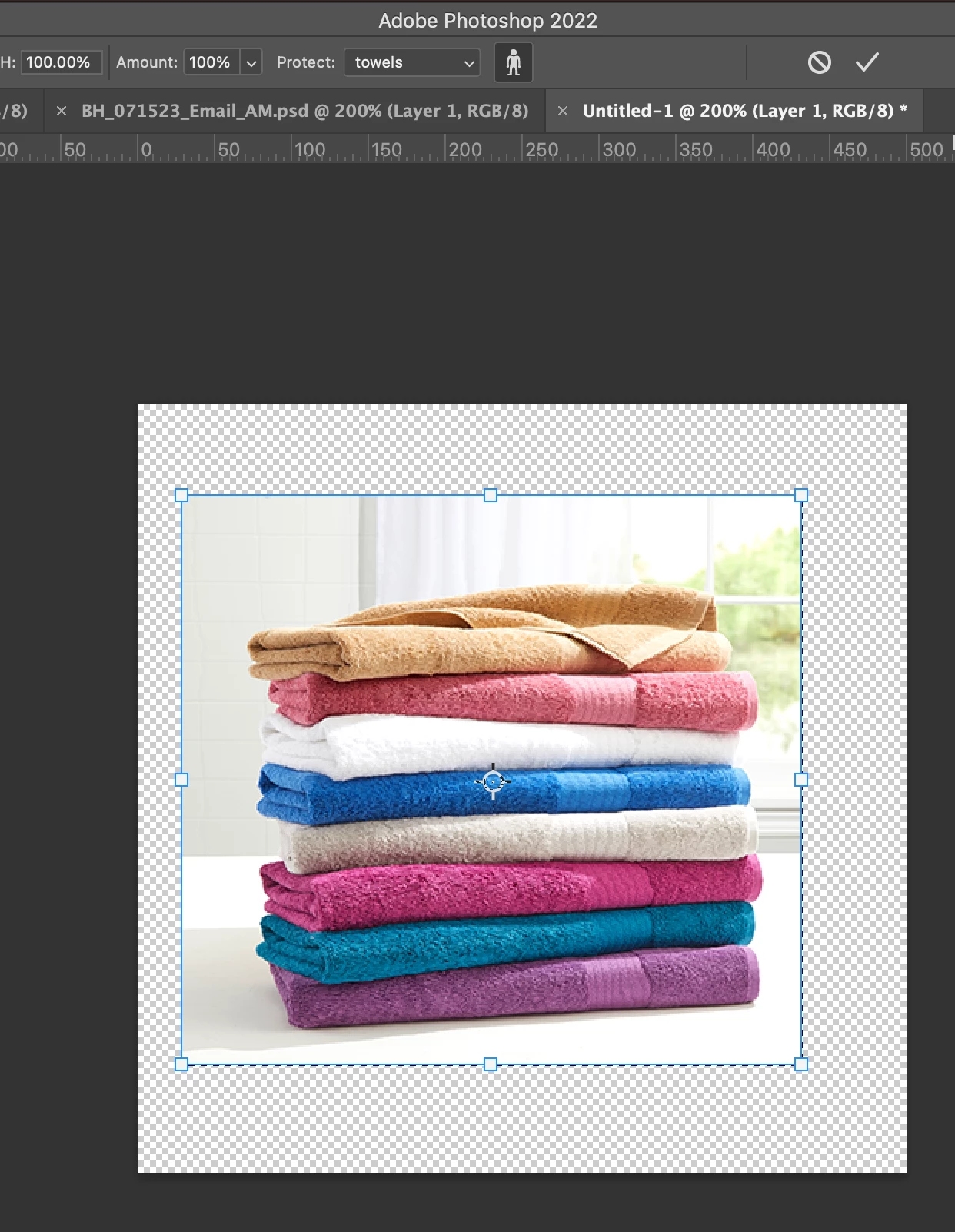


This topic has been closed for replies.

1 reply

jane-e
Community Expert
Community Expert
June 13, 2023

@Fischtick 


It's a little hard to tell what is going on from your screenshots.

  • You have an alpha channel called "towels", but we can't see your Channels panel and don't know what is in this saved selection.
  • You have an image with transparency behind it. Are these separate layers or one layer? We can't see your Layers panel.
  • What (exactly) is the important visual content that you don't want to scale? Which part do you want to scale?

Watch this video from Jesús Ramirez to make sure you understand the feature:

https://www.youtube.com/watch?v=-nvUuHKkLgk


It's also not clear what your goal is. If, for example, you want to extend the window, wall, and ledge and leave the towels alone, you might try one of these:


Jane


jiclark2
Participant
September 14, 2024

I ran into the same issue with an image from Adobe Stock.  I've confirmed it is not an issue wiht PS, as I can open other images and this will work - but I cannot get it to work wiht the image from Adobe Stock.  I've exported to new files/formats and retired, and it still will not work.  Anybody know if anything unique with a source file that would prevent this feature from working?