jiria35941709
Participant
May 16, 2017
Answered

Content Aware scale - stretches only one side of picture

  • May 16, 2017
  • 3 replies
  • 3210 views

Hello

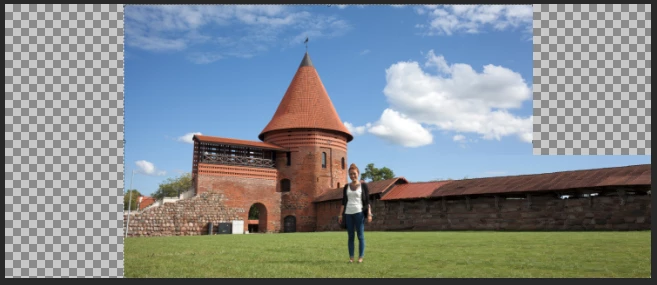
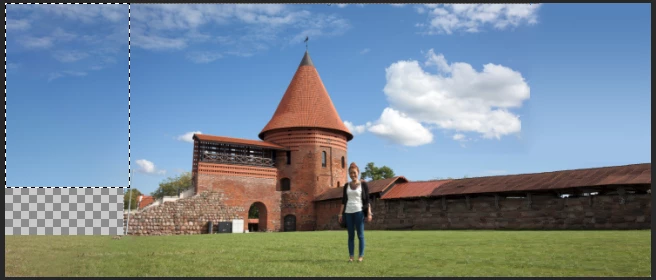
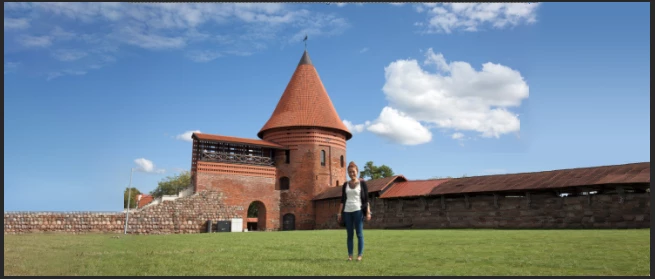
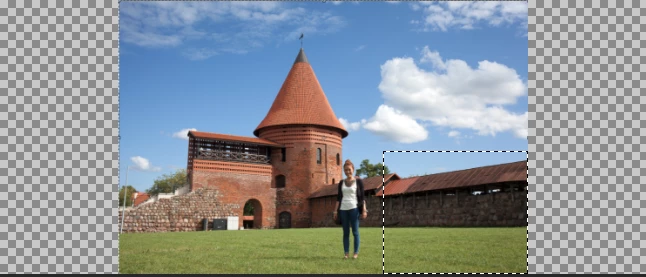
When im trying to stretch background with CA-Scale tool (protecting figure via Alpha channel) the background is streching its content only on one side.

As an effect I get picture on right side totally distored while on the left it is almost untouchted. It looks like as if the tool was working gradually.

Cannot figure out how to fix it

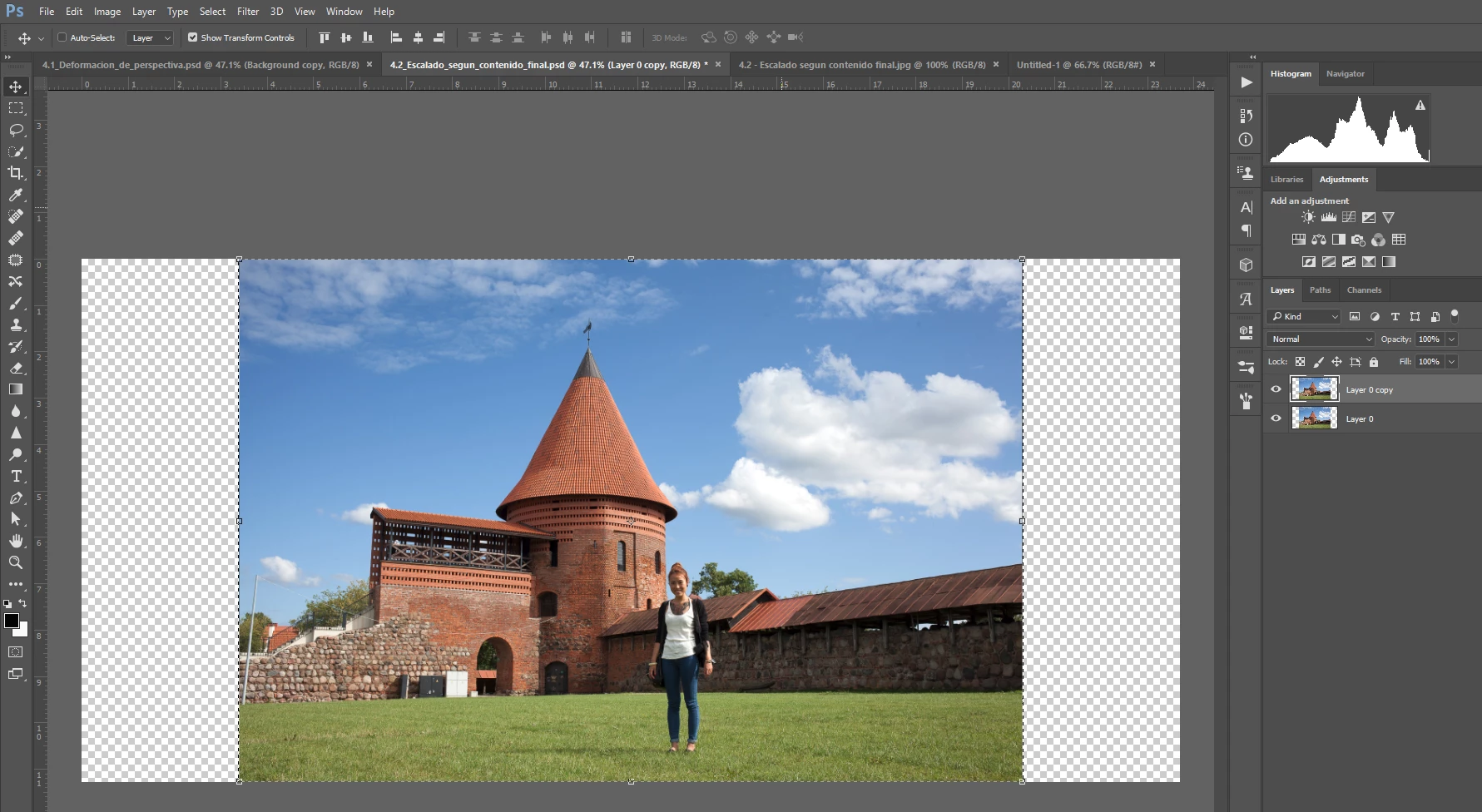
original image
           

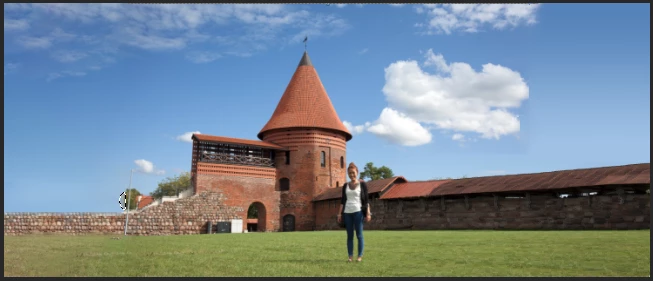
Stretched image:
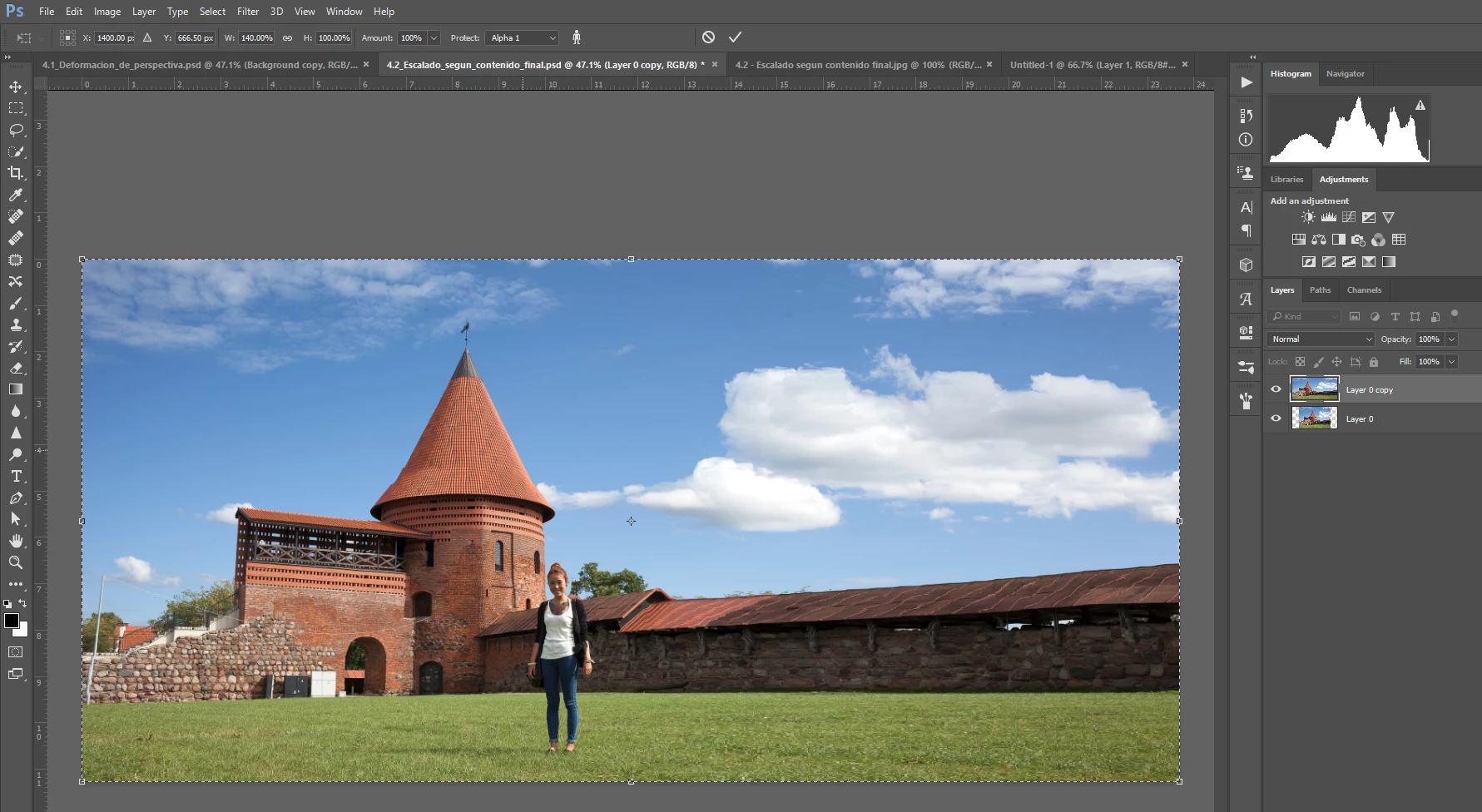
No matter where I place the refference point (or use relative ref. point) the result is always the same

Can You help, please?

Thanks
    This topic has been closed for replies.
    Correct answer barbara_a7746676

    Content Aware Scale will always stretch area more that have less detail. That's just the way it works. There is much more detail on the left so it gets stretched less.

    This photo is not the best candidate for Content Aware Scale. You will probably need to use a variety of techniques to make it look natural.

    Select and content aware scale the right lower side.

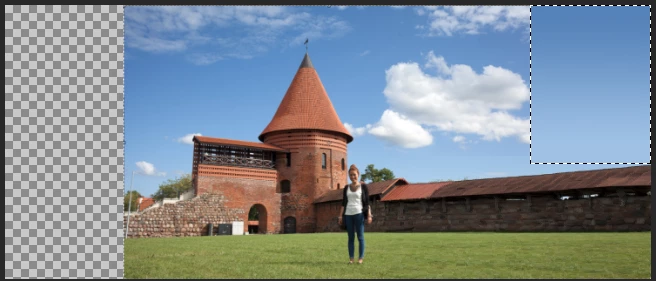
    Fill the upper right with a gradient that matches the sky color.

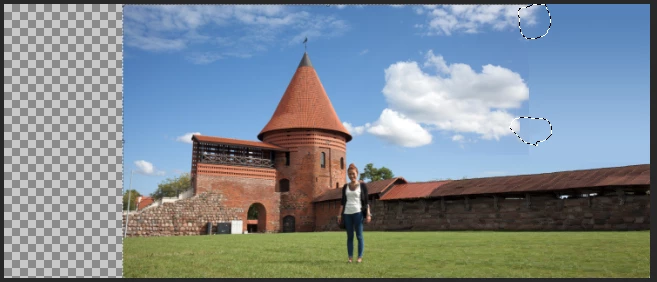
    Select where the clouds are being chopped off and Edit > Fill > Content Aware.

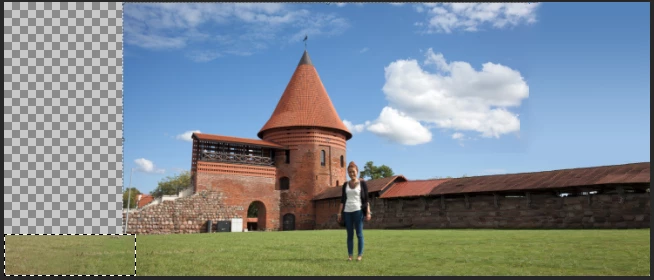
    Select grass on left and Edit > Fill > Content Aware.

    Select sky area on left and Edit > Fill > Content Aware.

    Assuming that the stone wall continues to the left, select a good piece of it and duplicate it to fill in the area.


    You can use the patch tool on the wall to touch up any areas that look too repetitious.

    Fill in the blue sky with matching color.

    Select the left edge of the tree and use Content Aware Fill to round the left side.

    3 replies

    jiria35941709
    Participant
    May 17, 2017

    Thanks Chuck for the explanation

    Thanks Barbara for suggestions

    barbara_a7746676
    Community Expert
    barbara_a7746676Community ExpertCorrect answer
    Community Expert
    May 17, 2017

    Content Aware Scale will always stretch area more that have less detail. That's just the way it works. There is much more detail on the left so it gets stretched less.

    This photo is not the best candidate for Content Aware Scale. You will probably need to use a variety of techniques to make it look natural.

    Select and content aware scale the right lower side.

    Fill the upper right with a gradient that matches the sky color.

    Select where the clouds are being chopped off and Edit > Fill > Content Aware.

    Select grass on left and Edit > Fill > Content Aware.

    Select sky area on left and Edit > Fill > Content Aware.

    Assuming that the stone wall continues to the left, select a good piece of it and duplicate it to fill in the area.


    You can use the patch tool on the wall to touch up any areas that look too repetitious.

    Fill in the blue sky with matching color.

    Select the left edge of the tree and use Content Aware Fill to round the left side.

    Chuck Uebele
    Community Expert
    Community Expert
    May 16, 2017

    It looks like it's picking the areas of least content that would be the easiest to stretch. Only thing I can suggest, is to do it in small chunks by using the marquee tool to select the area you want to stretch.