



Context Menu Order Changed For Layers?
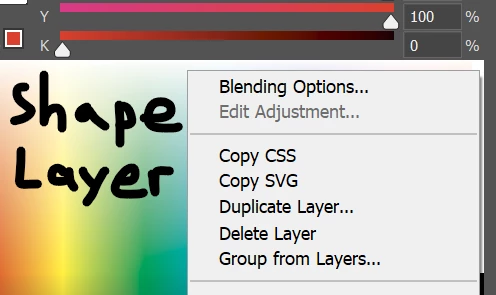
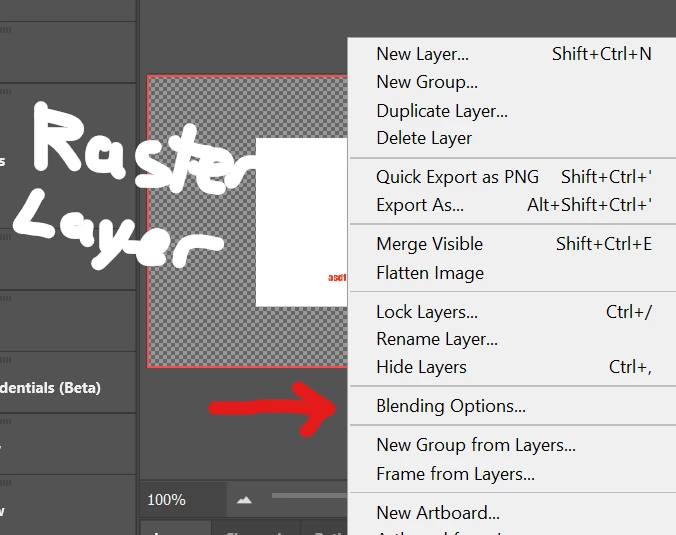
I could have sworn that until one of the most recent updates, when you would right click any kind of layer in the layer panel, "Blending Options" would always be at the top. But now it seems that for many/most of them, it's all been switched around, such as for raster and text layers. For shape layers, it's like it was before.
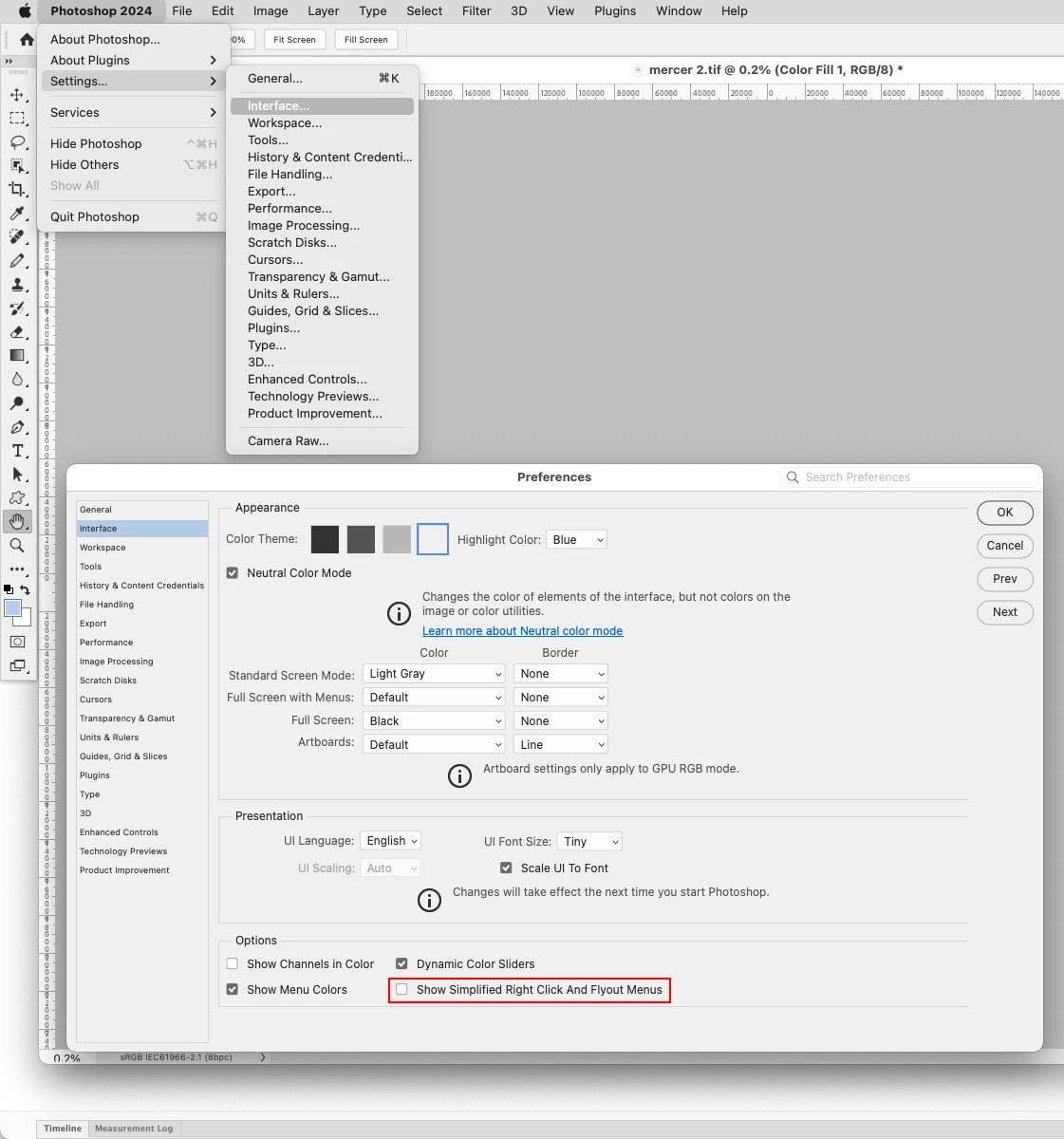
I assume it has to do with this change. It mentions "customizable flyout menu and right-click options", but I can't figure out how to customize it.
The problem is that this has severely screwed up my muscle memory. The blending options menu is one I use very often, and now it's stuck in the middle of a huge menu and I have to search for it visually instead of just going to the top.
Is there a way to re-arrange the menu?
 AdChoices