didiermazier
Community Expert
Community Expert
September 3, 2020
Answered

Converting a shape to an image simply doesn't work

  • September 3, 2020
  • 3 replies
  • 793 views

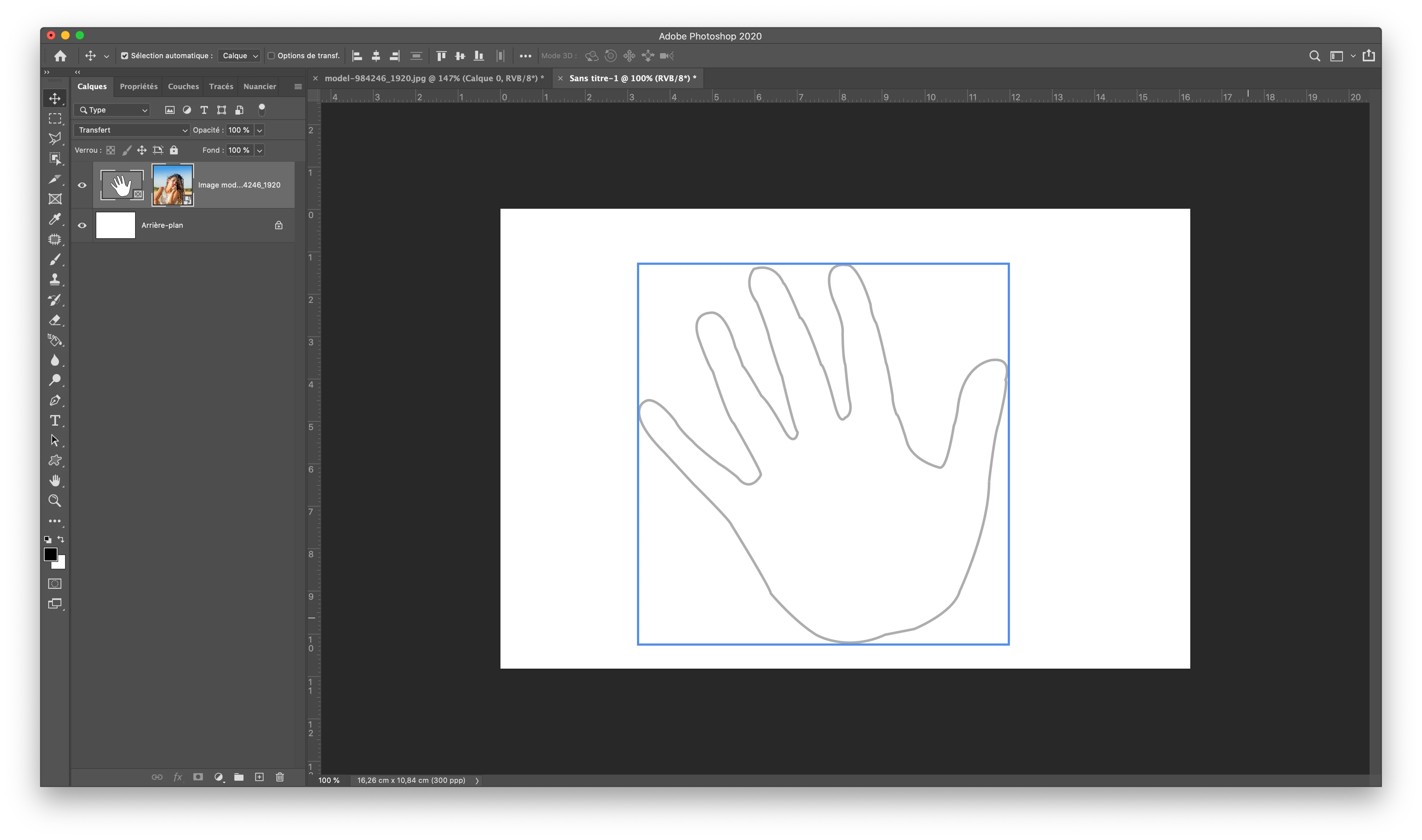
Seems impossible to convert a shape to an image frame despite the menu items with the latest 21.2.2…
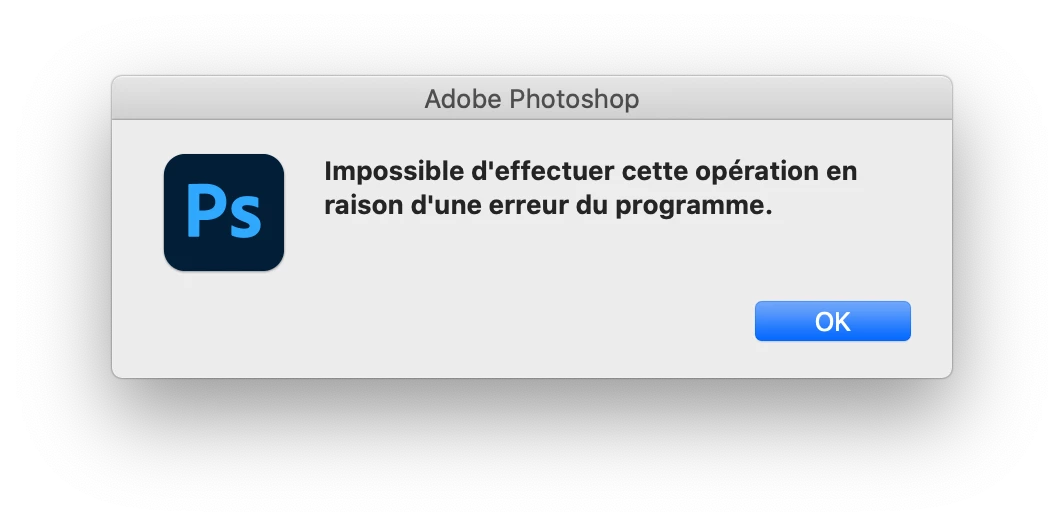
Cannot even save the file > program error
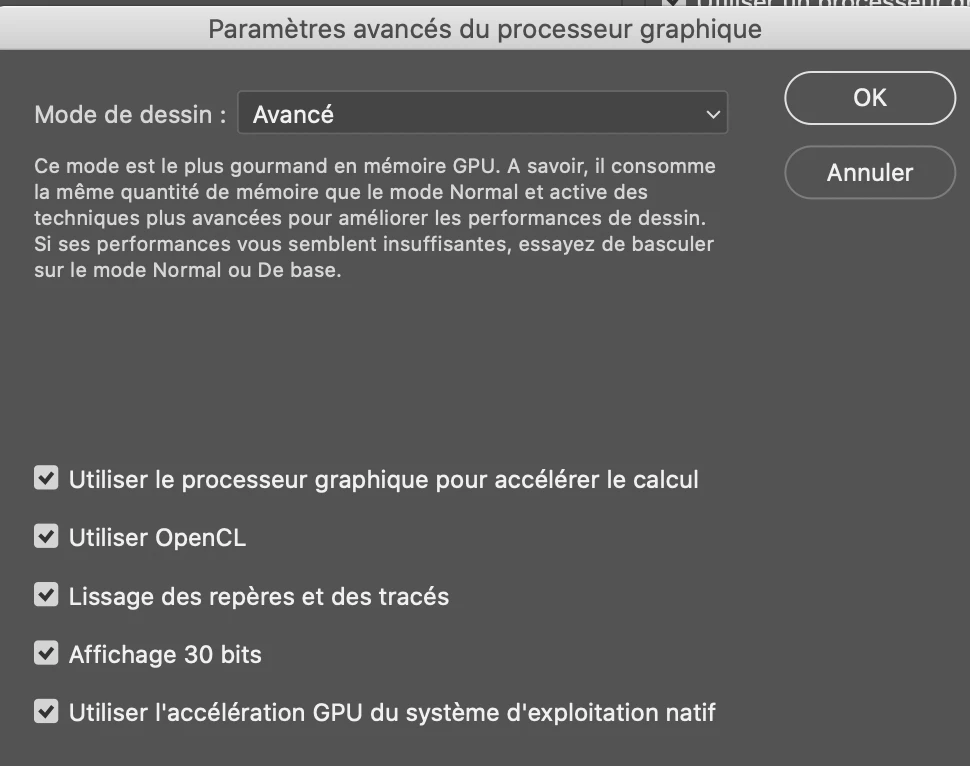
All GPU active… Mac OS 10.15.6 (19G2021)

2,3 GHz Intel Core i9 8 cœurs

AMD Radeon Pro 5500M 4 Go

Intel UHD Graphics 630 1536 Mo

Any clues?

Best guys and take care!

This topic has been closed for replies.
Correct answer didiermazier

At the end I resetted prefs and now it is OK again

Alelujah! Old tricks always work

Just for you to know evreything is checked… and graphic permutation is off in the Mac prefs

Thanks for your time!

3 replies

Jeff Arola
Community Expert
Community Expert
September 3, 2020

I believe your issue has to do with having both graphics cards active.


Photoshop doesn't deal very well with two graphics cards if they are not

the same, so disable the Intel UHD Graphics 630 integrated graphics processor

and see if photoshop works better.


https://support.apple.com/en-us/HT202043

didiermazier
Community Expert
Community Expert
September 3, 2020

Interesting! I didn't know mac was switching GProcs… But it doesn't solve the issue… Nor activate Open CL…

And agian it works with future october prerelease… So I will wait…

didiermazier
Community Expert
didiermazierCommunity ExpertAuthorCorrect answer
Community Expert
September 3, 2020

At the end I resetted prefs and now it is OK again

Alelujah! Old tricks always work

Just for you to know evreything is checked… and graphic permutation is off in the Mac prefs

Thanks for your time!

JJMack
Community Expert
Community Expert
September 3, 2020

Frame layers are very strange and IMO have issues and not required I do not use them. I  have been framing image layer for over a decade without issues the no need for the frame tool.  A Frame layer is both a Layerset and an  Artlayer that is a Smart Object Layer.  Adobe call the Layerset a Frame Mask.  I was not able to find a way to edit the Path in frame Layerset like you show. I just tried and fails to find a way. As I wrote I do not use Adobe's Photoshop Frame tool I removed it from my toolbar and disable its shortcut. 

You can see from my script messages that layer has two layer names the Layerset name is FrameHand and this is what is shown in the layers Palette.  The  Artlayer Smart Object Layer name is my Placed CR2 Raw Image file name from my camera. This Artlayer name is not shown in the Layers Pallet.  My advice is  do not use Photoshop frames avoid problems like you are having.


I did not have a Problem saving it as a PSD or PNG. I use Windows you Mac that could be the reasom you have a  problem and I do not other then Frane Tool feature is  more a problem feature for me it has no value. Photoshop was better without it.

JJMack
Bojan Živković11378569
Community Expert
Community Expert
September 3, 2020

I have no problem on Windows machine. Are you sure that you have shape layer in the Layers panel when trying to convert to frame?

didiermazier
Community Expert
Community Expert
September 3, 2020

yes sir. It works perfect with a rectangyular shape, but is bugging with any other shape whatsoever…

conversion OK

Getting an image OK

Image apperas on the panel but not on the artboard. >Then program error when saving…