MahaB82A
September 20, 2023
Answered

Converting PNG to JPEG

  • September 20, 2023
  • 1 reply
  • 932 views

There is a new feature added in Ps 2024v. But it seem only work with JPEG file [time 0.48]. Is it possible to convert PNG file into JPEG in PSD environment without going to saving PNG as JPEG?

Generative AI is PERFECT for Backgrounds in Photoshop!


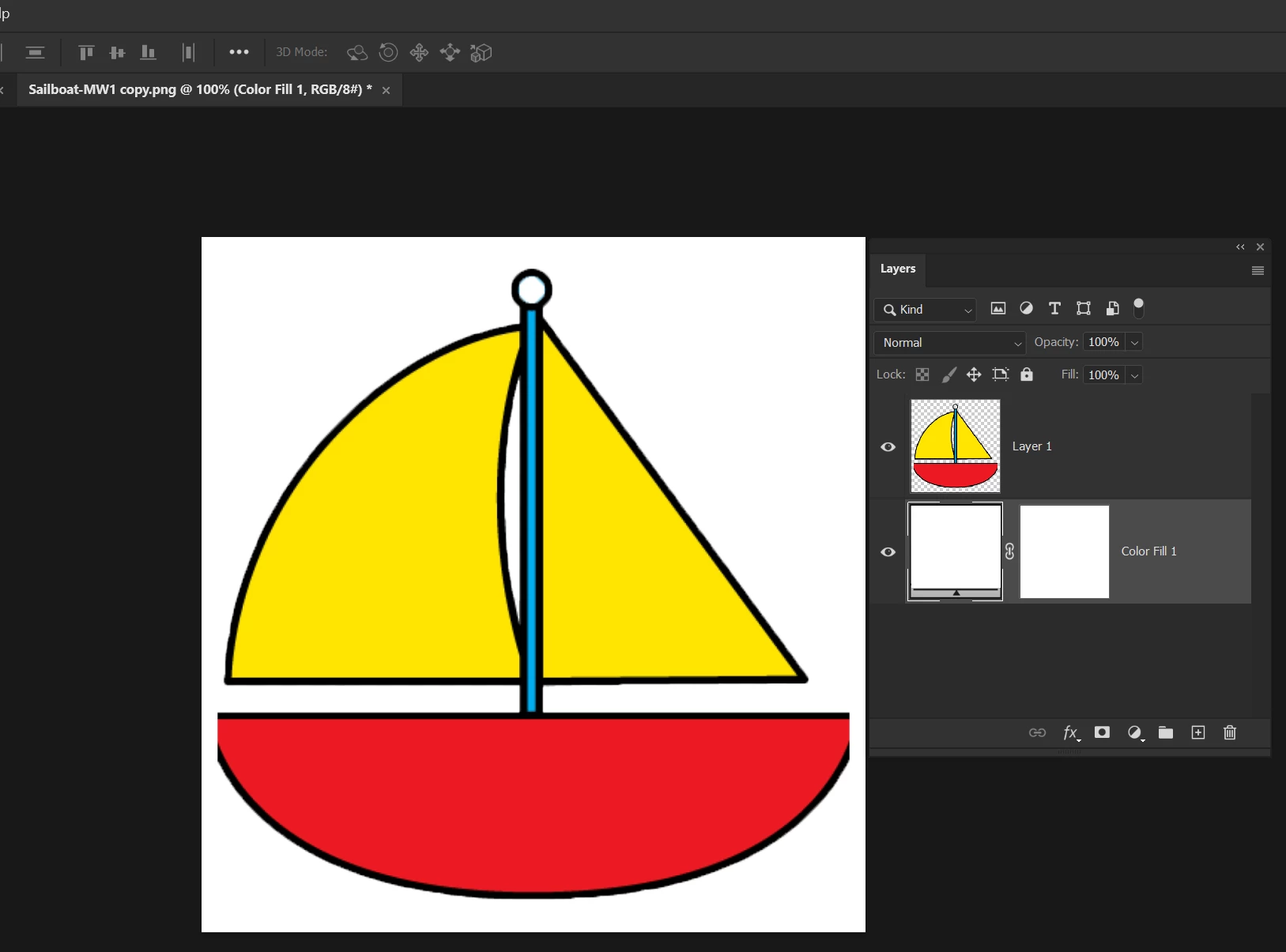
I tried to add adjustment layer to PNG file but it did not work.


This topic has been closed for replies.
Correct answer Kevin Stohlmeyer

Hi @MahaB82A Generative Fill processes work on any file type while in Photoshop.

The file format becomes important when you save the file. 

Both PNG and JPG are flattened file formats, meaning you wont have layers when you save.

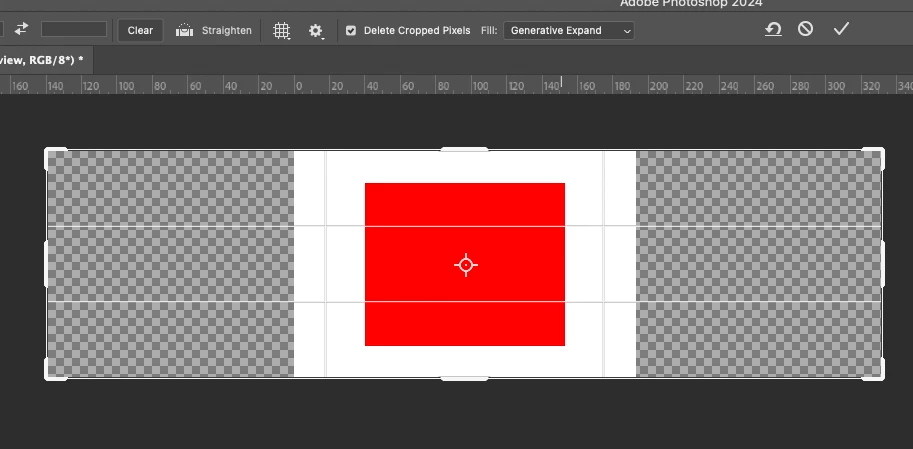
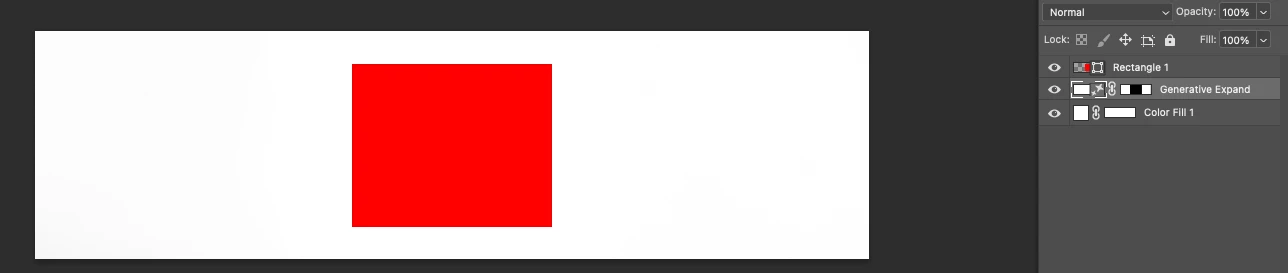
Generative expand uses the crop tool to expand the canvas/background.

Extend your canvas size using the crop tool set to Generative Expand and it will extend your white background.


1 reply

Kevin Stohlmeyer
Community Expert
Kevin StohlmeyerCommunity ExpertCorrect answer
Community Expert
September 20, 2023

Hi @MahaB82A Generative Fill processes work on any file type while in Photoshop.

The file format becomes important when you save the file. 

Both PNG and JPG are flattened file formats, meaning you wont have layers when you save.

Generative expand uses the crop tool to expand the canvas/background.

Extend your canvas size using the crop tool set to Generative Expand and it will extend your white background.


MahaB82A
MahaB82AAuthor
September 21, 2023

Thanks for the help.