
Question
Copy/Paste image from InDesign to Photoshop without extra space?
Hi,
I am trying to copy formatted tables from InDesign in to Photoshop. When I paste in to my Photoshop document it is adding space around the file, ie the box is not flush with the object.
Here's the object in InDesign:
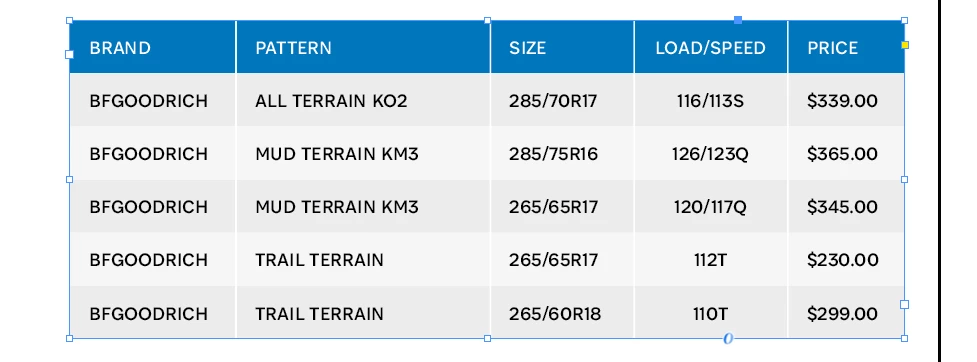
And here's how it pastes in to Photoshop: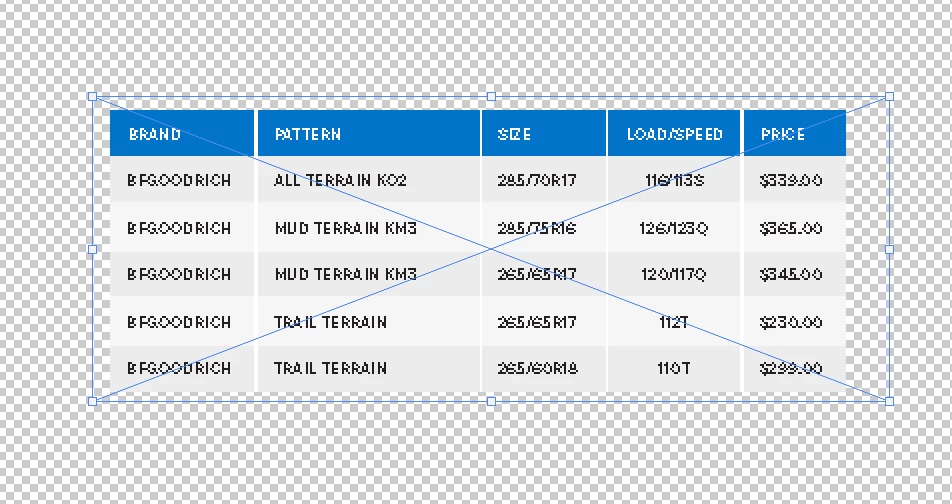
Note the additional space being added around the object.
How do you stop this from happening?
Cheers!
 AdChoices