

Copy' Paste Polygonal Lasso Tool Line?
At the moment, I'm nearly wrapped up, but I have two of one given image, with the only difference being a color scale, so I was wondering, is it possible to create a selection using the poly' lasso tool, copy the outline using simple commands, like kewords, and apply it to a different image? I should note, I do not mean copy & paste a "cutout" I would just want the completed line itself, so I can cut out a selection of exact propotions again on another layer.
Here's an iamge for refrence:
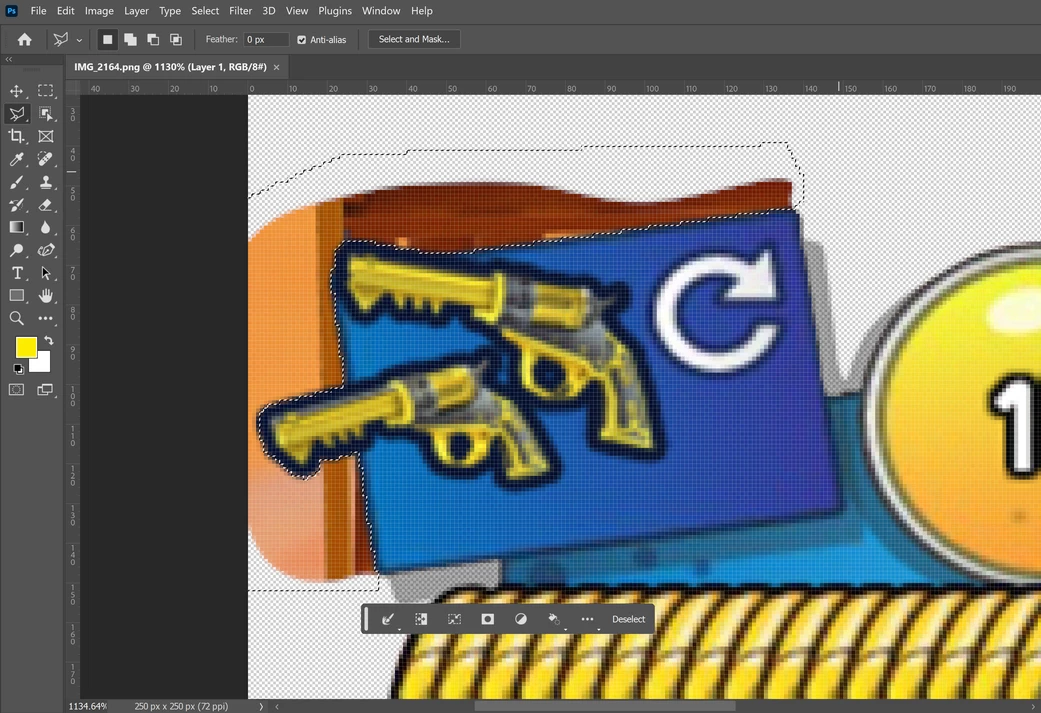
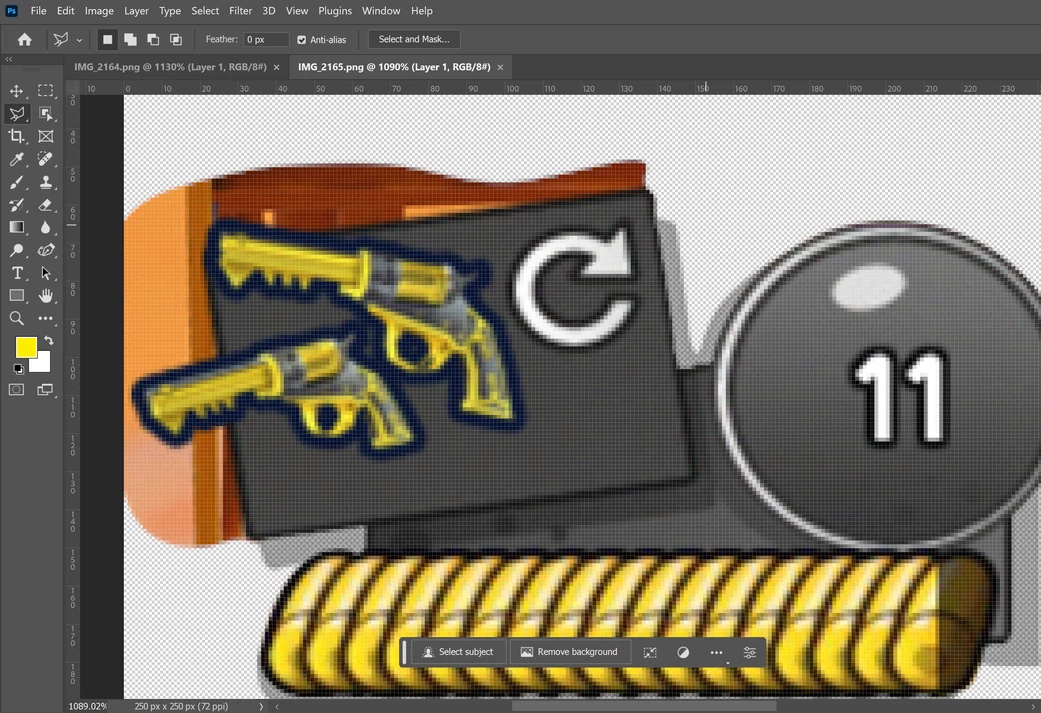
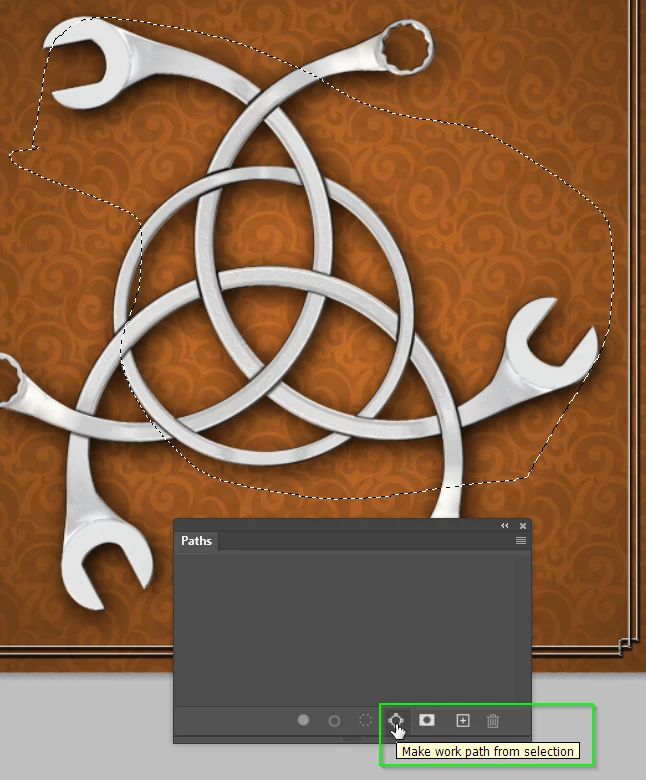
I've tryed tinkering with other processes, like the curvature pen tool, pen, curvature pen, and so on, while I believe some work paths can be saved and added again using these tools - which is great - I would prefer to go about using the poly tool, since I deem it the most efficent at creating multiple straight edges. Just need to know whether or not my question is attenable.

 AdChoices