
Copy SVG - no image data inside
Hi Photoshop community
I don't know if it's a bug or a problem on my side, so I'm posting on Discussion.
I have a weird problem with copying SVG with rasterized content like this (brush strokes) from Photoshop 25.9 to other software like Figma on Windows 10 22H2.
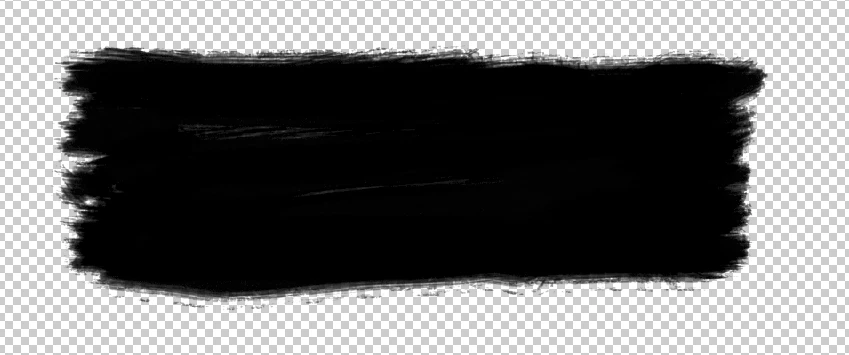
When I copy SVG from this menu
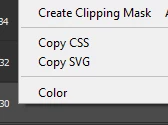
normally I can paste it in Figma and I get the image in the frame
The weird thing is that it works on my home PC, but it doesn't on my work PC. Copied code was supposed to have some image data but on Work PC the code is pretty empty. It's the same PS version, the same PS file and the same Figma project.
Copied code looks like this
<svg
 xmlns="http://www.w3.org/2000/svg"
 xmlns:xlink="http://www.w3.org/1999/xlink"
 width="1076px" height="398px">
<image  x="0px" y="0px" width="1076px" height="398px"  xlink:href="data:img/png;base64," />
</svg>
Pasted object in Figma "looks" like this. It's empty frame. (No, it's not the same color as background)
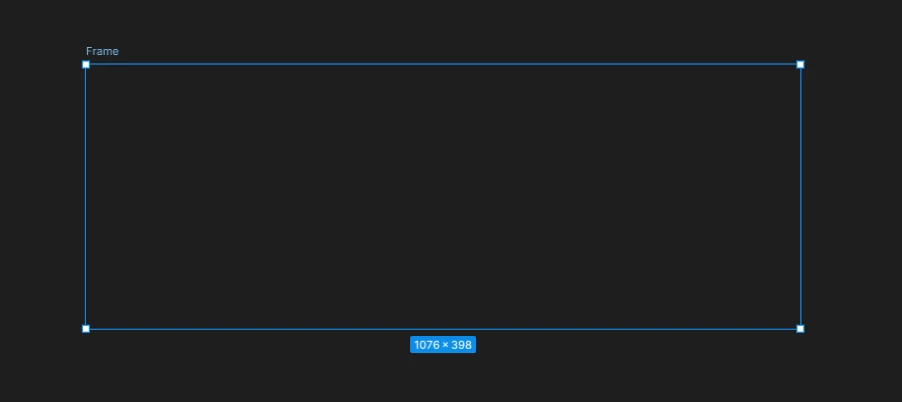
I can't show the expected result now, since I'm at work, I will try to add it later.
And that's all. On my home PC it works normally and I have image inside the frame. What could cause this? Is there any setting in the PS that I missed?
The only workaround is saving layers as PNG and importing them manually into Figma, but I found copy SVG option way faster. I don't know if it's related but my work PC is new and system is not yet activated. I tried previous versions of PS and problem still exists. Reinstalls didn't help.
Thanks in advance for the help.
 AdChoices