Participating Frequently
May 3, 2023
Question

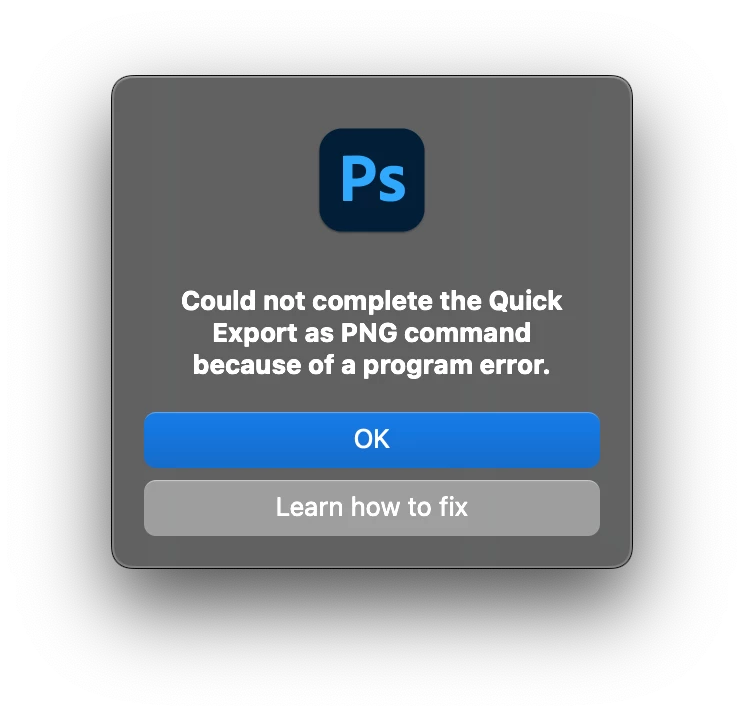
Could not complete the Quick Export as PNG command because of a program error.

  • May 3, 2023
  • 15 replies
  • 2418 views

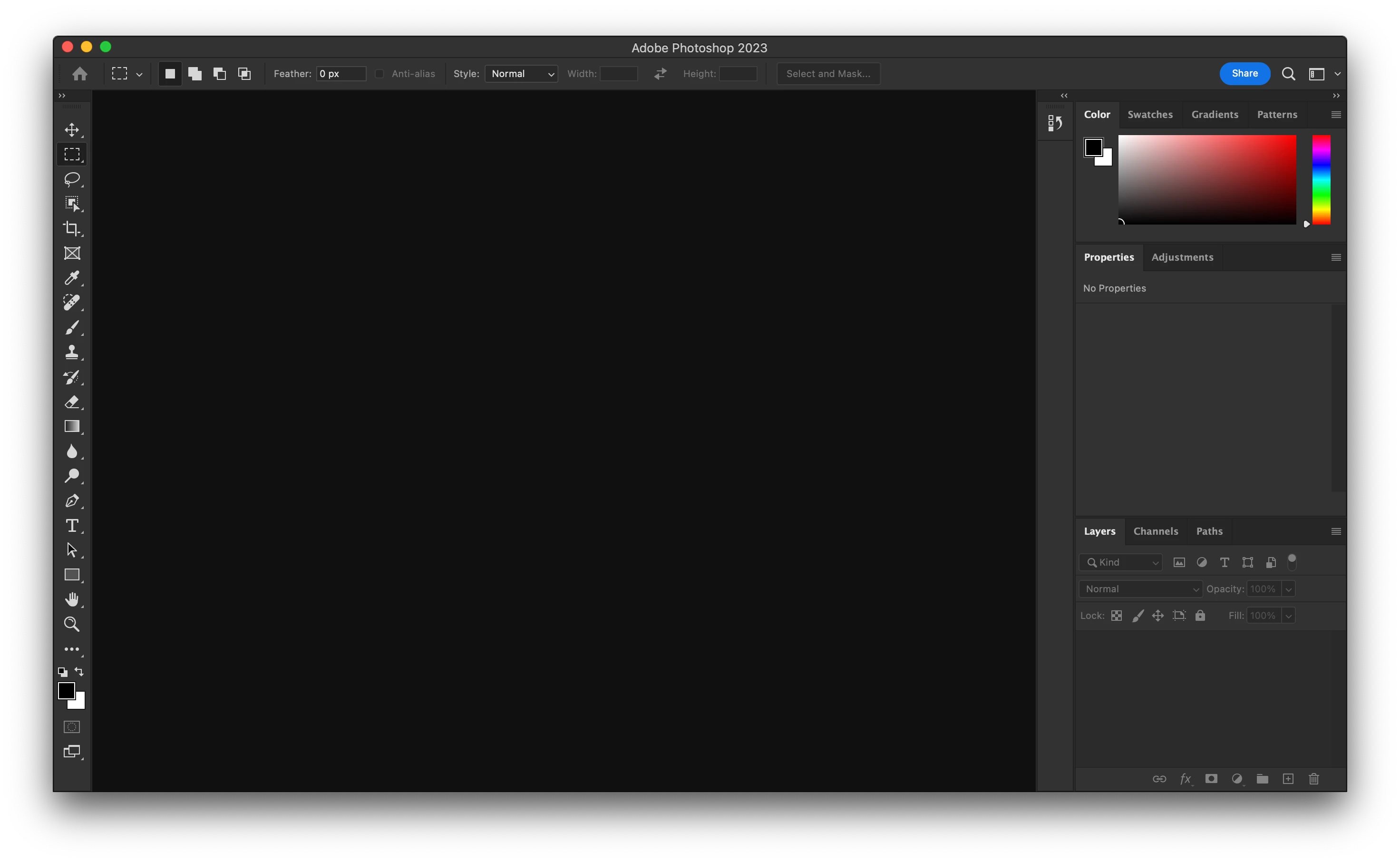
Every time I try to export as png, or export as, I get this error message. Additionally, when I start photohsop I am met with an empty screen, and cant access the home workspace. I have upgraded everything, uninstalled and reinstalled, updated my computer, everything. This happens randomly every month or two and lasts for a few days to a week. Can't seem to find any info how to fix this, and the only option seems to just wait it out. 
15 replies

Participating Frequently
July 31, 2025

I'm having the same issue on Mac, did anyone find a solution? Trying on PS 2025 26.1.0  and PS Beta , 155gb free scratch disk space . have reset preferences multiple times, nothing helps 

Sameer K
Community Manager
Community Manager
August 4, 2025

Hey, @dlavarado_4263. Welcome to the Photoshop Community. This is an old thread, and significant updates have been released for Photoshop since the last comments. 


Please ensure Photoshop has the required Full disk access on macOS: https://adobe.ly/3GY48zg


If the issue still exists, please feel free to start a new conversation with the required details, such as the Photoshop System information, file-specific information, and any screenshots.

Thanks! 
Sameer K
(Type '@' and type my name to mention me when you reply)

Participating Frequently
January 2, 2024

Hi, was this issue ever resolved? I'm having the same problem, been this way for months.

Participant
September 24, 2024

Any luck? Mine is doing this now

Participant
September 25, 2024

same, right after update to 26.0 (beta, but i'm always on beta)

CShubert
Community Manager
Community Manager
September 27, 2023

@Yasmina M5E96 are you able to save any files in the Quick Export workflow or does this happen on all of then? We just tested here and the Quick Export works as expected.


Are you saving to a local drive or on an external?


Participating Frequently
September 27, 2023

Hello, yes I have photoshop 25.0.0 and the memory to 70%, I dont have that much space available on my mac but am always trying to save space. I've had this issue for sevral months now though in periods in which I did have more space. Thanks for your response!

CShubert
Community Manager
Community Manager
September 25, 2023

Thanks @Yasmina M5E96 , so you are on Ps 25.0: Adobe Photoshop Version: 25.0.0 20230906.r.37 b14e317 x64?

Could you confirm you have manually removed your preferences and restarted so we know there is nothing corrupt causing this?


Memory used by Photoshop: 84 % - it is suggested this be set to 70%

Scratch volume(s): Startup, 926.4G, 59.6G free  - it is suggested you have 100gb of scratch disk available.


Participating Frequently
September 25, 2023
Participating Frequently
September 25, 2023

Hello - apologies just saw this response, yes I have the latest version of photoshop at the moment. 

CShubert
Community Manager
Community Manager
June 29, 2023

@Yasmina M5E96 have you updated to the latest Ps, 24.6, and see if that solves this?


Participating Frequently
June 29, 2023

Here it is:

CShubert
Community Manager
Community Manager
May 4, 2023

Also, what are your settings for Quick Export?