WCreative
Participating Frequently
November 12, 2019
Answered

Could not complete the Video Frames to Layers command because the file could not be opened PS 2020

  • November 12, 2019
  • 2 replies
  • 16567 views

I have had this issue for the past two major PS updates. I am unable to import or place video files in PS anymore. I am currently on PS version 21.0.1 now with the issue still not resolved for me.


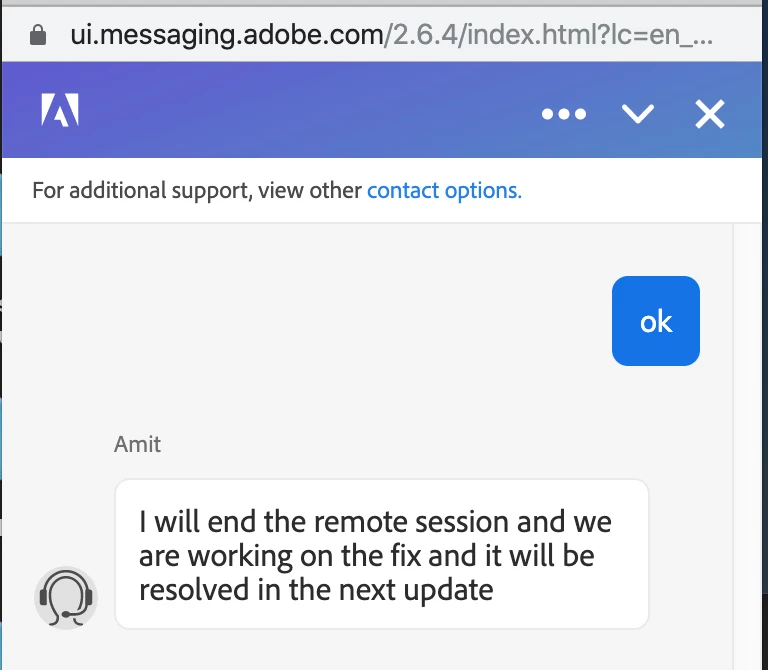
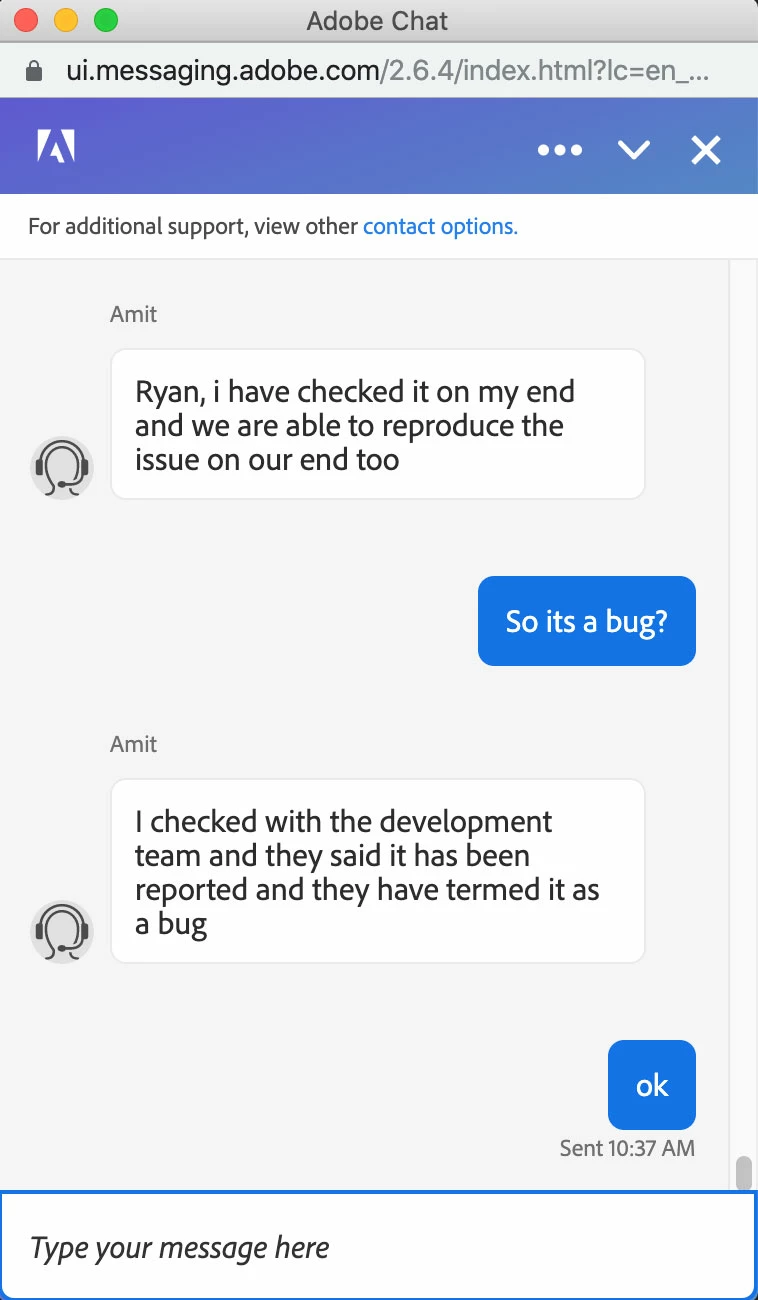
Before this last update, I even had an Adobe tech support agent remote in and he could not solve the issue and told me that, "they were able to reproduce the issue, and that we are working on the fix and the issue would be resolved in the next update".


I have "literally" pretty much gone down every road imaginable. All except wiping my Mac and starting from scratch. I have installed and reinstalled PS several times. I have deleted preferences from everywhere that they can hide. I have tried creating a new profile, changed security settings.


I am supremely confident that it's not a video file format issue. Because files that I had used in the past will no longer work.


It's crazy. One morning video files could be imported to create GIFs, the next they could not.


Am I the only person with this issue? I have tried to create GIFs with other apps, but I miss having the control of PS.


Computer Specs:

iMac Pro (2017)

Processor: 3.2 GHz 80Chore Intel Xeon W

Memory: 32 GB 2666 MhZ DDR4

Graphis Radeon Pro Vega 56 8GB


{Thread renamed by moderator}


Correct answer ACC MotionVFX

Not really sure it's related to what happened here, but 2 of my students got this error this morning as we were starting a roto project, and it ended up being the Full Disk Access setting in System Settings->Privacy & Security. It was irritating that it was an OS-related issue but there wasn't an OS error stating that. 

Anyway, thought I would drop this here for anyone else that this could help.

2 replies

ACC MotionVFX
ACC MotionVFXCorrect answer
Participant
September 25, 2025

Not really sure it's related to what happened here, but 2 of my students got this error this morning as we were starting a roto project, and it ended up being the Full Disk Access setting in System Settings->Privacy & Security. It was irritating that it was an OS-related issue but there wasn't an OS error stating that. 

Anyway, thought I would drop this here for anyone else that this could help.

Sahil.Chawla
Adobe Employee
Adobe Employee
November 12, 2019

Hi Ryan,

Sorry to hear about a bad experience with the update and support, let's make it right.

As you've already tried some troubleshooting steps, have you tried uninstalling and reinstalling Photoshop? There might be an issue with the update installed.

Do you have the quick time player installed on the computer?
What video format are you trying to import into Photoshop?
Also, what macOS version are you running on the iMac Pro?

Regards,
Sahil

WCreative
WCreativeAuthor
Participating Frequently
November 13, 2019

I have uninstalled and reinstalled PS maybe 3 to 5 different times during this issue. I even used the official Adobe "Creative Cloud Cleaner Tool" a couple times when uninstalling to see if it would make a difference.


I have gone down the road of Quick Time issues, but there is not much to do because it's baked into the OS.


I have literally tried every video format to see if that was an issue. It's not. I have even tried different codecs as well, from H.264 to H.265. The thing is, I have videos that worked before with PS that don't know.


I am running the latest version of Mac OS, 10.15.1. This issue was also present before Catalina.


Thanks,


Ryan.


Legend
July 17, 2024

July 2024, same issue and no solution

I`ve tried too many things that I saw on youtube, adobe community, reddit and other places


Doesn`t solve at all


Please post more details including a system report and what type of video (format and codec) as well as the location of the video file (local drive, network, etc.)

Help->System Info