
Exit
  • Global community
    • Language:
      • Deutsch
      • English
      • Español
      • Français
      • Português
  • 日本語コミュニティ
  • 한국 커뮤니티
0

Could not complete your request because of program error

New Here ,
Mar 14, 2021 Mar 14, 2021

I have attempted to unistall and reinstall, I have the most current, uptodate version of photoshop.  I continue to get these messages intermittently when trying to use certain functions of photoshop.  Most specifically, this occured while using the shortcut function "crtl+ Z" to "undo tool brush", however when I perform it manually with the mouse > toolbar >edit >undo tool brush, it works successfully.
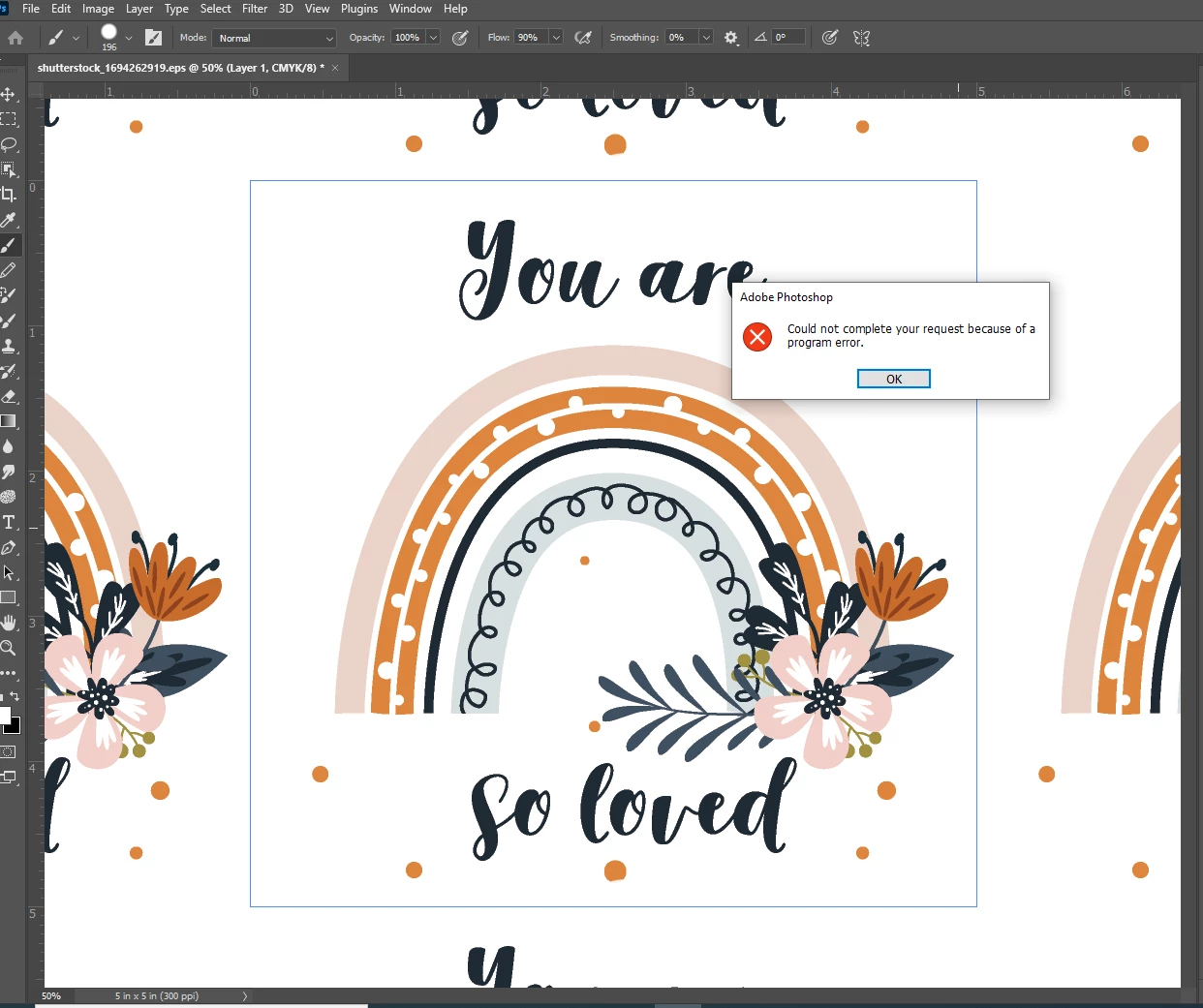
Screenshot 2021-03-14 113119.png
Here the same thing occured when trying to manually use the object selection tool.
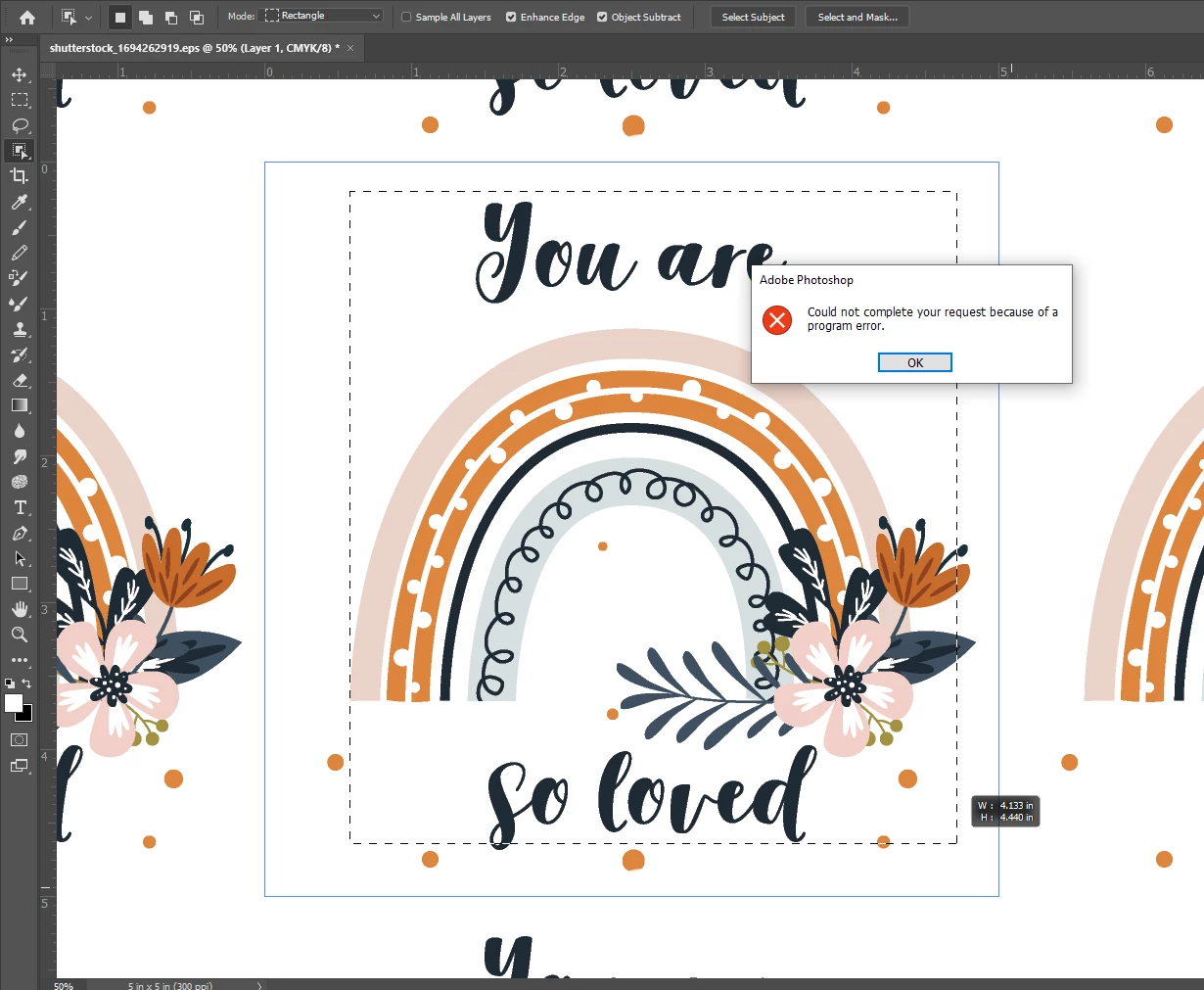
Screenshot 2021-03-14 113726.png

So basically any command I attempt to do, it does mnot allow me to do it.  

TOPICS
Windows
223
Translate
Report
Community guidelines
Be kind and respectful, give credit to the original source of content, and search for duplicates before posting. Learn more
community guidelines
Adobe
New Here ,
Mar 14, 2021 Mar 14, 2021

I currently have the Photoshop v 22.3 

Translate
Report
Community guidelines
Be kind and respectful, give credit to the original source of content, and search for duplicates before posting. Learn more
community guidelines
Community Expert ,
Mar 14, 2021 Mar 14, 2021
LATEST

Hi


Here is the Help page for your error message.

https://helpx.adobe.com/photoshop/kb/program-error-opening-psd.html


Unfortunately, 22.3 introduced several bugs and this may be one. Please report it to the product developers here: https://feedback.photoshop.com/   where Adobe staff will see it.

Until the 22.3 bugs are fixed, you can revert to 22.2 using the Creative Cloud app.

~ Jane

Translate
Report
Community guidelines
Be kind and respectful, give credit to the original source of content, and search for duplicates before posting. Learn more
community guidelines