Exit
  • Global community
    • Language:
      • Deutsch
      • English
      • Español
      • Français
      • Português
  • 日本語コミュニティ
  • 한국 커뮤니티
0

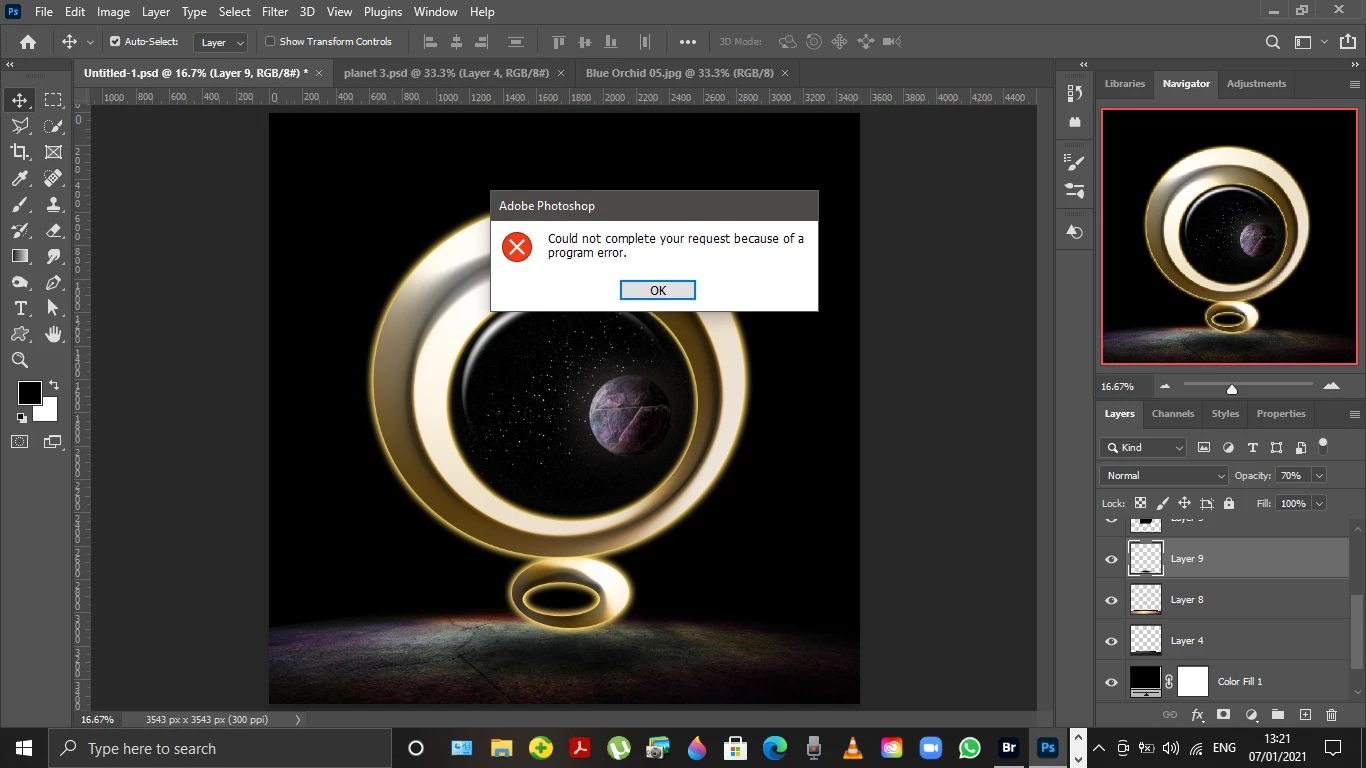
Could not complete your request because program error in Photoshop 2021

Explorer ,
Jan 07, 2021 Jan 07, 2021

Screenshot (4).png

655
Translate
Report
Community guidelines
Be kind and respectful, give credit to the original source of content, and search for duplicates before posting. Learn more
community guidelines

correct answers 1 Correct answer

Explorer , Jan 12, 2021 Jan 12, 2021

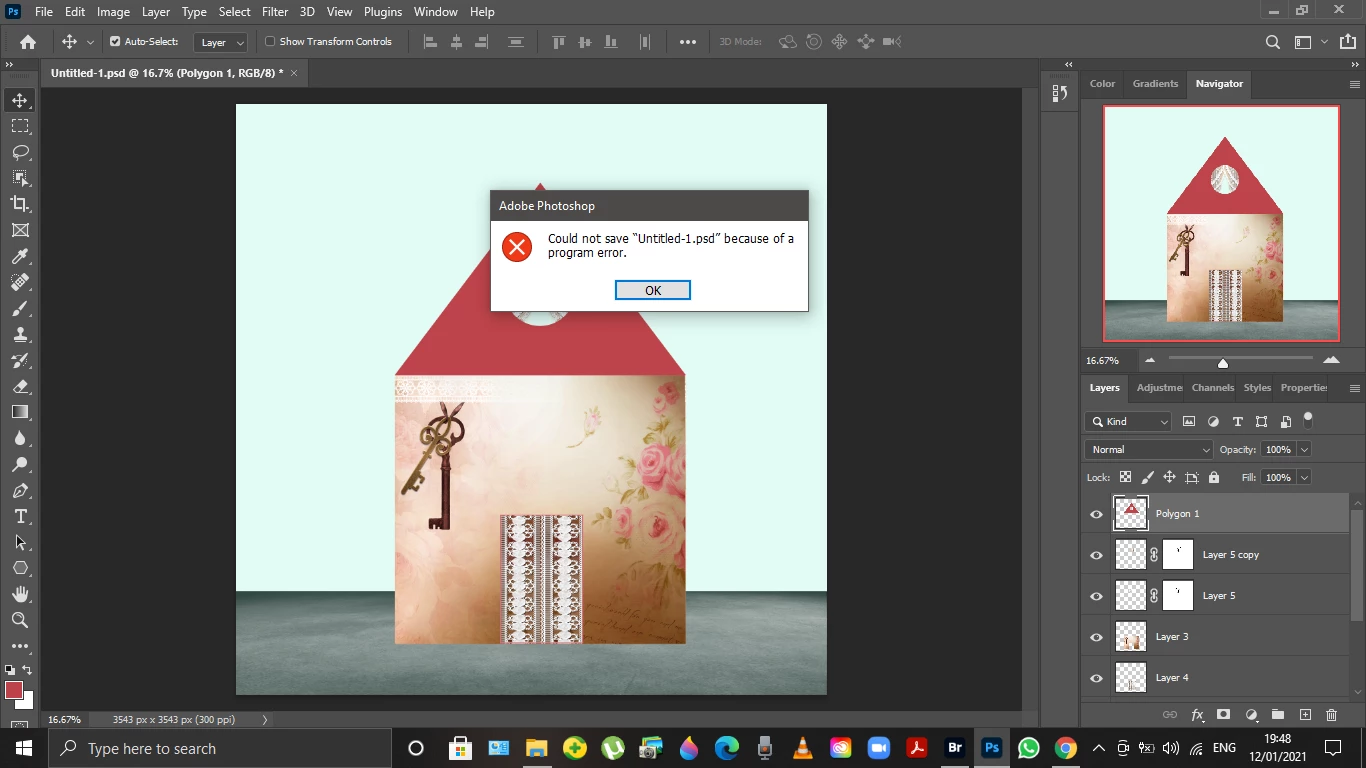
Screenshot (7).png

Translate
Adobe
Community Expert ,
Jan 07, 2021 Jan 07, 2021

What were you trying to do when you got this message?

Have you tried resetting Photoshop preferences?

Adobe Community Expert
Adobe Certified Professional
Translate
Report
Community guidelines
Be kind and respectful, give credit to the original source of content, and search for duplicates before posting. Learn more
community guidelines
Explorer ,
Jan 08, 2021 Jan 08, 2021

Hi Marek,

Thanks.

I reset just now the |Preference and, for now, the problem seems to sort out. 

Thank you.


Eleonora

Translate
Report
Community guidelines
Be kind and respectful, give credit to the original source of content, and search for duplicates before posting. Learn more
community guidelines
Explorer ,
Jan 12, 2021 Jan 12, 2021

Screenshot (7).png

Translate
Report
Community guidelines
Be kind and respectful, give credit to the original source of content, and search for duplicates before posting. Learn more
community guidelines
New Here ,
Nov 13, 2021 Nov 13, 2021

Can you please guide me in more detail because I also have this problem 

Translate
Report
Community guidelines
Be kind and respectful, give credit to the original source of content, and search for duplicates before posting. Learn more
community guidelines
Community Expert ,
Nov 16, 2021 Nov 16, 2021

Try resetting Photoshop preferences


Adobe Community Expert
Adobe Certified Professional
Translate
Report
Community guidelines
Be kind and respectful, give credit to the original source of content, and search for duplicates before posting. Learn more
community guidelines
Community Expert ,
Nov 16, 2021 Nov 16, 2021
LATEST

When you start Photoshop (right after you click on Photoshop icon) hold down Ctrl+Alt+Shift until you see adialogue box asking you if you want to reset Photoshop preferences.

At this point, you can release keys from the keyboard and click Yes.


Adobe Community Expert
Adobe Certified Professional
Translate
Report
Community guidelines
Be kind and respectful, give credit to the original source of content, and search for duplicates before posting. Learn more
community guidelines