


- Home
- Photoshop ecosystem
- Discussions
- could not initialize photoshop because of a disk e...
- could not initialize photoshop because of a disk e...
could not initialize photoshop because of a disk error

Copy link to clipboard
Copied
Hello,
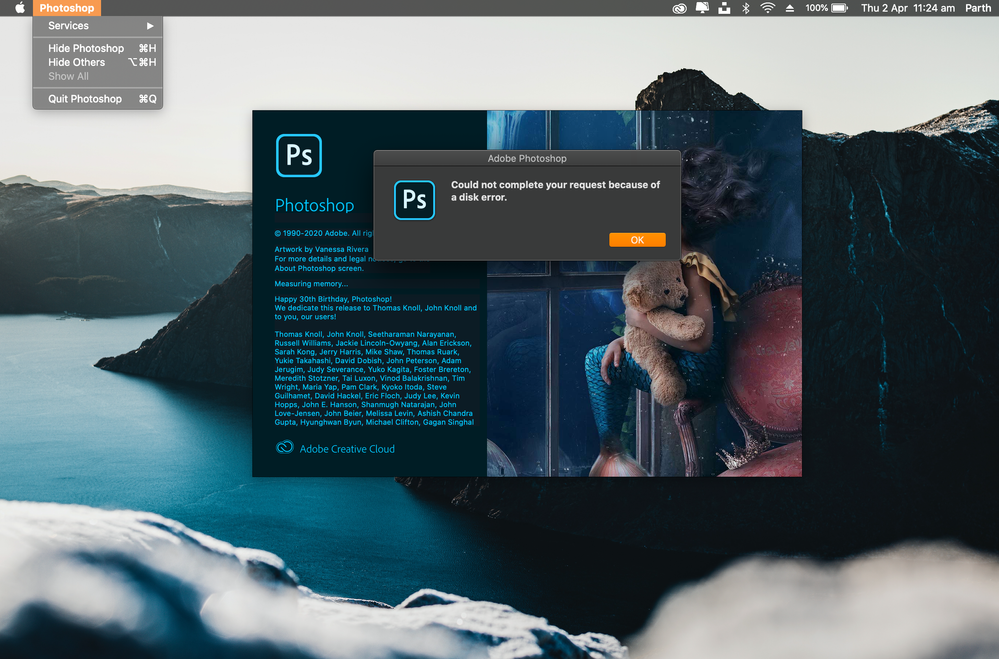
I'm trying to install photoshop 2020 from my creative could account but a message is popping on my screen "could not complete your request because of a disk error" and later "could not initialize because of a disk error"
I'm using it on my MacBook Pro with the latest version of macOS Catalina running on it.
I tried uninstalling and reinstalling many times (not working).
when I opened my Preferences settings the folders are empty (I guess here is the real issue).
please reach out to me as soon as possible. Thank you.
-
Best
Parth



Explore related tutorials & articles
 14
Replies
14
14
Replies
14


Copy link to clipboard
Copied
Hello, are the permissions in a normal state on the disk?
Copy link to clipboard
Copied
Did you try going to Photoshop>Preferences>general, and select to recreate them at restart? (then restart Ps)
Copy link to clipboard
Copied
Hello,
The permission is in a normal state on disk, and i did tried going onto photoshop there is no folder "Preferences"
and majority of the files are empty
Copy link to clipboard
Copied
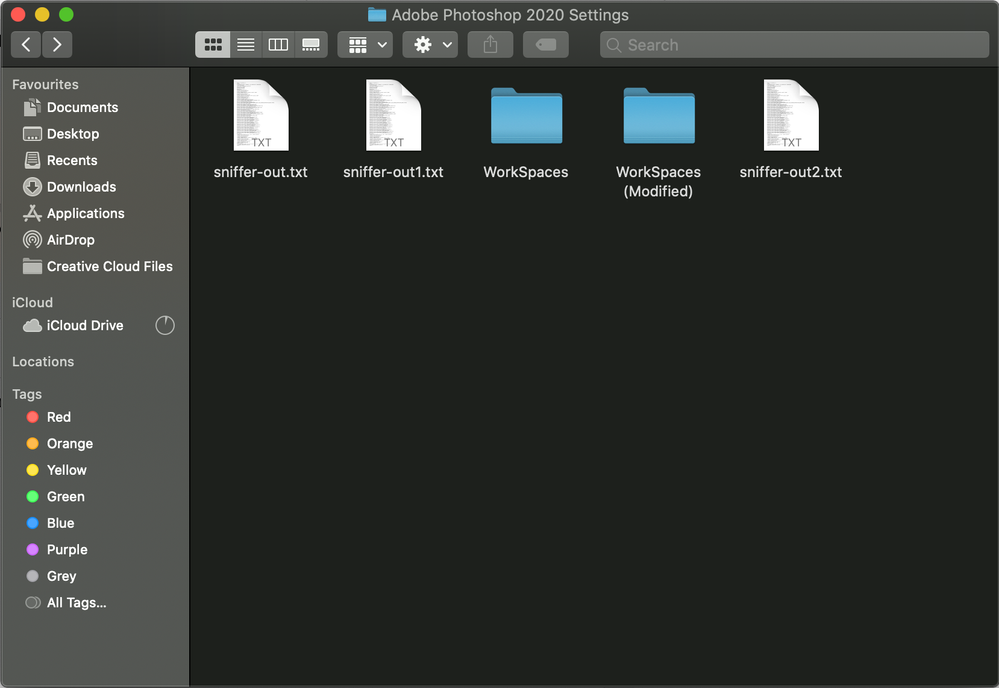
Also, I'll add a point to that I tried going on Library>Preferences>AdobePhotoshop2020Settings>Workspaces
only 2 folder are there and both are(workspace folder) empty
I'll share you my screenshot:
Copy link to clipboard
Copied
Hello, I meant on the menu bar, I see where it can be confusing...
Copy link to clipboard
Copied
No luck on that too..

Copy link to clipboard
Copied
Check the Mac Console. There is the possibility that you really do have disk problems. Check you have good backups.
Copy link to clipboard
Copied
I cleared almost every unused file i had, also I've more than 85gb on my disk.
How can i run a test to check the console?
Copy link to clipboard
Copied
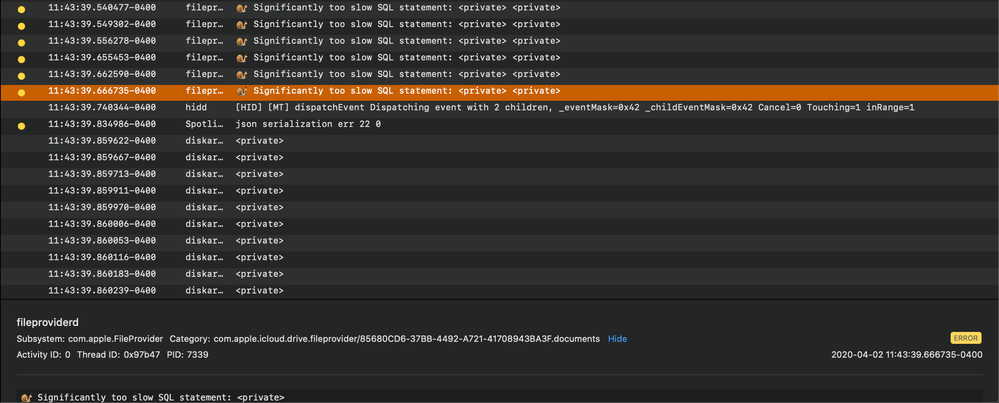
The Console is where all the error messages from Mac OS go. There are thousands of them. You should note the time carefully, and start Photoshop, then note the time when you get an error. (To the second). Now start reading the console messages between the times. This is arduous and difficult because the log is full of thousands of unrecognised but normal messages. You're looking for messages that mention disks (with names like disk3s2 or whatever).
Copy link to clipboard
Copied
This i all i could gather,


Copy link to clipboard
Copied
Hi Parth,
In addition to the previous great suggestions, and since you're not able to get into Photoshop to load the preferences, try resetting them at Ps startup.
If you start Photoshop and immediately press and hold the CMD+Opt+Shift keys, you should see a dialog asking to reset the Photoshop Settings file. Confirm that and let us know if you're able to launch Photoshop successfully.
https://helpx.adobe.com/photoshop/using/preferences.html#AdjustpreferencesinPhotoshop
Regards,
Pete
Copy link to clipboard
Copied
Hello,
I tried that too it pops out delete all files, i clicked yes again same message "could not complete your request beacause of disk error"
Appreciate for your help.
-
Best
Parth
Copy link to clipboard
Copied
Ok, thanks for the update Parth.
Have you tried seeing if Photoshop opens in a new Admin user account?
Or tried Uninstalling and reinstalling using the Creative Cloud desktop app?
Give those a go and let us know how you get on.
Regards,
Pete
Copy link to clipboard
Copied
Hello Pete,
I tried with my "Guest" user id on my mac, still not working.
I guess there are some files missing for sure and I'm not able to locate it.
It's same with InDesign application too, rest of the Adobe application are working smoothly.
-
Best
Parth


Get ready! An upgraded Adobe Community experience is coming in January.
Learn more
 AdChoices