Participant
February 9, 2023
Question

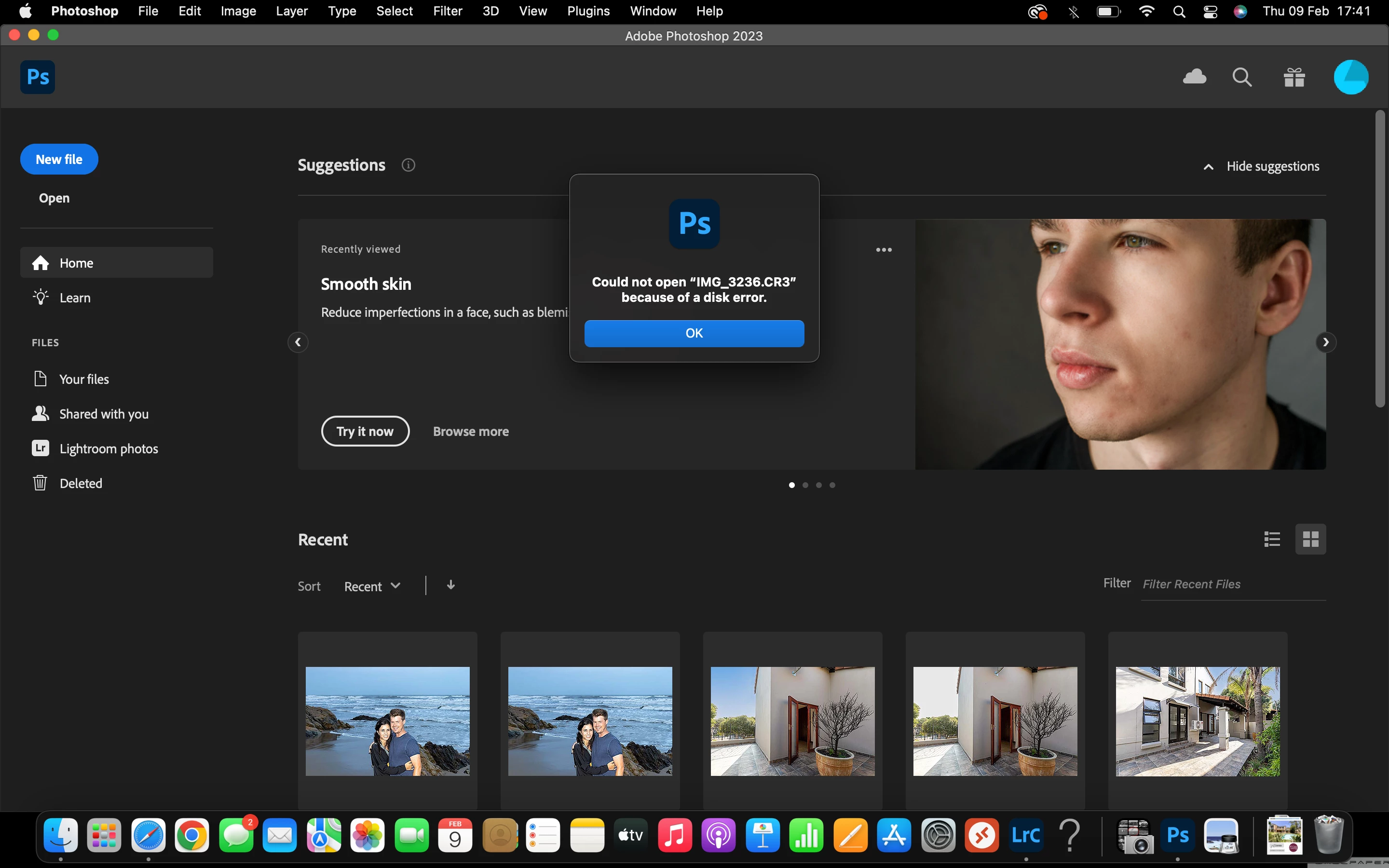
Could not open image because of a disk error

  • February 9, 2023
  • 3 replies
  • 420 views

Hi There, 


Please can I get help with being able to transfer bracketed photographs from Lightroom to Photoshop? Not too sure what happened but it's giving me this disk error now... 😞


Thank you. 
 

    This topic has been closed for replies.

    3 replies

    Kevin Stohlmeyer
    Community Expert
    Community Expert
    February 9, 2023

    @Matt28338853nbf5 where are you opening the CR3 from?

    Normally when I see disk errors - it means you are out of HD space. What is your available HD space and your scratch disk allocation (photoshop preferences/scratch disk)

    Kevin Stohlmeyer
    Community Expert
    Community Expert
    February 9, 2023

    Also as @Sameer K mentioned to go Apple System Preferences/Security and Privacy and make sure PS and LR are listed and active (checked) under Full Disk Access.

    Sameer K
    Community Manager
    Community Manager
    February 9, 2023

    I'll help you figure this out. What version of Lightroom & Photoshop 2023 & the macOS are you working on?

    Where are the original images stored?


    Try opening sample images from the hard drive directly into Photoshop to determine if the issue is with Photoshop or if the link between Lightroom & Photoshop is damaged.

    Ensure Lightroom & Photoshop have the required permissions on the macOS: https://community.adobe.com/t5/photoshop-ecosystem-discussions/quick-tips-learn-how-to-give-full-disk-access-to-photoshop-on-macos/m-p/12889716 


    Let me know how it goes.

    Thanks!
    Sameer K


    Peru Bob
    Community Expert
    Community Expert
    February 9, 2023

    I've moved this from the Using the Community forum (which is the forum for issues using the forums) to the Photoshop forum so that proper help can be offered.
