nickwrightdesigns
Participant
April 25, 2020
Answered

Create a new layer is always transparent background

  • April 25, 2020
  • 2 replies
  • 6608 views

Hello,


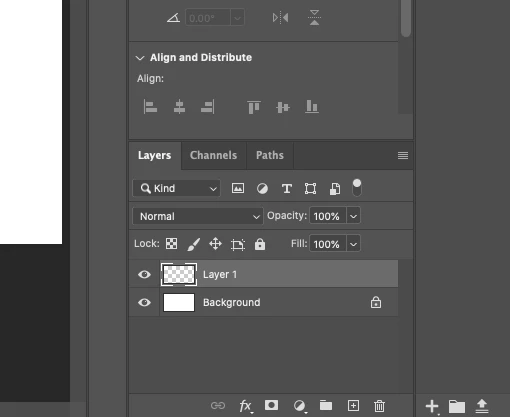
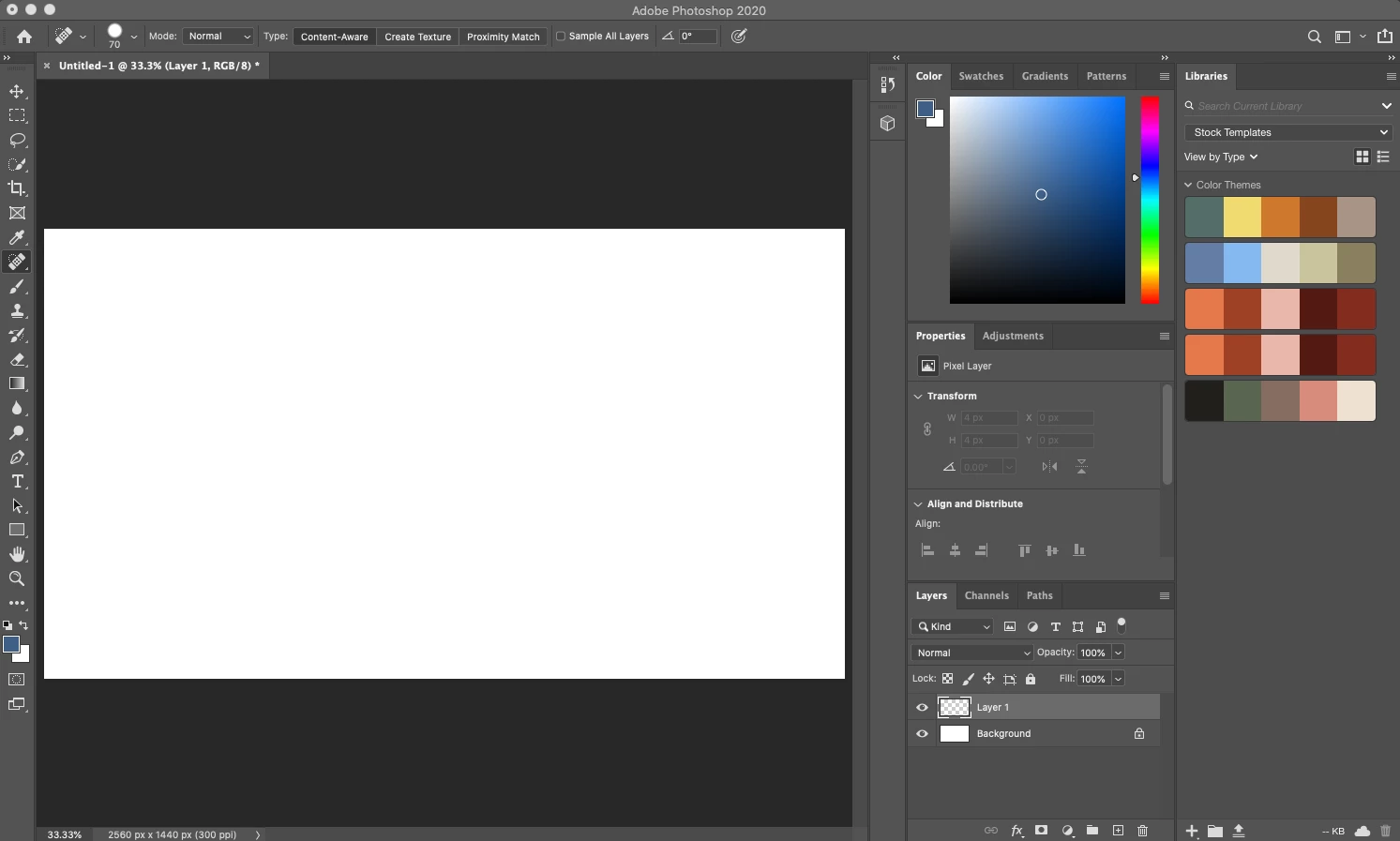
I'm not sure how it happened, I probably changed a setting, but every time I create a new layer in Photoshop, the new layer automatically has a transparent background (see screenshots below).


I am very much a novice, so please don't berate me. I've looked but can't seem to find any resources on this issue, so I am reaching out to the community in hopes someone can help!


Thanks in advance!
 

This topic has been closed for replies.
Correct answer davescm

Of course it does 🙂 . That empty layer is ready for you to add content to it. Those areas without any content show the layer below it. That is the principle of using layers to build up elements of an image.

If you want a solid layer, use layer >New Fill Layer > Solid colour   or you can fill the transparent layer using Shift+F5


Dave

2 replies

Semaphoric
Community Expert
Community Expert
April 25, 2020

Nothing wrong. That's how it's always been.

davescm
Community Expert
davescmCommunity ExpertCorrect answer
Community Expert
April 25, 2020

Of course it does 🙂 . That empty layer is ready for you to add content to it. Those areas without any content show the layer below it. That is the principle of using layers to build up elements of an image.

If you want a solid layer, use layer >New Fill Layer > Solid colour   or you can fill the transparent layer using Shift+F5


Dave

nickwrightdesigns
Participant
April 25, 2020

Thank you so much, Dave! As per your suggestion, I was able to create a new layer with a solid background. Funny, when I was learning the app I don't recall it being this way, but I truly appreciate your help and timely response! Thanks!

PECourtejoie
Community Expert
Community Expert
April 25, 2020

Hello, what might ahve happened, is that you were maybe told to duplicate the background layer, therefore getting a non-transparent layer.