Participant
January 28, 2017
Answered

create annimated gif

  • January 28, 2017
  • 2 replies
  • 3704 views

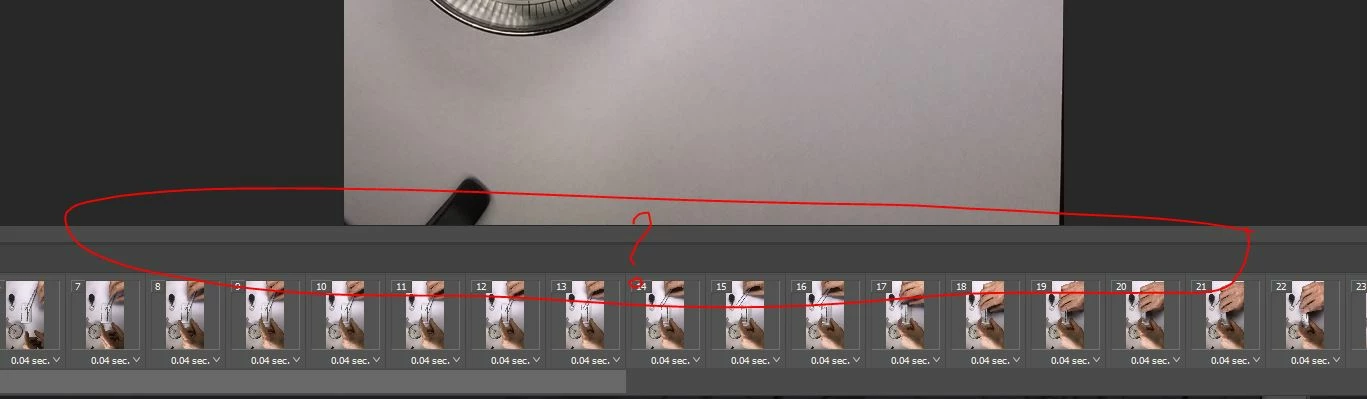
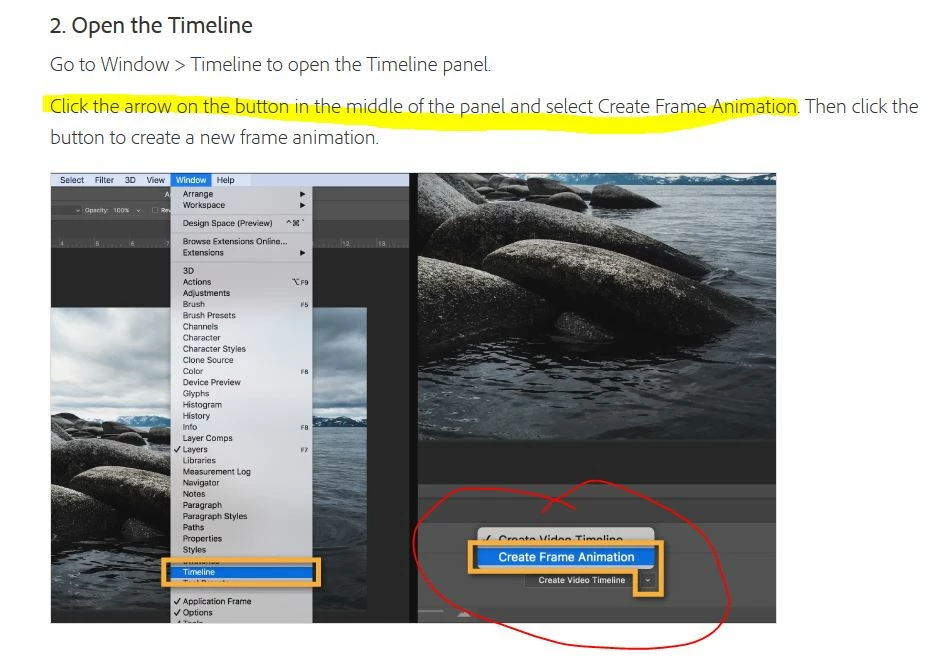
Hi I am trying to use the create an animated gif, the first time I used this it worked a treat.  I am now trying to create another gif and the button referred to in the tutorial Create animated GIFs |  doesn't show up?  see attached image. I am converting video.

Thanks Chris
This topic has been closed for replies.
Correct answer Trevor.Dennis

Your screen shot is showing a Frame animation, and not a video in the timeline.  You are not seeing the button you referred to, because you have already converted the video into a frame animation, and you can now export it as an animated GIFF.

Do you know how to do the export?

2 replies

davescm
Community Expert
Community Expert
January 28, 2017

Hi If you are importing your video (step 1 in the instructions)  and you have "Make frames from layers" checked then when you open the timeline the frame animation will already be created so steps 2&3 are not needed

Just open the timeline and go straight to step 4 in the instructions

Dave

Participant
January 29, 2017

Dave thank you, clearly having a senior moment! Much appreciate your quick response.  Chris

Trevor.Dennis
Community Expert
Trevor.DennisCommunity ExpertCorrect answer
Community Expert
January 28, 2017

Your screen shot is showing a Frame animation, and not a video in the timeline.  You are not seeing the button you referred to, because you have already converted the video into a frame animation, and you can now export it as an animated GIFF.

Do you know how to do the export?

Participant
January 29, 2017

Trevor thanks for your guidance - much appreciated Chris