
Participant
February 15, 2021
Answered

Create black background.

  • February 15, 2021
  • 3 replies
  • 1128 views

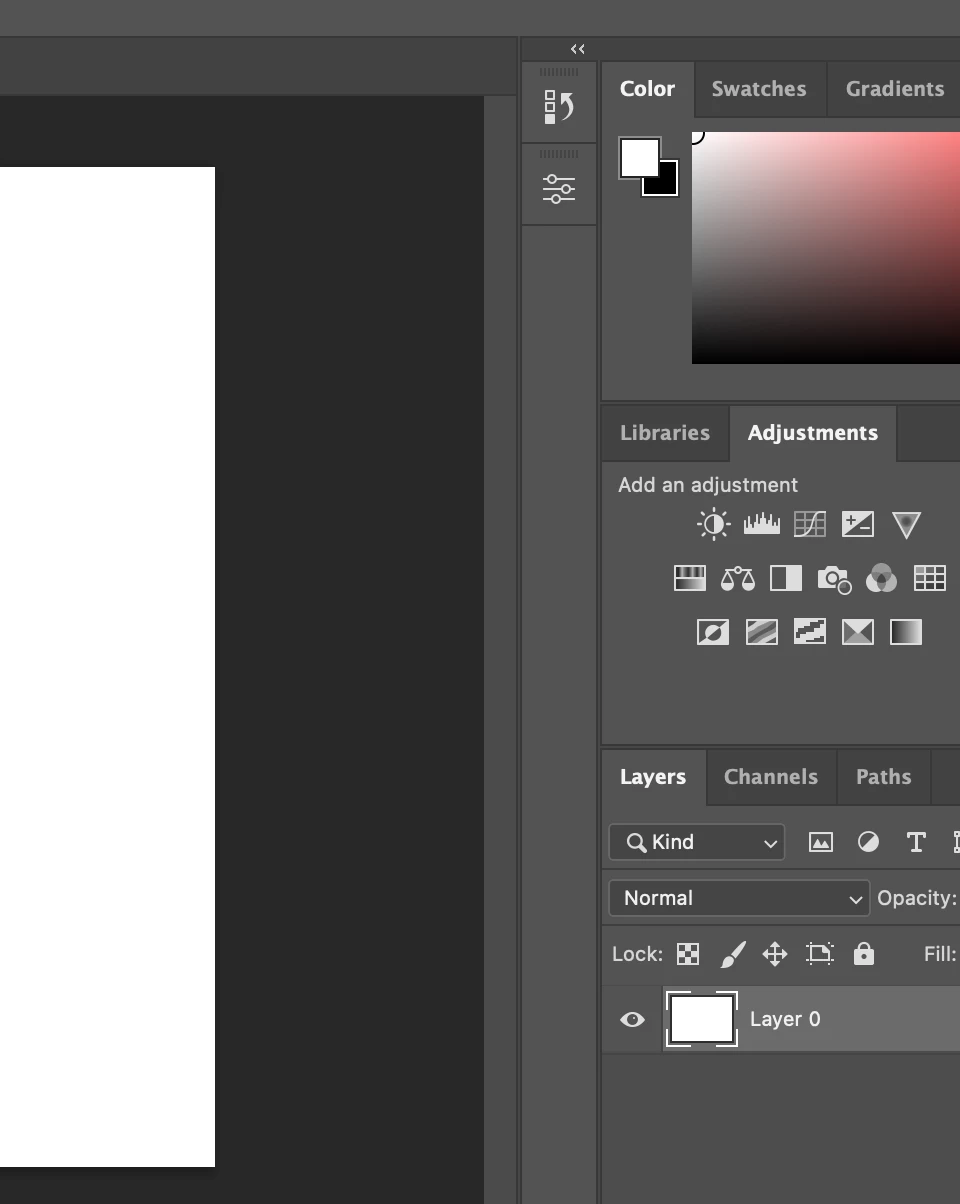
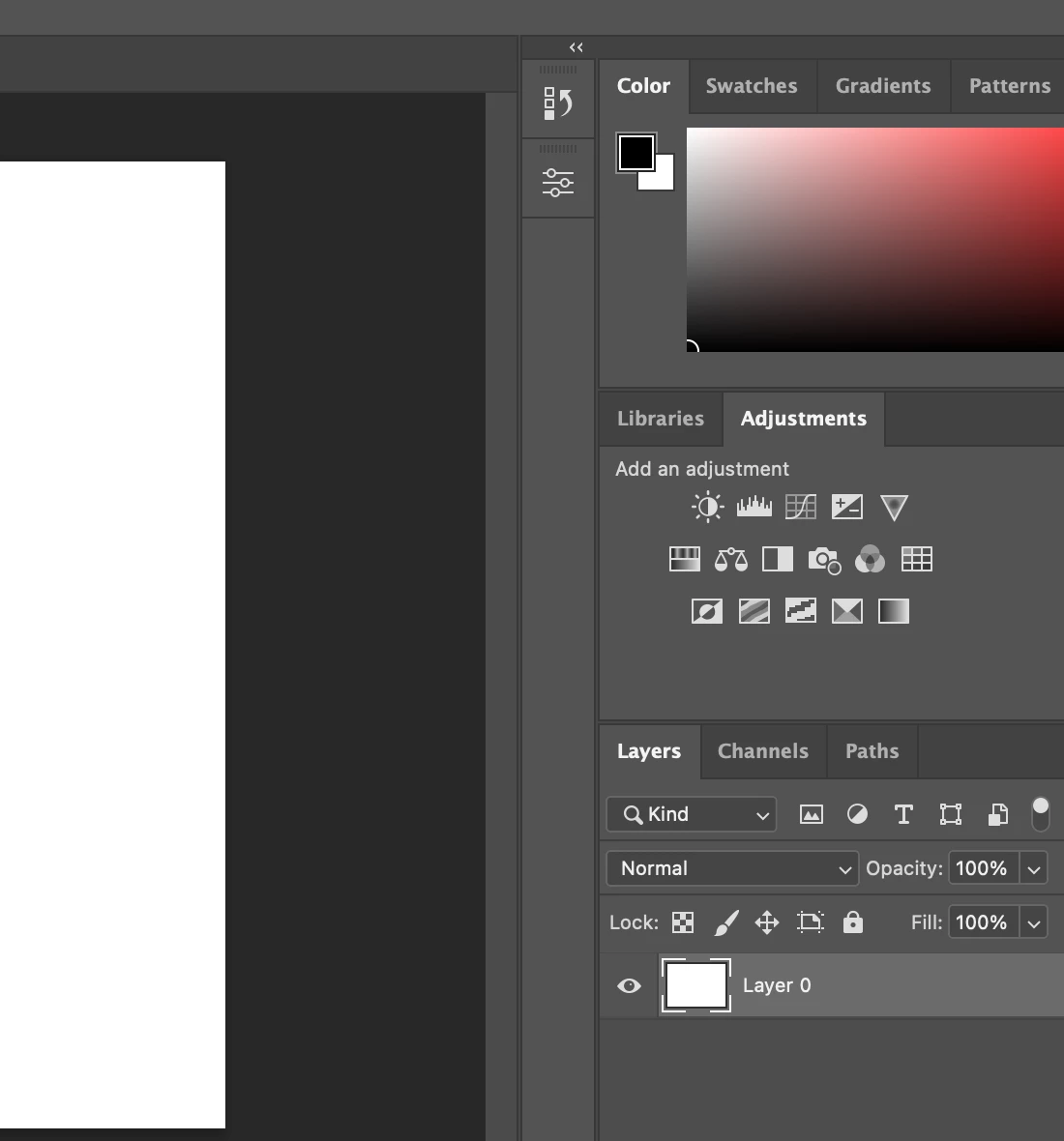
I am a total novice. I am trying to create some text while following some online instructions. They say to begin with a black background. When I open the new project the background is white. The instructions say that pressing "X" will alternate between a white background and a black background and while I see the change in the toolbar the background doesn't change in the project. What am I doing wrong?
This topic has been closed for replies.
Correct answer christinem42037195

Hi,

I'm no a techie but I think what you are doing is changing the background of the window, To change the colour of the blank page, click on it and either use an adjustment layer or (from the top menu) Edit, Fill and choose black.

Also when ever you want type on a page or an image, select the type tool and start writing. It will create a new layer automatically. Always check the colour of the font though in case its the colour of the background and you wont see an ything. I've done this 🙂

Hope this helps.

3 replies

c.pfaffenbichler
Community Expert
Community Expert
February 15, 2021

One can also set a new image’s Background in the File > New-dialog. 

c.pfaffenbichler
Community Expert
Community Expert
February 15, 2021

»The instructions say that pressing "X" will alternate between a white background and a black background«

No, X it switches the Forground Color and Background Color (as indicated in the Toolbar) and does not immediately have anything to do with the active image’s background. 

takicatAuthor
Participant
February 15, 2021

Thank you

christinem42037195
christinem42037195Correct answer
Inspiring
February 15, 2021

Hi,

I'm no a techie but I think what you are doing is changing the background of the window, To change the colour of the blank page, click on it and either use an adjustment layer or (from the top menu) Edit, Fill and choose black.

Also when ever you want type on a page or an image, select the type tool and start writing. It will create a new layer automatically. Always check the colour of the font though in case its the colour of the background and you wont see an ything. I've done this 🙂

Hope this helps.