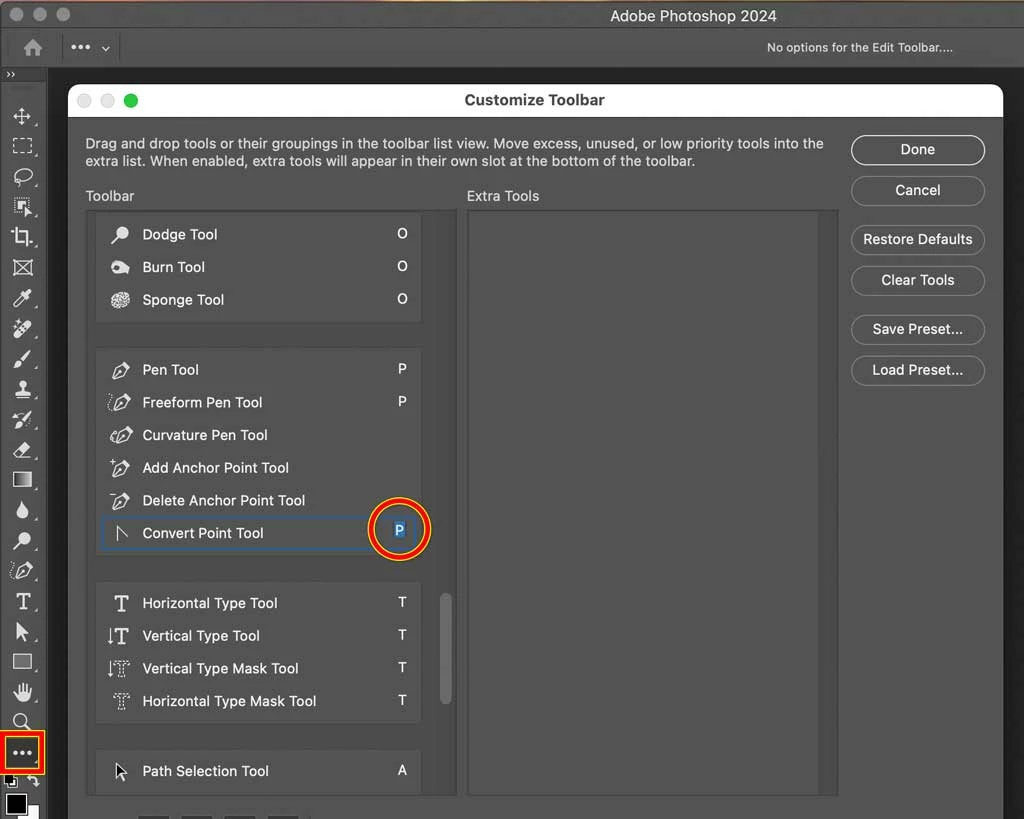
Click the three dots on the toolbar and choose Edit Toolbar.
In the Customize Toolbar dialog box, add a single-key shortcut for the Convert Point tool. If it’s the same letter as the other tools in that group, it will be added to the set of tools that you can cycle through by pressing that single-key shortcut repeatedly. (If tools aren’t cycling when you press their single-key shortcut, add the Shift key. If you wish you didn’t have to add the Shift key, in Photoshop Preferences (Settings) open the Tools pane and deselect Use Shift Key for Tool Switch.)

 AdChoices