havecamerawilltravel
Participant
December 18, 2018
Answered

Create smart objected grayed on in Photoshop CC 2019

  • December 18, 2018
  • 3 replies
  • 1155 views

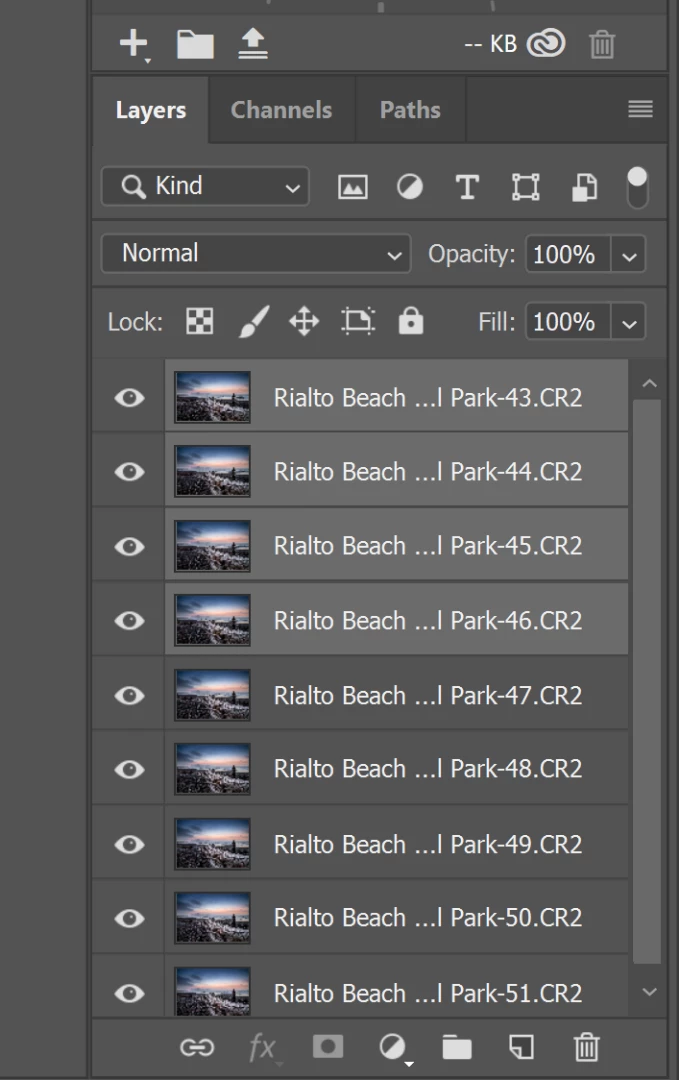
I have a sequence of photos opened as layers in photos shop. I select all the layers and yet "create smart object" is grayed out.

    This topic has been closed for replies.
    Correct answer

    Hi

    This is a known issue, workaround is to have Photoshop opened first and then Lightroom or you could try disabling the Home Screen in preferences

    3 replies

    Daniel_s_Design
    Known Participant
    December 18, 2018

    Hi,
        The thing that you've been doing for converting .CR2 file to smart object is a nightmare (You will end up with a gray scale image)

         Follow some quick steps to get the image colors back...
    1. Download the "ADOBE DNG CONVERTER" Adobe Digital Negative Converter

    2. Install it > choose your .CR2 file > convert them to DNG
    3. Open the converted DNG file to "PHOTOSHOP CC" (it will open in camera raw filter, give a quick edit ,if you prefer and click OK > it will open in                                    "PHOTOSHOP CC" as a smart object with the colors and not with GRAYSCALE EFFECT)

         Thanks,

         Daniel

    Sebastian Bleak
    Community Expert
    Community Expert
    December 18, 2018

    Could you post a screen shot of your entire screen. There might be some clues to help us out.

    havecamerawilltravel
    Participant
    December 18, 2018

    Here is the screen shot.  I originally edited the photos in LR and then sent them over to PS as layers.  I've done this before numerous times with CC 2018.  When I updated to CC 2019 I ran into this problem.  I can't align the layers, I can't create smart objects...

    Correct answer
    December 18, 2018

    Hi

    This is a known issue, workaround is to have Photoshop opened first and then Lightroom or you could try disabling the Home Screen in preferences

    JJMack
    Community Expert
    Community Expert
    December 18, 2018

    Where us the rest of Photoshop UI I can not see that convert to smart object is grayed out or what mode you are editing in etc. It is not grayed out one my machine editing in RGB  8bit color depth mode anyway.  Where is your  grayed out "Create Smart Object"

    JJMack