Answered
create transparent background
Hello,
I took a picture of a foot print on a white paper. I would like to turn this grey/white paper into a transparent background.
How can I do it ?
Thanks for your help.
M.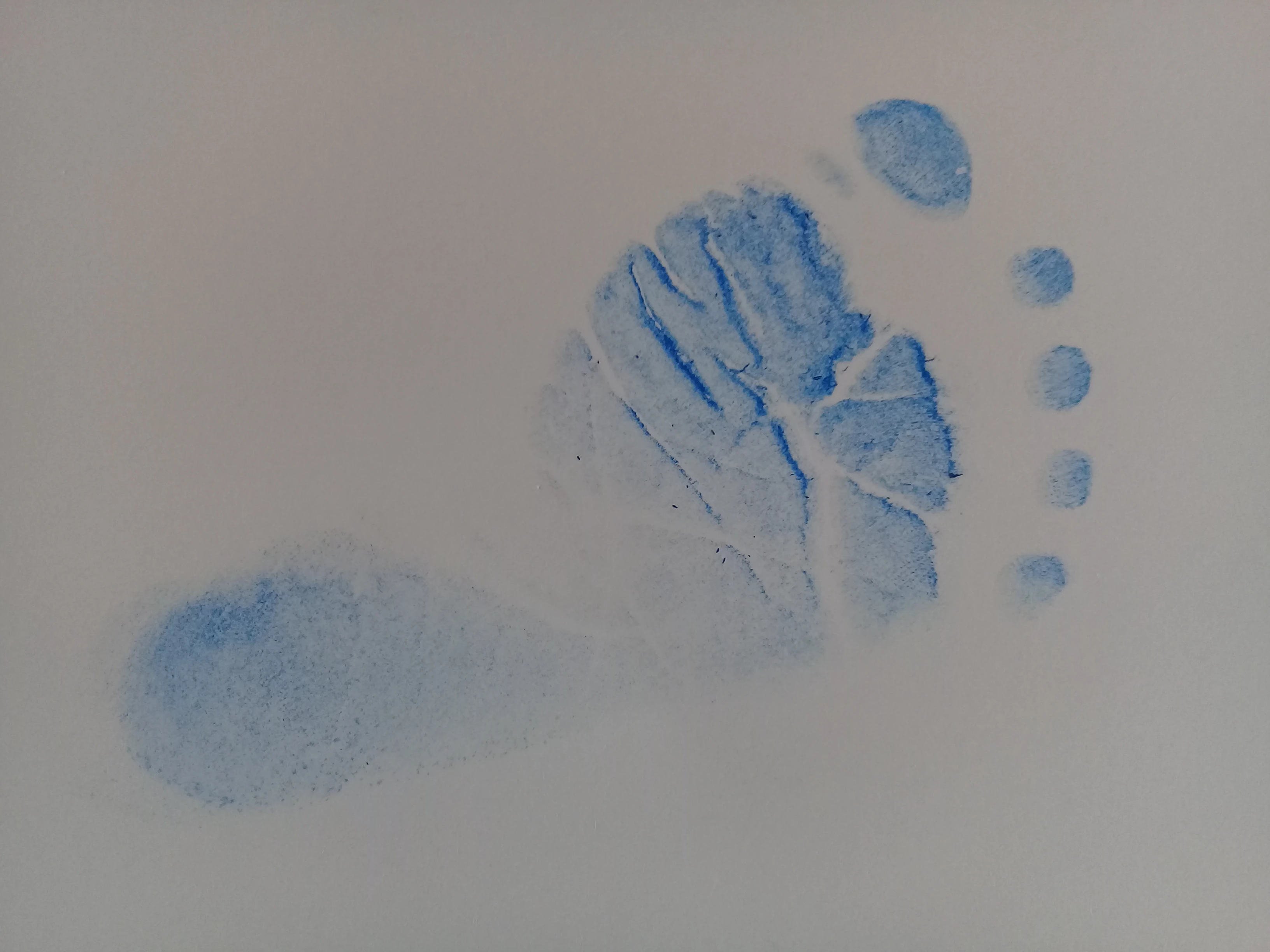

Hello,
I took a picture of a foot print on a white paper. I would like to turn this grey/white paper into a transparent background.
How can I do it ?
Thanks for your help.
M.
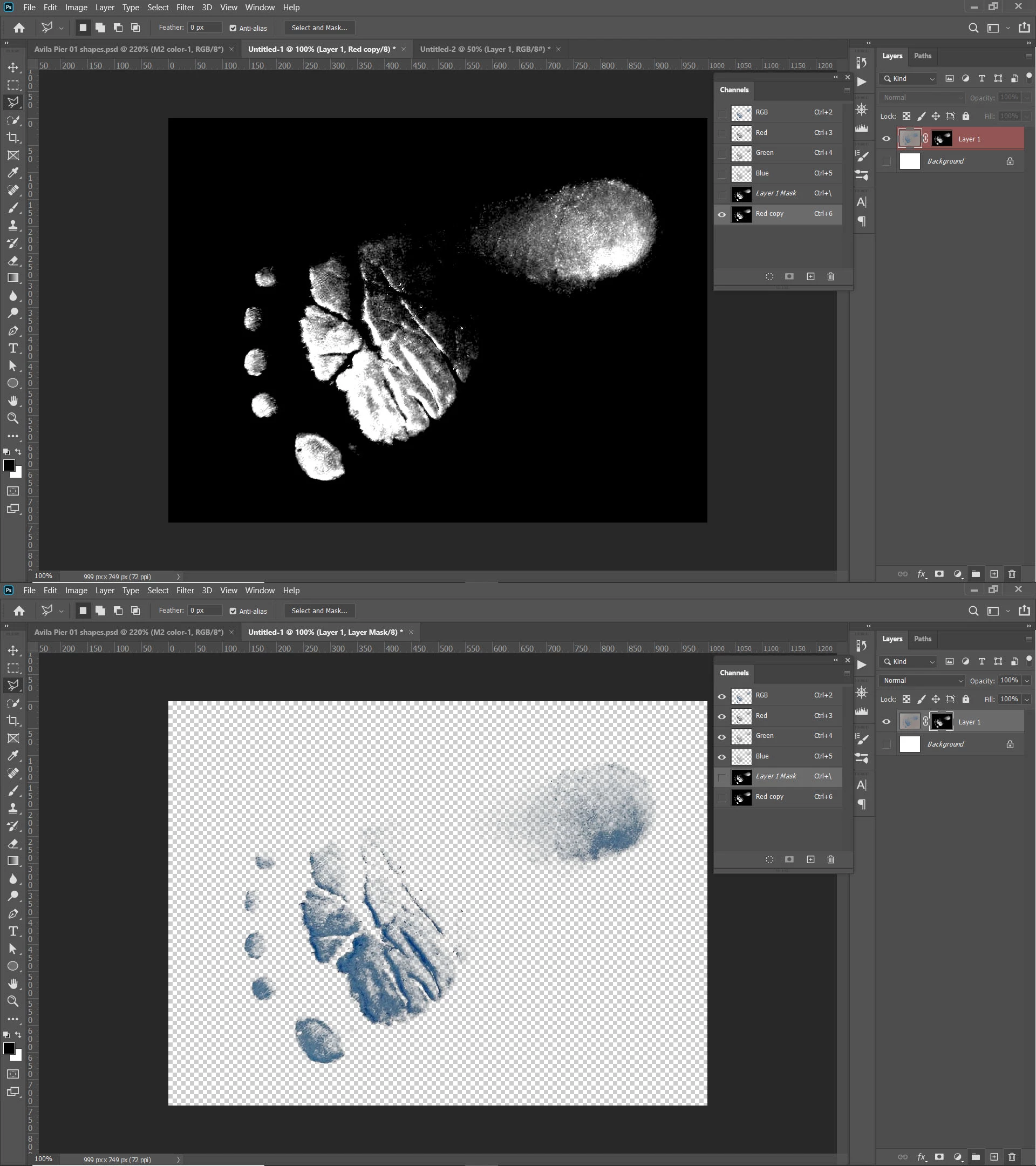
Select the red channel and duplicate it. Use levels to brighten the background and darken the foot print. Use a brush to clean up the white BG maybe in overlay mode. Invert the channel ctrl/cmd-i, then make a selection to apply to your main layer. Make sure your main layer isn't the background layer.
Already have an account? Login
Enter your E-mail address. We'll send you an e-mail with instructions to reset your password.
 AdChoices