

Creating a smart object ornament
Hi there,
Novice Photoshop user here. I'm trying to learn how to make a Christmas ornament mockup. I'd like to be able to change both the design within the ornament and the background that the ornament is sitting on. So I figured I could take a photo, cut out the original background, turn the item into a smart object, and add another image as the new background.
This is my first attempt and so I'm not even trying to include a string yet, though I'm hoping that if I learn how to separate the hole from the rest of the ornament, that technique would carry over to allowing a string remain visible in an image while the ornament itself can be edited.
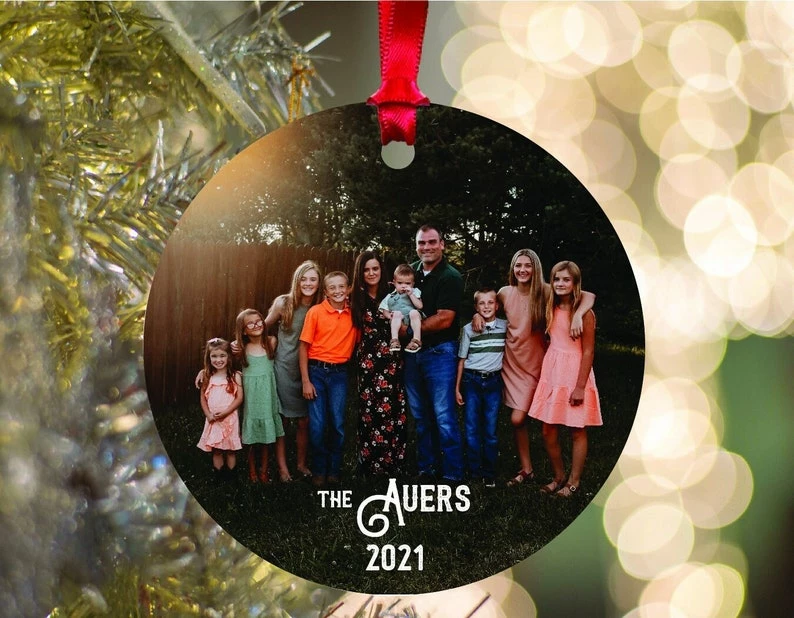
Here's a sample image that represents what I'd like to be able to create (ultimately, I'd like to be able to do more unique shapes which is why I'm trying to learn how to do this):

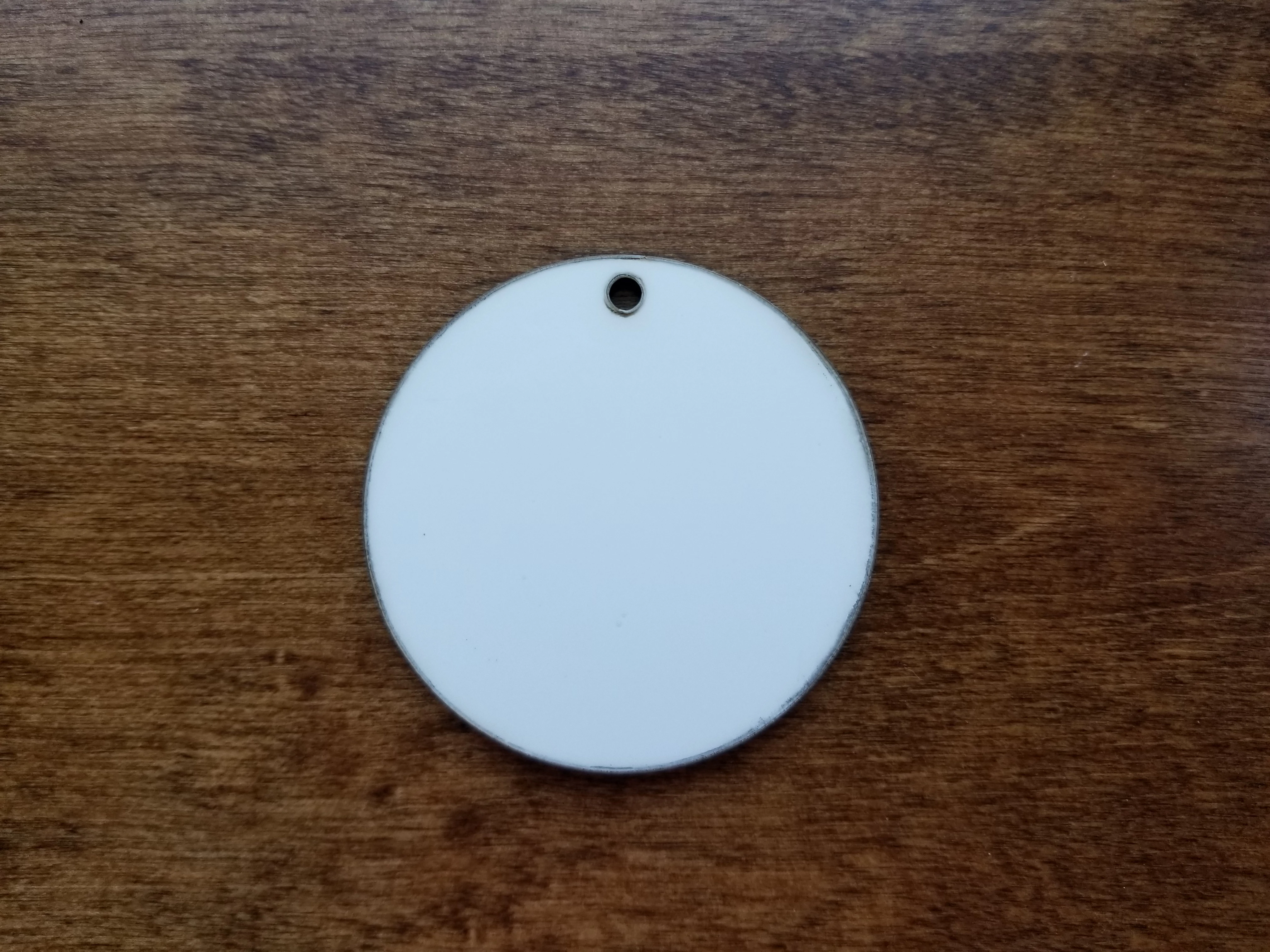
I started with a photograph of an actual ornament and have gotten as far as cutting it out from the background and turning it into a smart object. However, I don't know what I need to do to ensure that the hole remains visible in the final ornament once a design as been added.
This is an example of what I mean by the hole remaining visible once the design has been added:
Here's my original photo:
And here's my ornament with the background turned off and an image inserted into the smart object layer. As you can see, there's no hole in the ornament.

Here's my photoshop file for reference, it's in the latest version of CC 2021 and running on a 2021 Windows 10 computer: https://spaces.hightail.com/receive/mNSDkdWeUW
If it helps, I'm also attaching the image I was attempting to add to the smart object layer.
So... any ideas?
Thanks!
 AdChoices