Participant
September 11, 2022
Answered

Creating Outline for School Project

  • September 11, 2022
  • 1 reply
  • 313 views

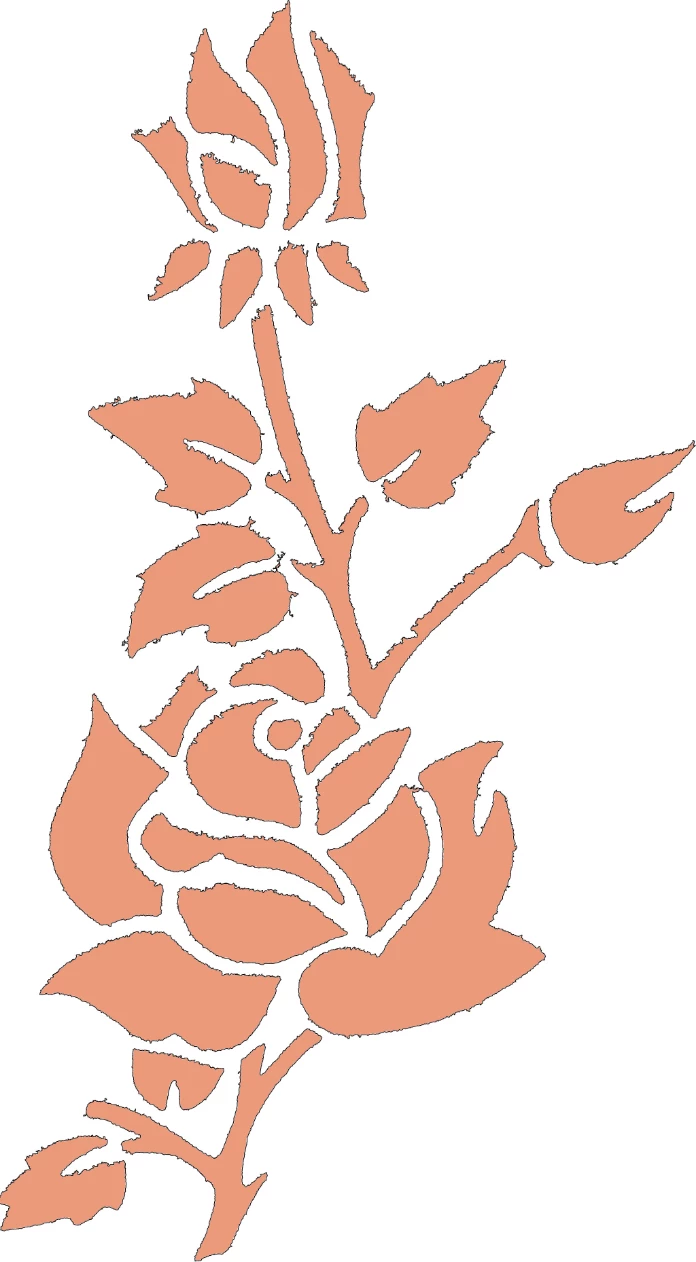
I am doing a school project and I need an outline image of a rose. I have got so far with it.
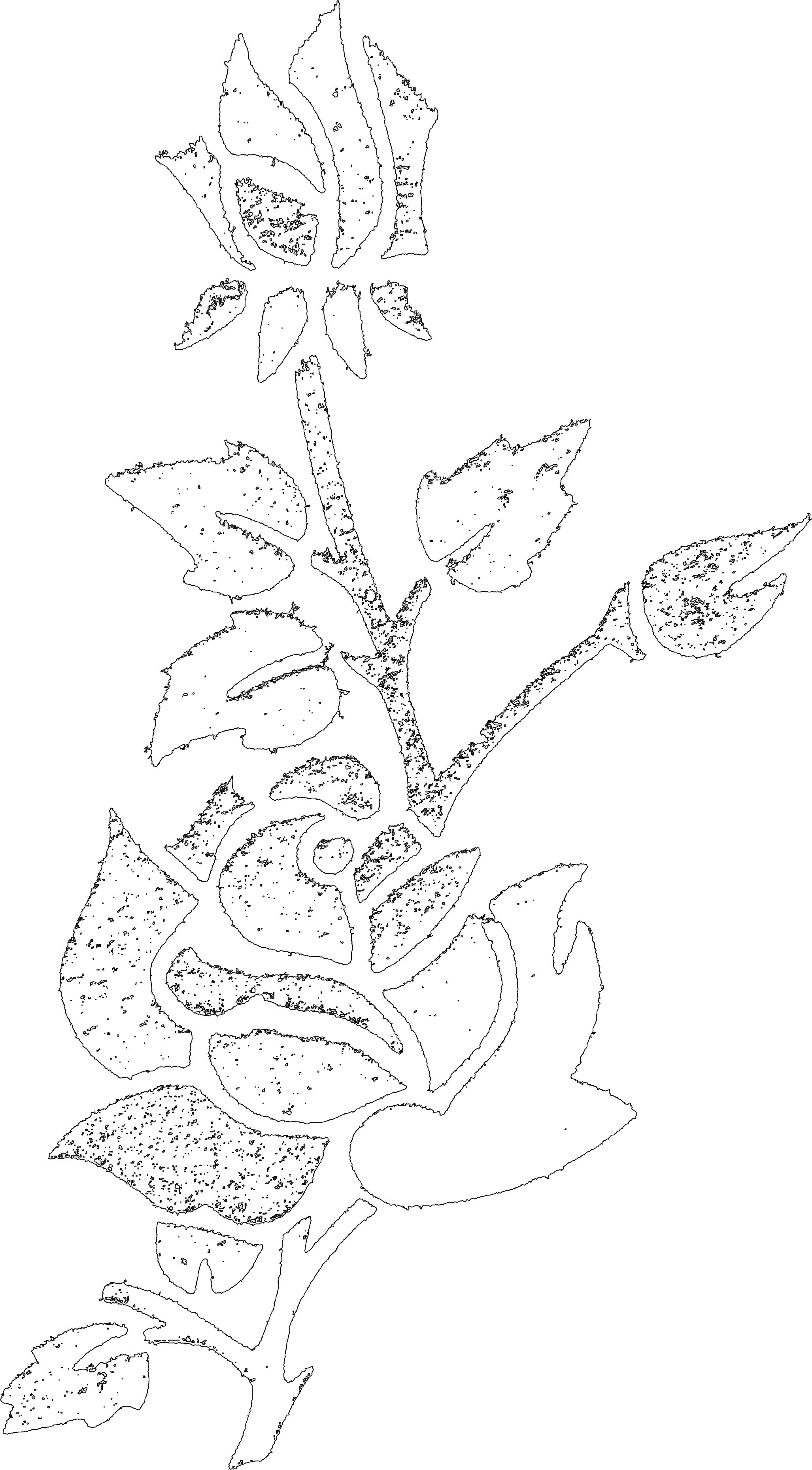
I have a black on white line drawing but the leaves and petals are filled with random black dots.

Anyway to 'clean up' the image besides using eraser brush?
This topic has been closed for replies.
Correct answer Chris 486

A quick and dirty way can be to use your magic wand tool with the contiguous option checked,tolerance 32, and select a white space outside of your rose (the background).


Use "control+shift+i" to inverse the selection.


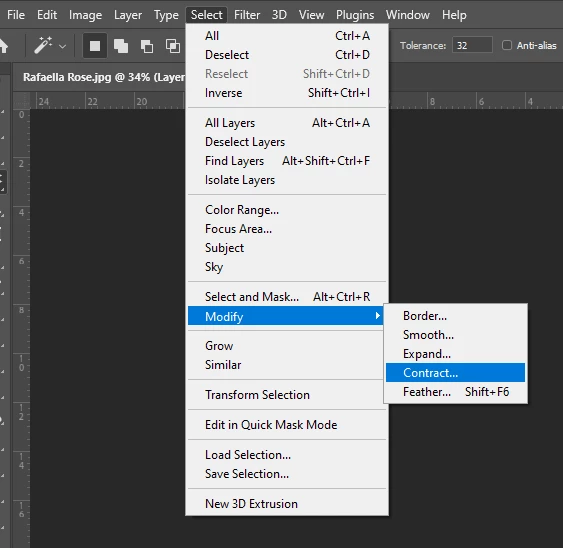
Use Select>Modify>Contract and contract your selection by 3 pixels and hit "OK"


Hit the delete button to delete what's in the selection or use the mask option for a non destructive removal.


That will remove the interior of the rose and you can manually clean up and tidbits left pretty quickly.


Hope that helps!

1 reply

Chris 486
Community Expert
Chris 486Community ExpertCorrect answer
Community Expert
September 12, 2022

A quick and dirty way can be to use your magic wand tool with the contiguous option checked,tolerance 32, and select a white space outside of your rose (the background).


Use "control+shift+i" to inverse the selection.


Use Select>Modify>Contract and contract your selection by 3 pixels and hit "OK"


Hit the delete button to delete what's in the selection or use the mask option for a non destructive removal.


That will remove the interior of the rose and you can manually clean up and tidbits left pretty quickly.


Hope that helps!

Chris 486
Community Expert
Community Expert
September 12, 2022

Your history should be about this simple. 


Participant
September 15, 2022

You are the best! It worked, I cannot thank you enough!
So instead I'll ask another question:
Can I smoot the linework? Less jaggies?