Answered
Crop and Straighten Multiple Photos Greyed Out
On a group of 4 slides I scanned as one image the "Crop and Straighten Photos" is Greyed Out. It is available for two photos I did together?
Thoughts please.

On a group of 4 slides I scanned as one image the "Crop and Straighten Photos" is Greyed Out. It is available for two photos I did together?
Thoughts please.
Can't upload it but here is a screen shot.
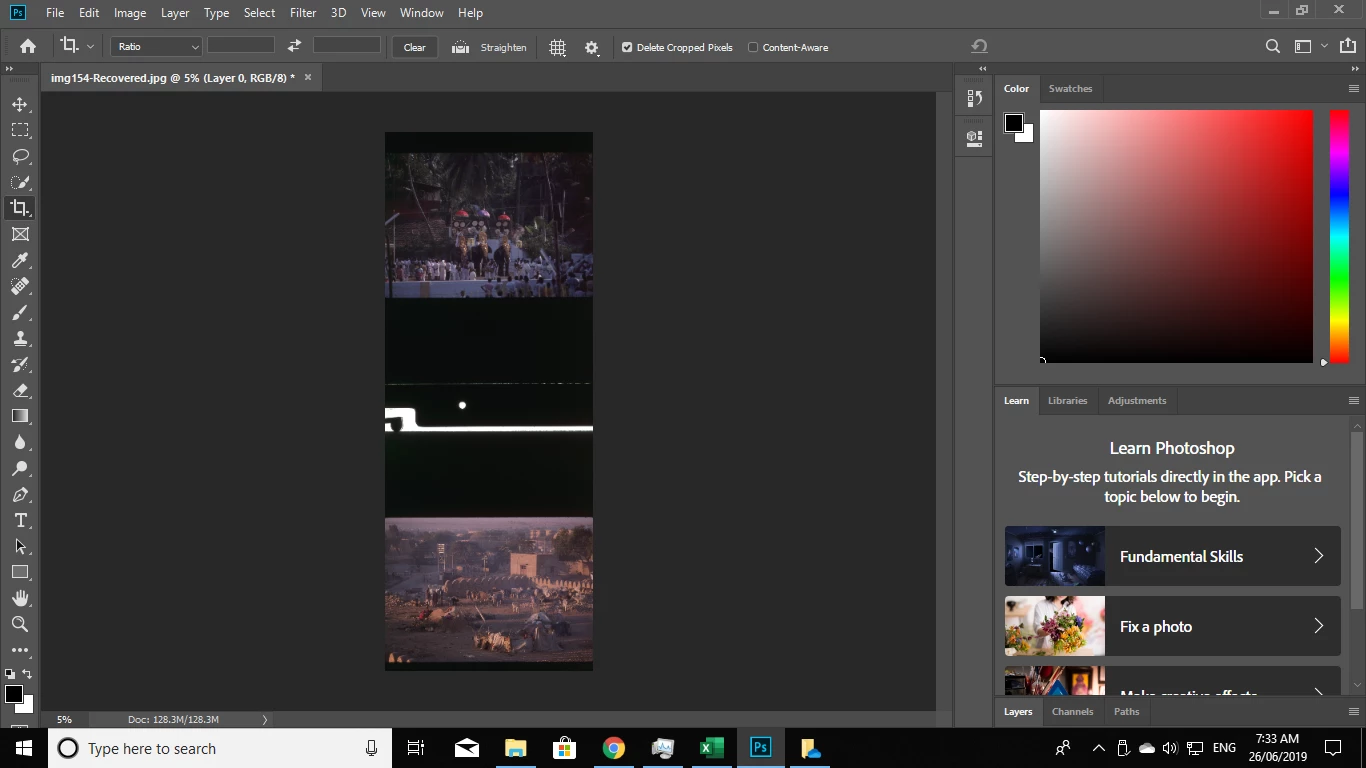
What are the pixel dimensions of the scan?
I believe File>Automate>Crop and Straighten Photos has a max pixels dimensions of 30,000 px x 30,000 px, anything larger won't work.
Already have an account? Login
Enter your E-mail address. We'll send you an e-mail with instructions to reset your password.
 AdChoices