

Crop to image
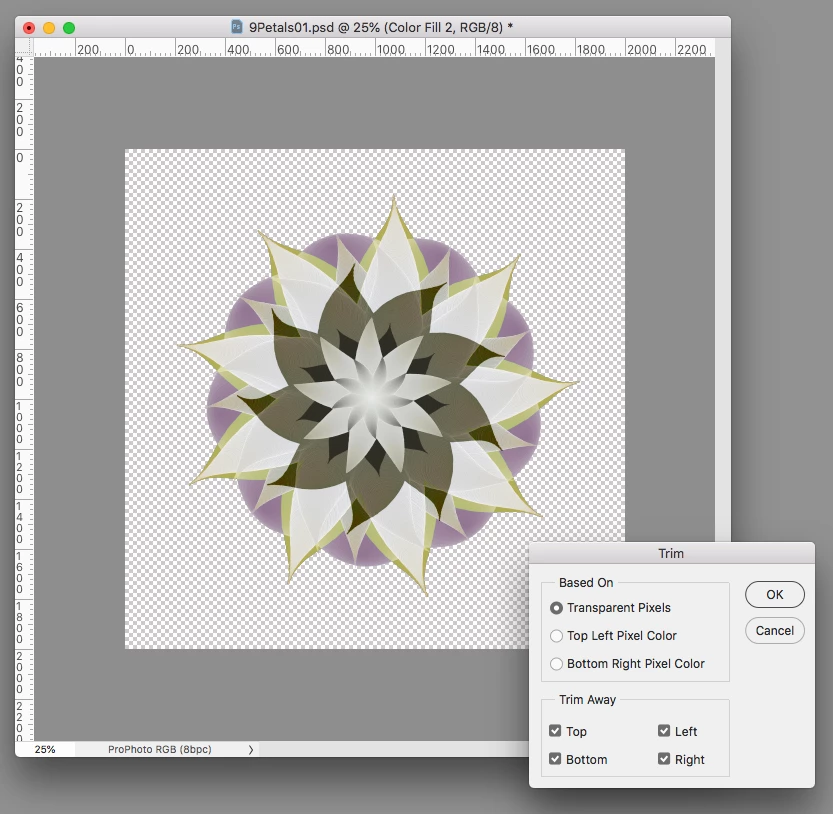
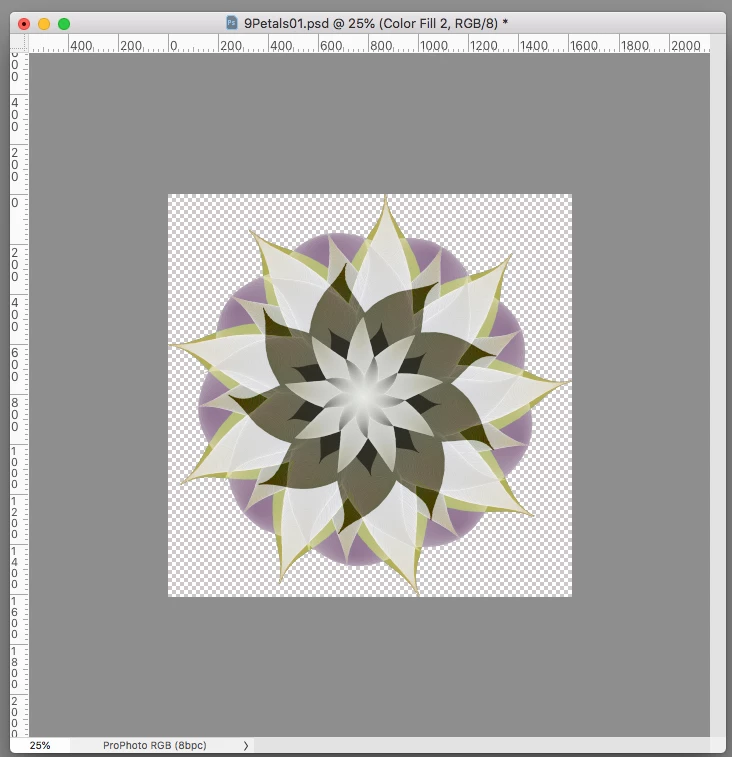
So I have created an image within the default layer size, however, the image is smaller than the layer.
Is there a quick way to crop the layer (or all layers) to the overall size of the image?
Posted this earlier. Someone decided it was spam, so got removed. If it's spam please explain why?
------
When I export as .png there is a lot of dead space around the image. I can easily crop this using Preview (in Mac) but am I aadding in an extra step here?
Looked for a menu option, but can't see anything ovious. A search online seems to find various ways of doing this, converting layers etc to smartobjects and then a few extra steps, but that seems like a long way round for a simple task.
In Gimp, there is an option 'crop to content'. I'm assuming Photoshop has this option, called something else?
thanks
 AdChoices