
Known Participant
October 17, 2018
Answered

Crop Tool Issue With CC2019 - Possible Bug?

  • October 17, 2018
  • 14 replies
  • 15031 views

Just noticed something odd with the crop tool in CC2019. This only happens in Classic Crop mode.

When you want to do a custom crop with W x H x resolution selected with the size and resolution boxes left blank, the crop remains in the same aspect ratio if you try to lengthen/shorten one side of the crop.

Has anyone had the same issue - and how do you resolve this?
    This topic has been closed for replies.
    Correct answer Akash Sharma

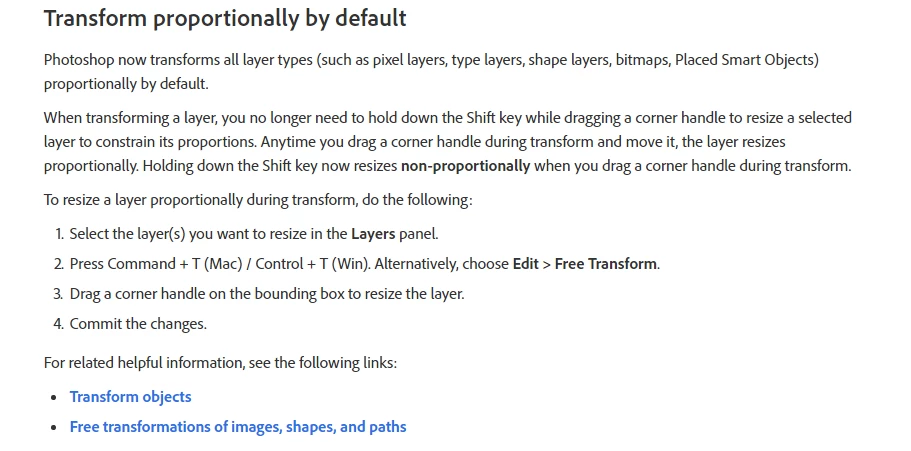
    Thanks for sharing the video. As davescm has mentioned, I believe that this is related to the new transform behavior change in the 20.0 Photoshop update.

    See the below screengrab:

    Source New and enhanced features | Latest release of Photoshop CC

    ~Akash

    14 replies

    Participating Frequently
    October 17, 2018

    I have the same problem.

    stefan113
    Participant
    October 17, 2018

    I have exactly the same issue and it's very frustrating. It must be a bug!
    Holding the SHIFT key solves the problem in some way, but its still a lot more complicated than in the earlier version.

    C-Marc
    Participant
    October 17, 2018

    I have found the same problem.

    Holding the SHIFT key makes it work like it is supposed to.

    Akash Sharma
    Legend
    October 17, 2018

    Hi Contemporary_Dave,

    Sorry that the Crop tool in Photoshop CC 20.0 version is now working as expected.

    If I am following you correctly, with the crop tool in use if I leave the resolution field left empty I am able to crop the image as expected.

    Would you like to share a few screenshots of what's happening at your end?

    Thanks,

    Akash

    Known Participant
    October 17, 2018

    Thanks for getting back to me. See video here: PS Crop error - YouTube

    Participant
    December 3, 2018

    It is about 4 years ago I ran into a problem with the crop tool after a big PS update started moving the image around to crop. It was infuriatingly useless for my needs and it looked like I would be stuck with some old version of PS on an old computer just to be able to crop images but thankfully not. I did complain loudly with others at the time and 'Classic' was introduced. I've been cropping in "Classic' for so long I've forgotten what the differences were before, as it works absolutely fine for me in CC2018. I did have a couple of issues in CC2019 however, one being the pop up window that interrupts workflows for every image and I've dumped it. I've now uninstalled CC2019 and gone back to CC2018 until its all sorted including any issues with cropping. Adobe really need to stop trying to reinvent the wheel with that very basic tool that people just want to simply and quickly crop with.


    When I click on the crop button I expect to see the usual frame show up around the photo so that I can ... crop it. This no longer happens with CC2019 and I did not find a way to change this. Since I am not paid to look for a solution to Adobe's problems I moved back to 19.