
Resuelto
Cropping an Images into a Shape
I want to crop this Images into an ellipse shape. Sometimes it comes in other time it does not come. What is reason. Notice two masks in the layer panel, when image did not crop. Video is attached.
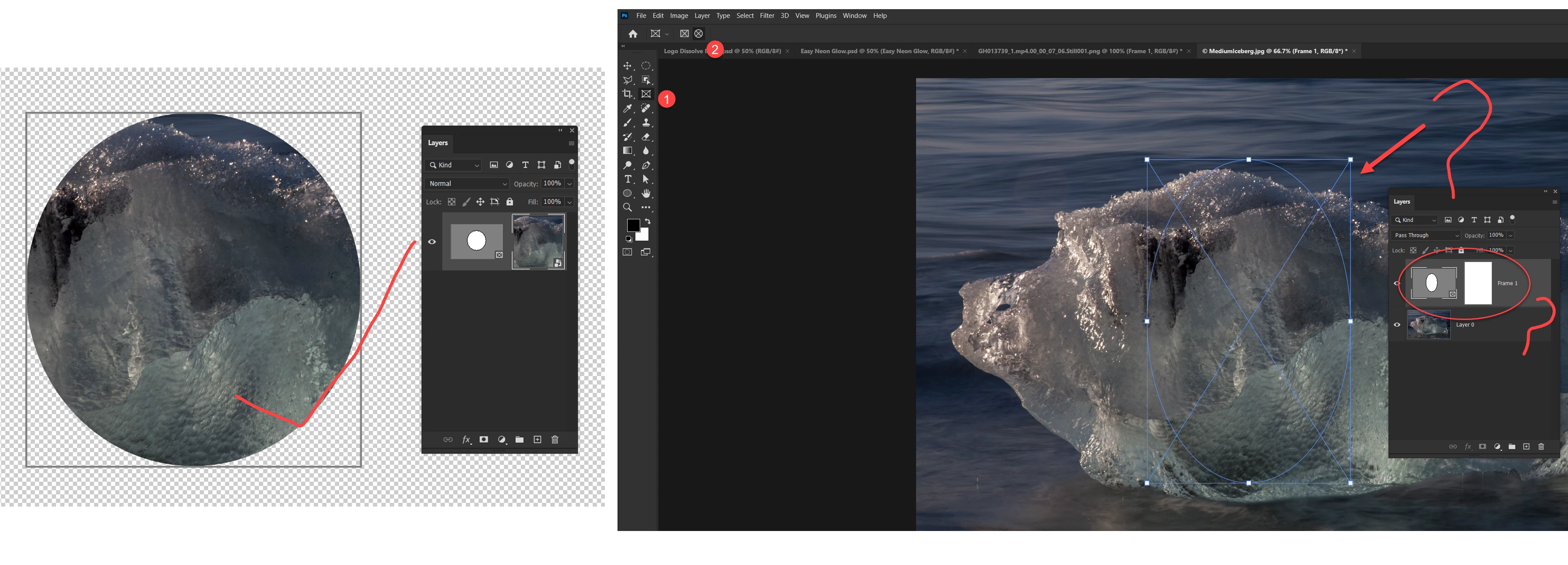

I want to crop this Images into an ellipse shape. Sometimes it comes in other time it does not come. What is reason. Notice two masks in the layer panel, when image did not crop. Video is attached.
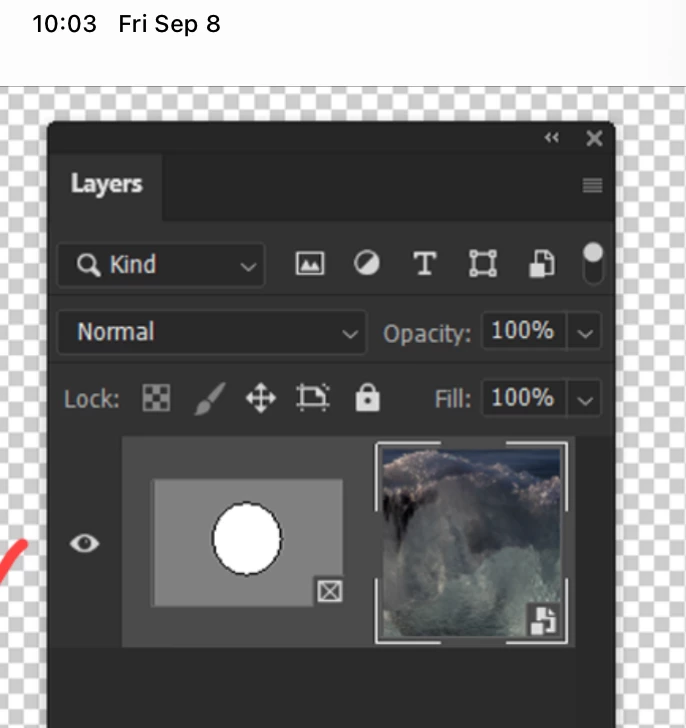
It works on the first one because the mask is on the same layer as the image.
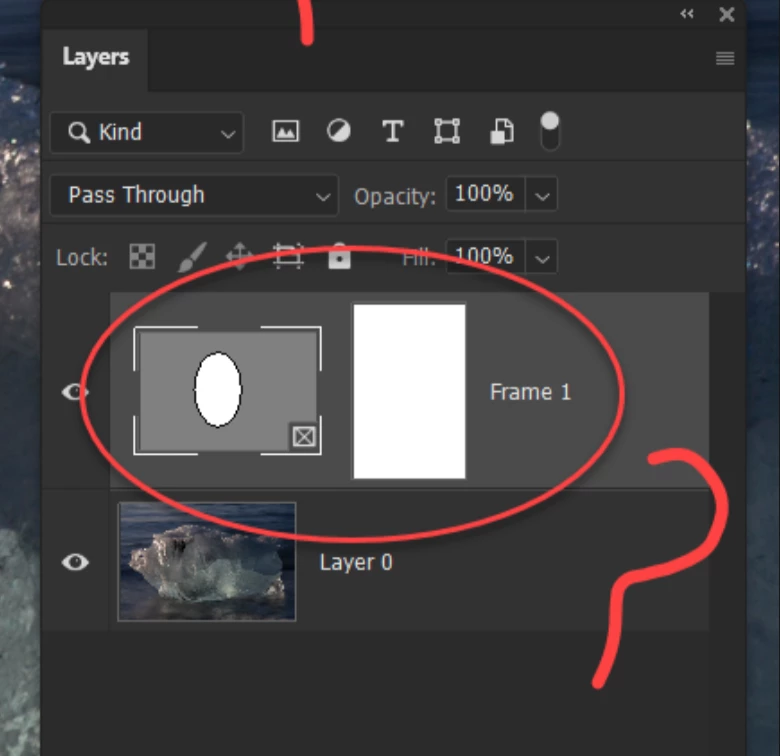
It does not work on the second one because the mask is on a layer that is white with no other content. Delete that layer. Use "Layer 0" with your image instead.
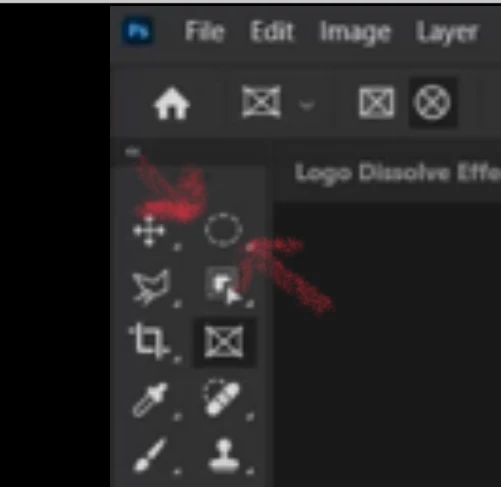
Instead of using the Frame tool, use the Elliptical marquee, then click the Mask button at the bottom of the panel
Jane
Enter your E-mail address. We'll send you an e-mail with instructions to reset your password.
 AdChoices