
Question
CTRL + T no longer transforms non-paths? This is insane
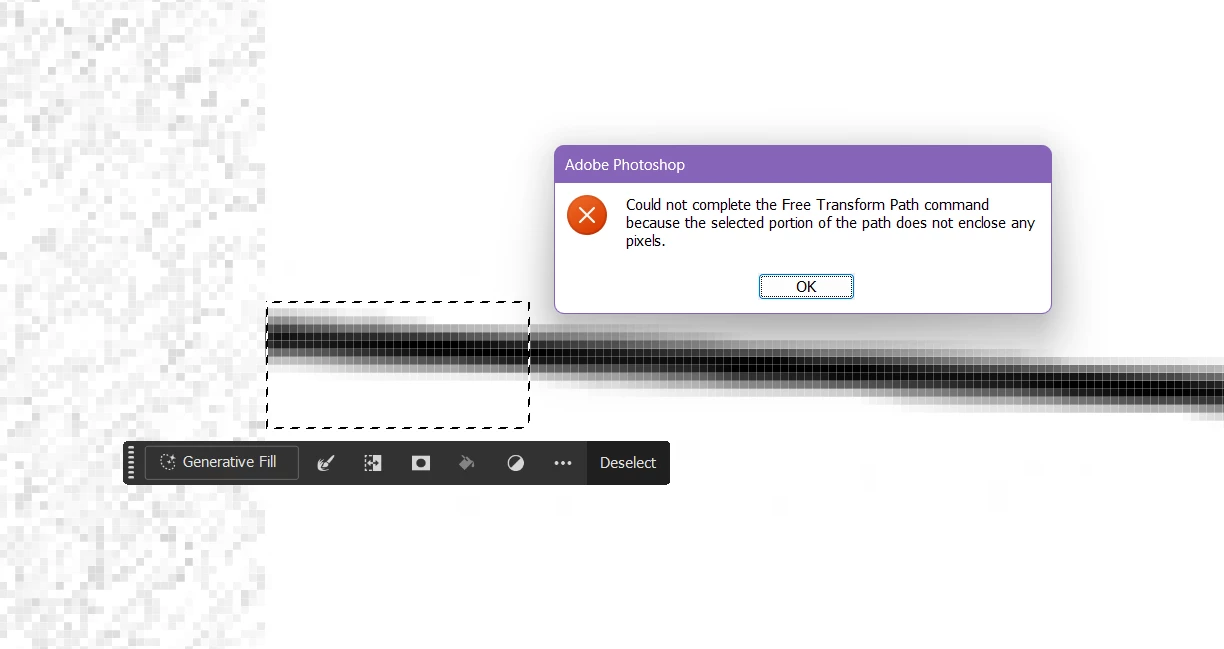
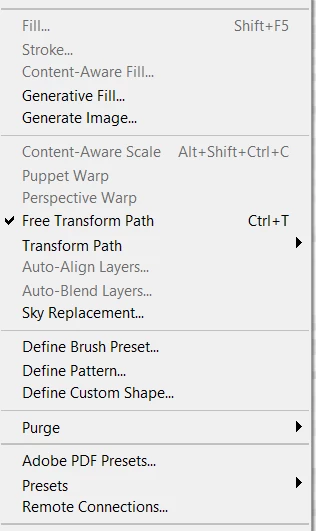
Perhaps I am missing something, but when I press CTRL T to transform raster pixels, I get this insanely stupid alert. No, I'm not trying to edit a path. WTF? When I go to the edit settings, there are only options for transforming paths.
Yes, I'm on the correct layer. Yes, it is unlocked. Yes, I'm 100% the pixels are within the selection. This is some BS Photoshop issue.
This update of photoshop SUCKS. I hate how they consolidated A HUGE AMOUNT of tools into a seperate bar. WTF, WHY?
 AdChoices