Known Participant
November 16, 2024
Question

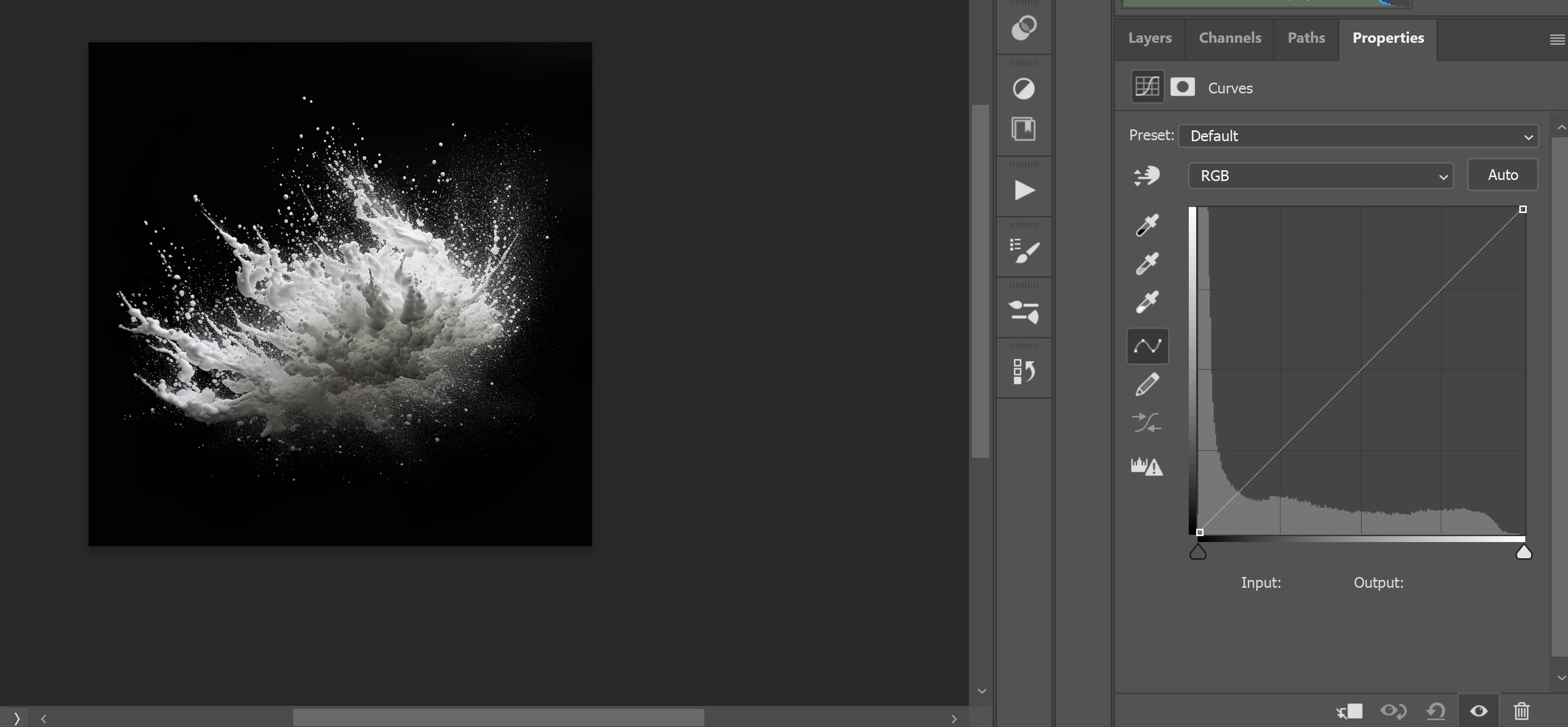
Curves adjustment tool

  • November 16, 2024
  • 2 replies
  • 215 views

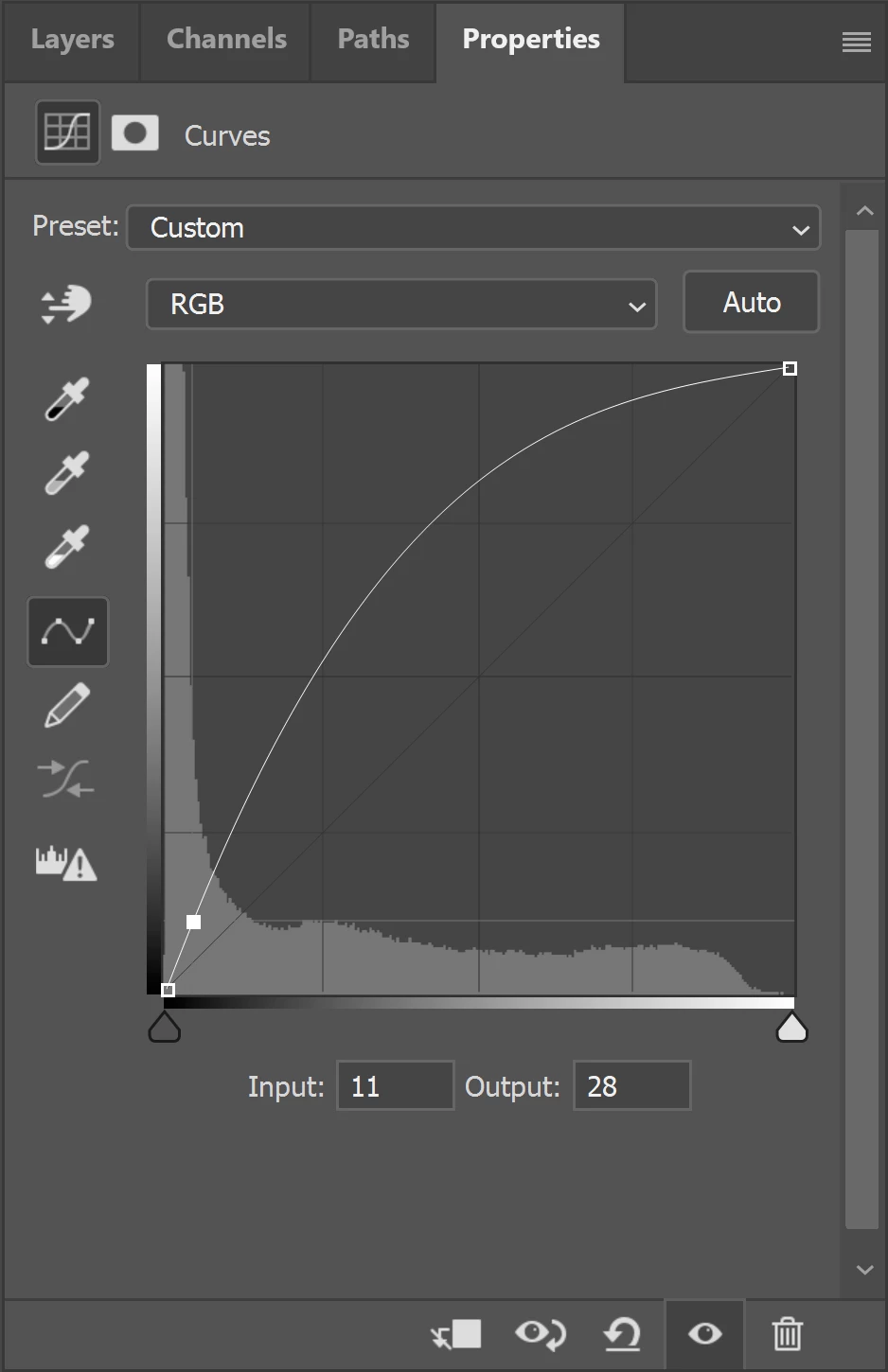
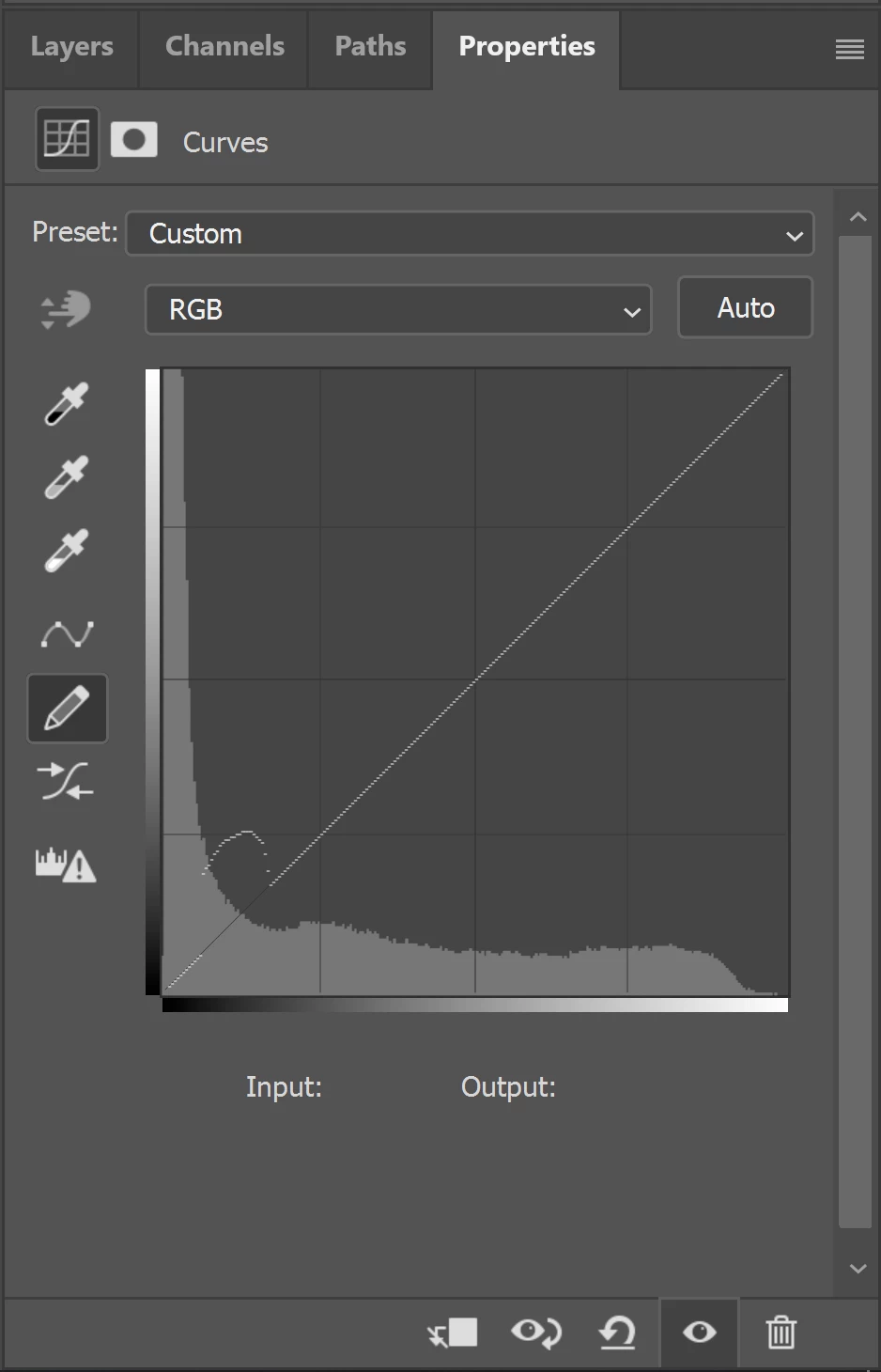
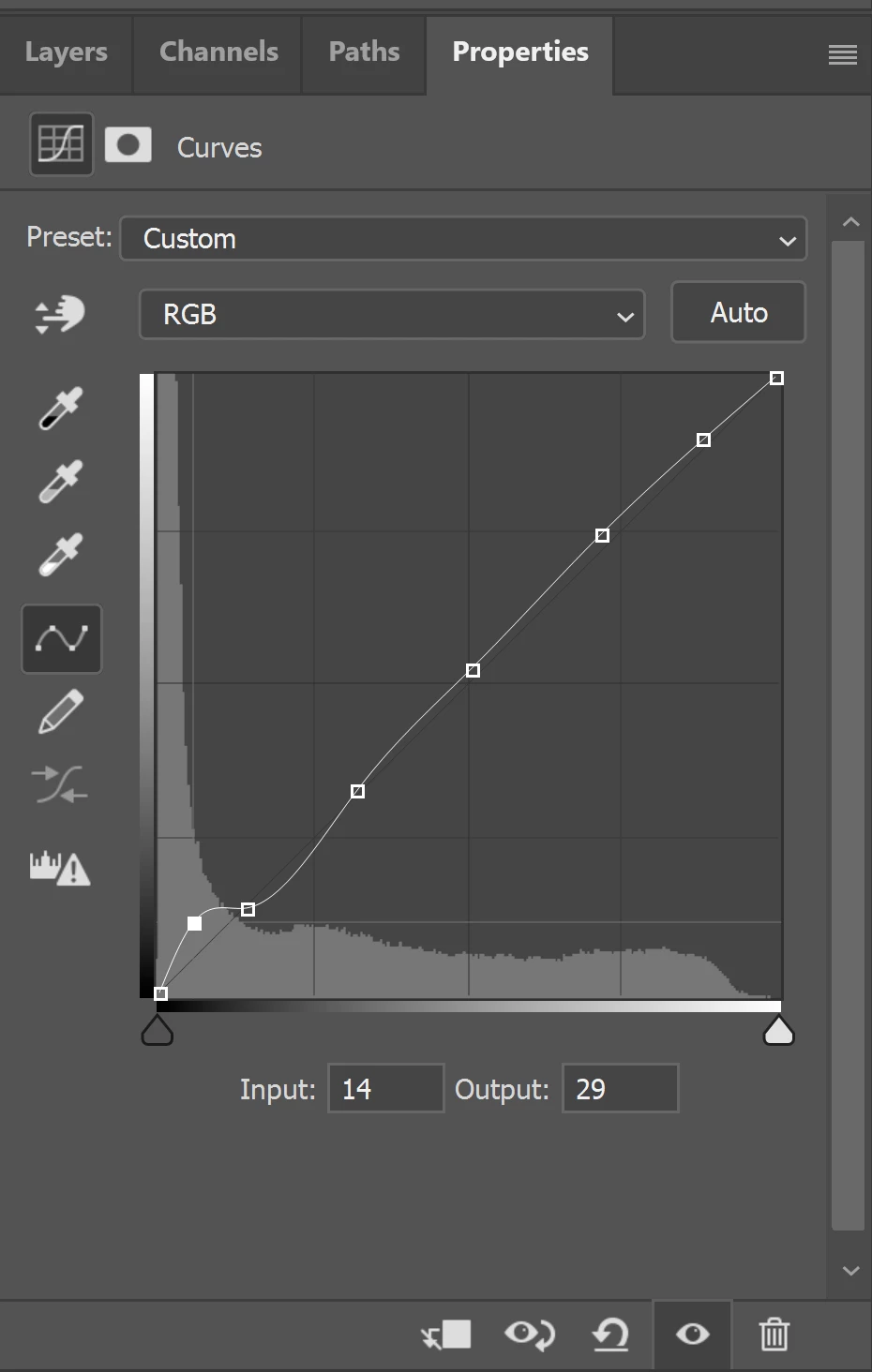
when working on the line in the curves tool (1), any change in one area result in massive changes in other areas (2). The pencil option is ugly and inaccurate (3). Could we generate a diagonal line divided into sections which will protect other areas of the histogram from changes in one zone? (4)? 
This topic has been closed for replies.

2 replies

Stephen Marsh
Community Expert
Community Expert
November 16, 2024
quote

when working on the line in the curves tool (1), any change in one area result in massive changes in other areas


Agreed, however, one is often adding other points elsewhere on the curve to control colour or contrast, so this isn't a big deal in practice. Points are added where necessary, either to adjust other tones – or to "lock down" the curve.


quote

(2). The pencil option is ugly and inaccurate


The "arbitrary map" curves created with the pencil tool can be very accurate and surgical in precision, however, they are often for special purposes and are not used in the same way.


quote

(3). Could we generate a diagonal line divided into sections which will protect other areas of the histogram from changes in one zone?


By @Miron34664090c77b


Yes, either by saving a curve preset or by an action you can lock down different sections of the curve by adding control points. One can also introduce masks or blend if sliders to transition curve edits in a curves adjustment layer.


D Fosse
Community Expert
Community Expert
November 16, 2024

ACR / Lightroom has this.


Yes, it's a valid point. I often set a few anchor points to protect a straight segment prior to the adjustment.