
Inspiring
September 16, 2019
Question

Custom brushes disappeared from brush manager

  • September 16, 2019
  • 3 replies
  • 973 views

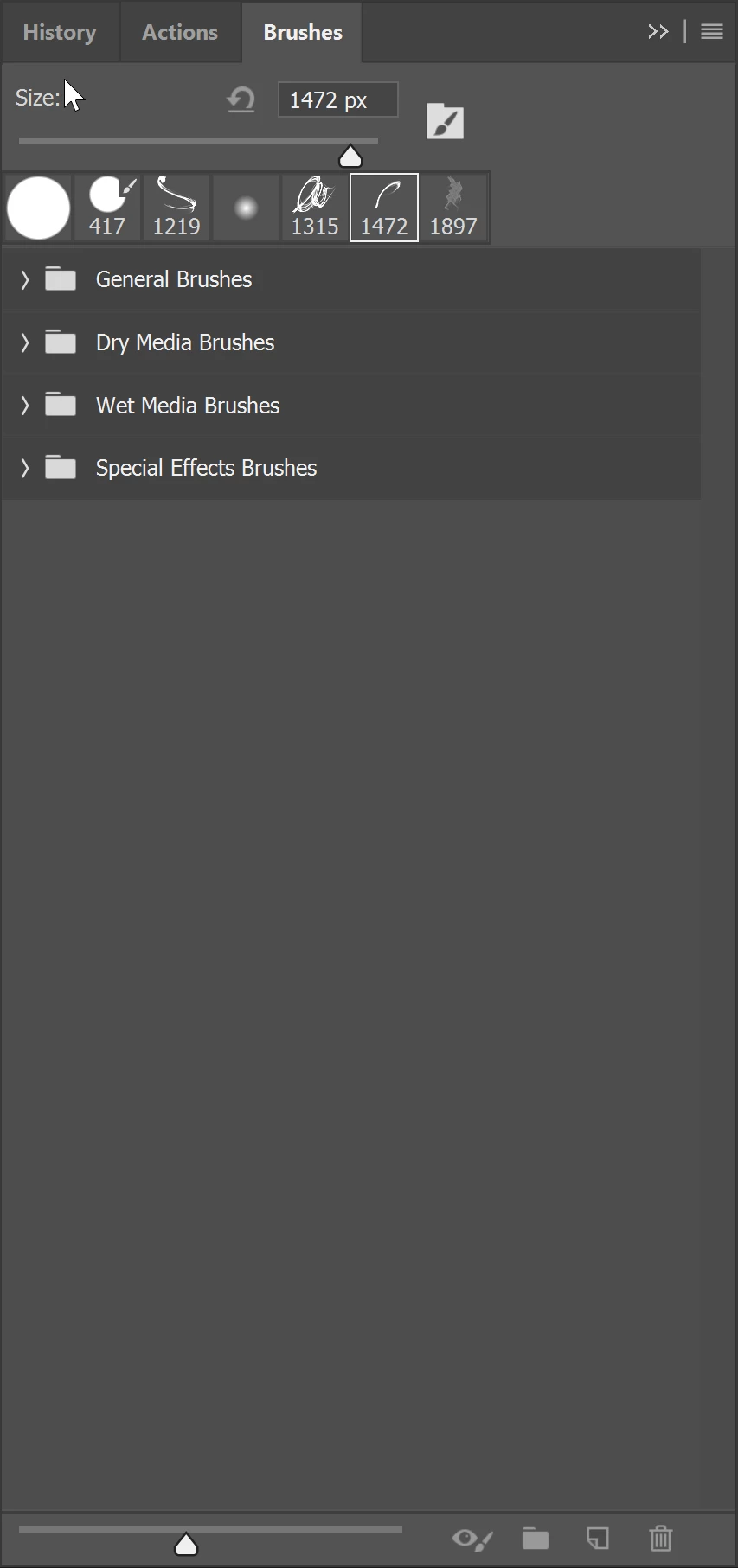
Why did this randomly happen & how do I get them back? Most of the brushes are part of actions, they seem to not be affected & even in recent it shows some custom of the custom brushes yet the manager only shows those folders & my %appadata% brush folder is empty!! I need the brushes for my work, come on!
 

This topic has been closed for replies.

3 replies

c.pfaffenbichler
Community Expert
Community Expert
September 23, 2019

»I have to keep adding them 1 by 1 into the brush manager & reorganize them each time«

You may want to save the whole bunch you organited to your liking as a new abr-file so you can more easily reload them in that state. 

SolteroAuthor
Inspiring
September 25, 2019
Seems to work, I guess that is the only solution to this.
SolteroAuthor
Inspiring
September 20, 2019

IT HAPPENED AGAIN AFTER REINSTALLING THEM

c.pfaffenbichler
Community Expert
Community Expert
September 20, 2019
What have you done for general trouble-shooting so far? Restoring Preferences after making sure all customized presets like Actions, Patterns, Brushes etc. have been saved might be a good starting point: https://helpx.adobe.com/photoshop/kb/basic-trouble-shooting-steps.html
SolteroAuthor
Inspiring
September 21, 2019
I did that & it still reset AGAIN! It seems to happen once I restart my computer 🙎 the adobe support is useless & says they do not support 3rd party brushes. then why the hell do they give the option to add your own brushes????
c.pfaffenbichler
Community Expert
Community Expert
September 16, 2019

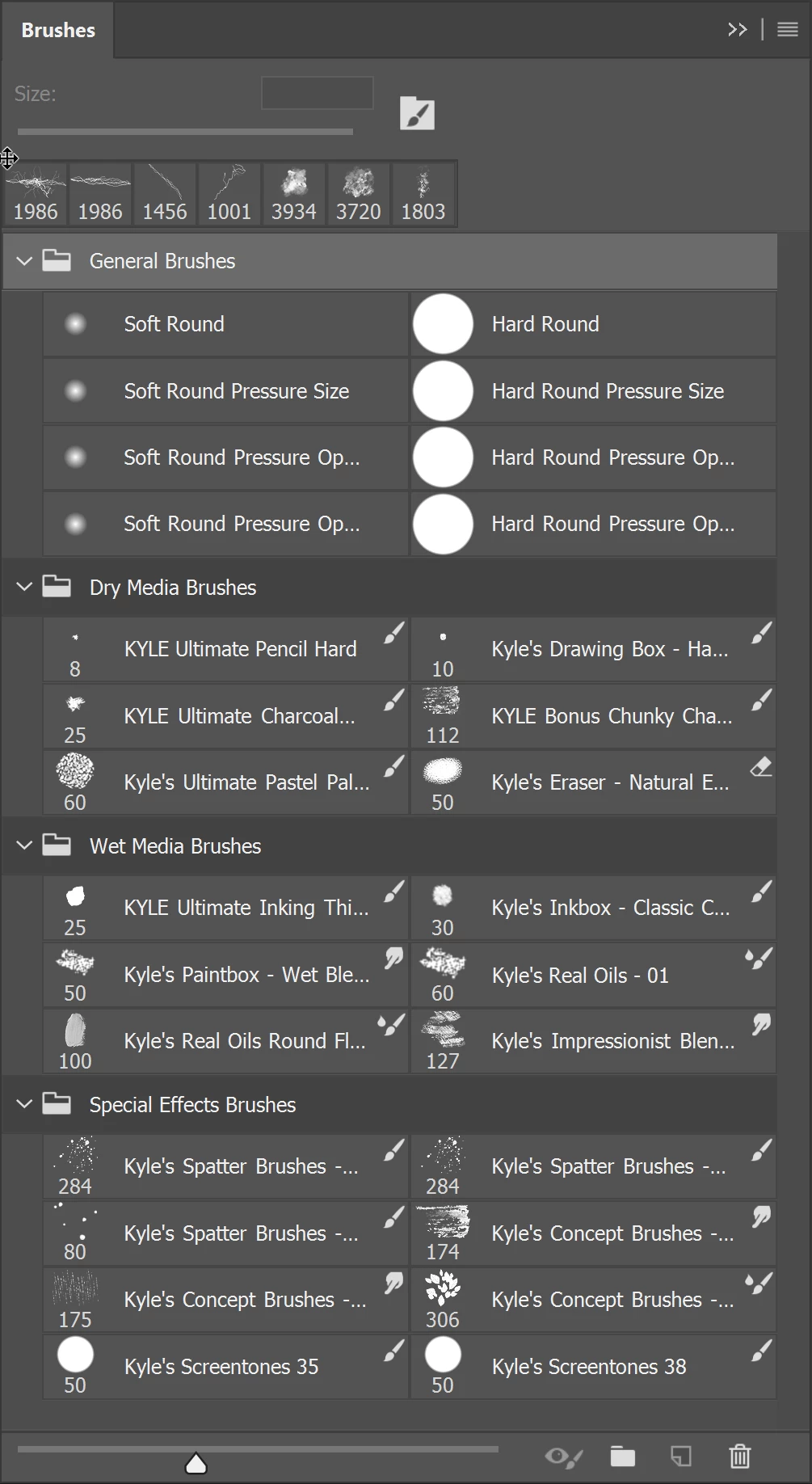
Please post a meaningful screenshot in which you expanded the Groups. 


Do you regularly save your Brushes? 

SolteroAuthor
Inspiring
September 16, 2019
What do you mean meaningful? There should be like 20 groups there. What would expanding the groups do?
c.pfaffenbichler
Community Expert
Community Expert
September 20, 2019
The screenshot does not really illustrate much and your brushes could all be inside one of the groups, could they not?