I don’t believe I have done that.
I edit, define brush preset and the brush is at the bottom of my brush
panel. I made a folder inside the brush panel with my name and put them in
there.
Is that what you’re talking about? I am not in front of my pc at the
moment.
Thanks!
On Tue, Dec 18, 2018 at 3:55 PM DaveJCummings <forums_noreply@adobe.com>
It turns out you are completely right, and we shouldn't assume stuff just because it appears to work.
I made a new preset; gave it a searchable name, and searched the entire boot drive. It was not there.
I did the same with a new brush group with the same negative result.
I shut Photoshop and tried again. Still noting.
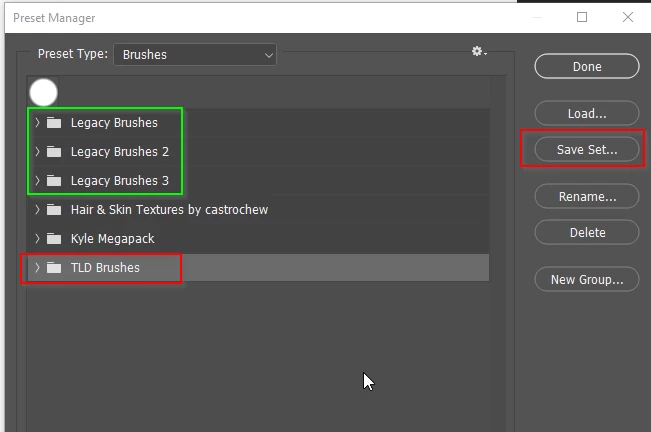
Si it appears that unless you put new presets in a new set and save with the Preset Manager, they are not there in either of the preset folders.
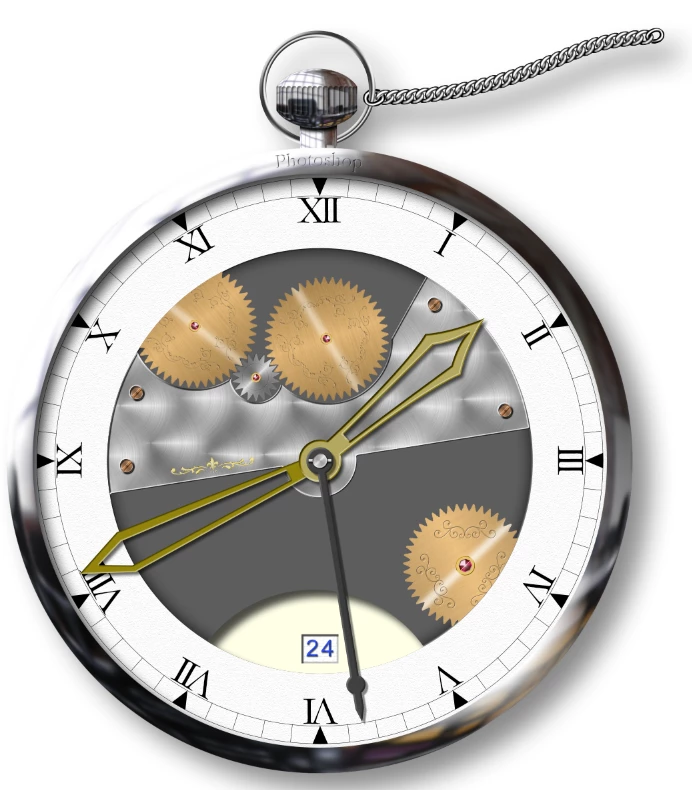
Thinking back to some of the presets I've made over the years, I have just checked and I don't still have them, which is a sign of sloppy work and laziness. I enjoy the process of making presets. The chain in this watch illustration (it's 100% Photoshop) is a brush preset, and I have made similar presets for rope and other types of chain. It's all a learning process, and I think we do a better job each time we remake a preset, but I will thank you for pointing this out, and try to improve my asset management so I don't have to reorganise stuff with every upgrade.

 AdChoices