
Answered
Custom Text Path trouble -Photoshop cc 2018
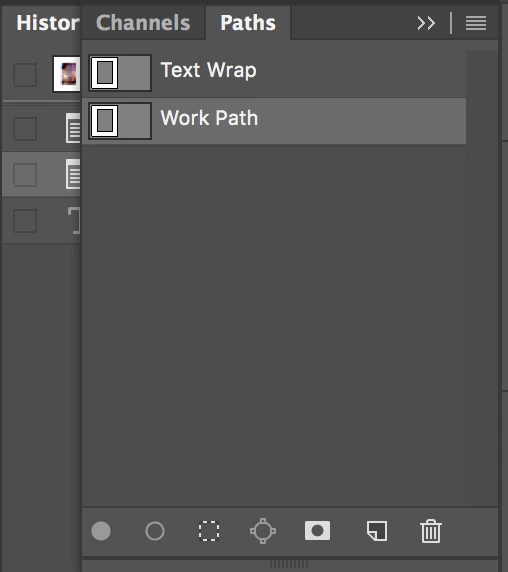
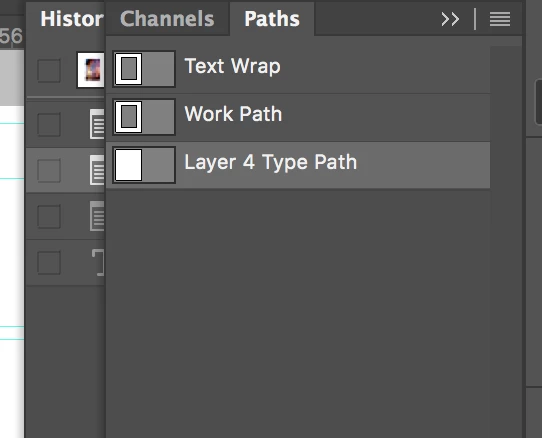
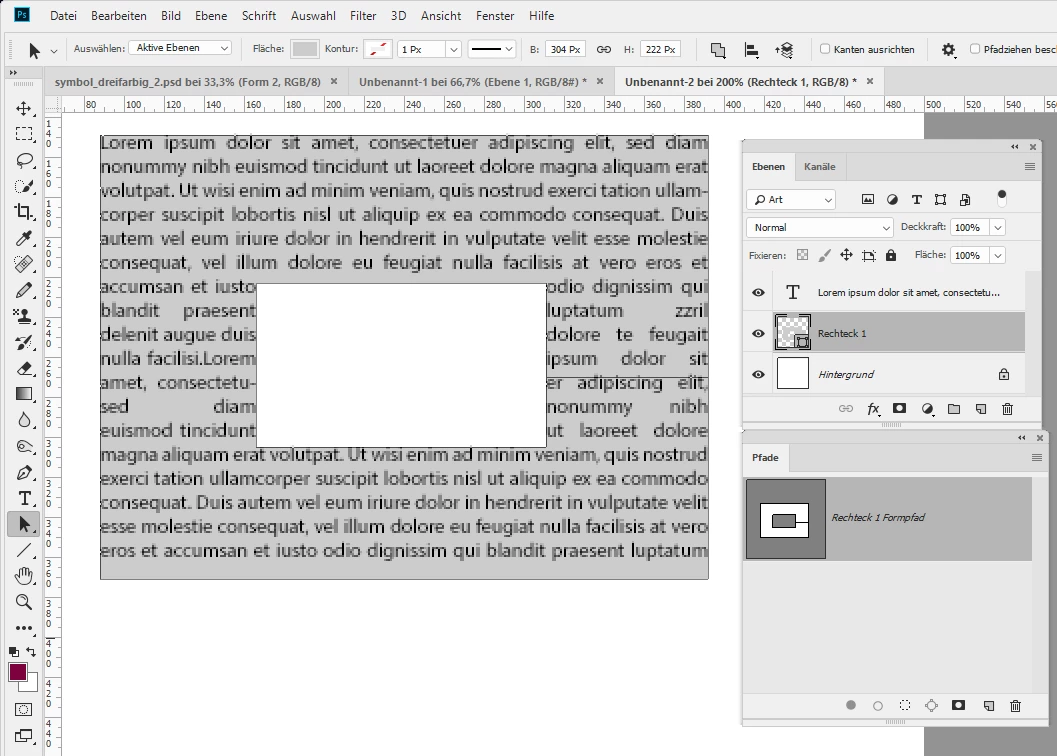
I am working on wrapping text around an image, which is not difficult to do, and I know the steps involved in creating a work path and selecting the horizontal text tool and clicking inside the work path. The text cursor icon does change to a circle, but when I click in the work path, instead of behaving as expected, photoshop is creating a whole new text path that does not have the area removed from the path, so the text overlays the image I am want to wrap around. Why on earth is Photoshop cc 2018 doing this?! I use a Mac running Sierra 10.12.6 with Photoshop CC 2018 recently updated (current).

 AdChoices