
Inspiring
June 18, 2018
Question

Cutout object blend seamless?
  • June 18, 2018
  • 3 replies
  • 4873 views

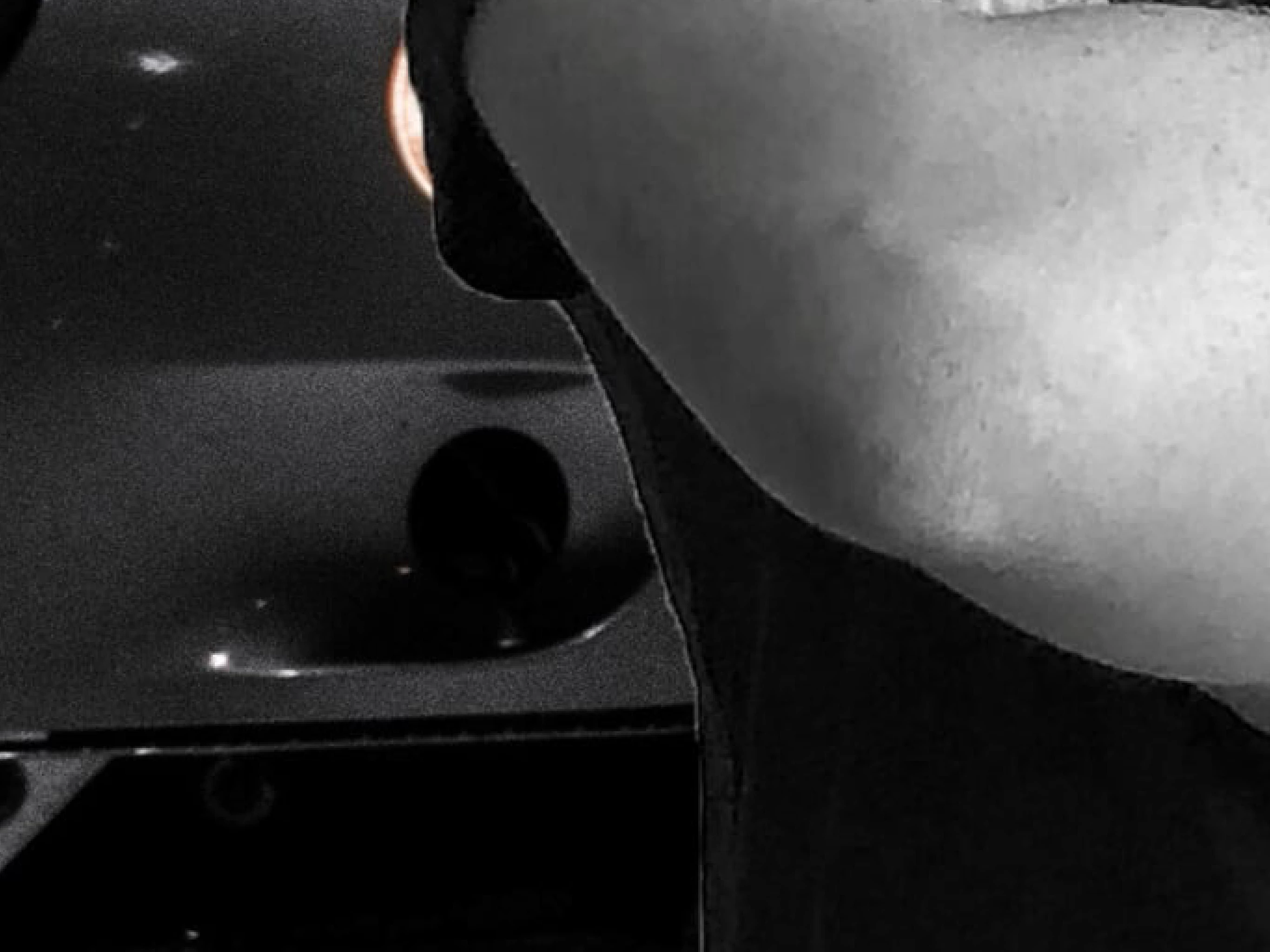
quick question, just need a simple solution, ive cut myself out of a photo and placed it onto a new background, there is a very slight border around myself, which upclose zoom in , you can notice (the final image is, desaturated), i just want easily blend the background and cut out layer of me so that the “border” isnt noticeable, the cut out of myself edge is smooth, and would look fine, if the “border” wasnt noticable.

or would it be easier to go around again?

cheers.

    This topic has been closed for replies.

    3 replies

    Inspiring
    June 19, 2018

    cheers for the info guys, i will give it a go, ,

    Norman Sanders
    Legend
    June 18, 2018

    Fig 1. Original image.

    Fig 2. Make a Selection of the edge you would like to blend to hide any fringing.

    Fig 3. Select > Modify > Border and add a pixel width that creates an avenue for blending. Then, Cmd+J to put that avenue on a separate layer. Finally, Filter > Blur > Gaussian Blur to soften and blend the edge.

    Fig 4. Result

    macpawel
    Participating Frequently
    June 18, 2018

    You Can use Select &Mask Command (refine Edge in previous version) to adjust these borders

    You can also contract your original selection. Select object you want and go to Select>Modify>Contract enter 1-2 pixels and try drag object into a ne background

    pawel

    WILDCAT54
    Inspiring
    June 18, 2018

    I always take my cutout and convert it to a Smart Object and the smart object. Once the smart object is editable, I duplicate the layer and turn the original off. I then Select>Modify>Contract enter 1-2 pixels on the duplicated layer.