
Dashed lines not working with pen or line tools
Hey there!
I've tried both the pen tool and the line tool and neither seem to be working correctly. Here's what's going on.
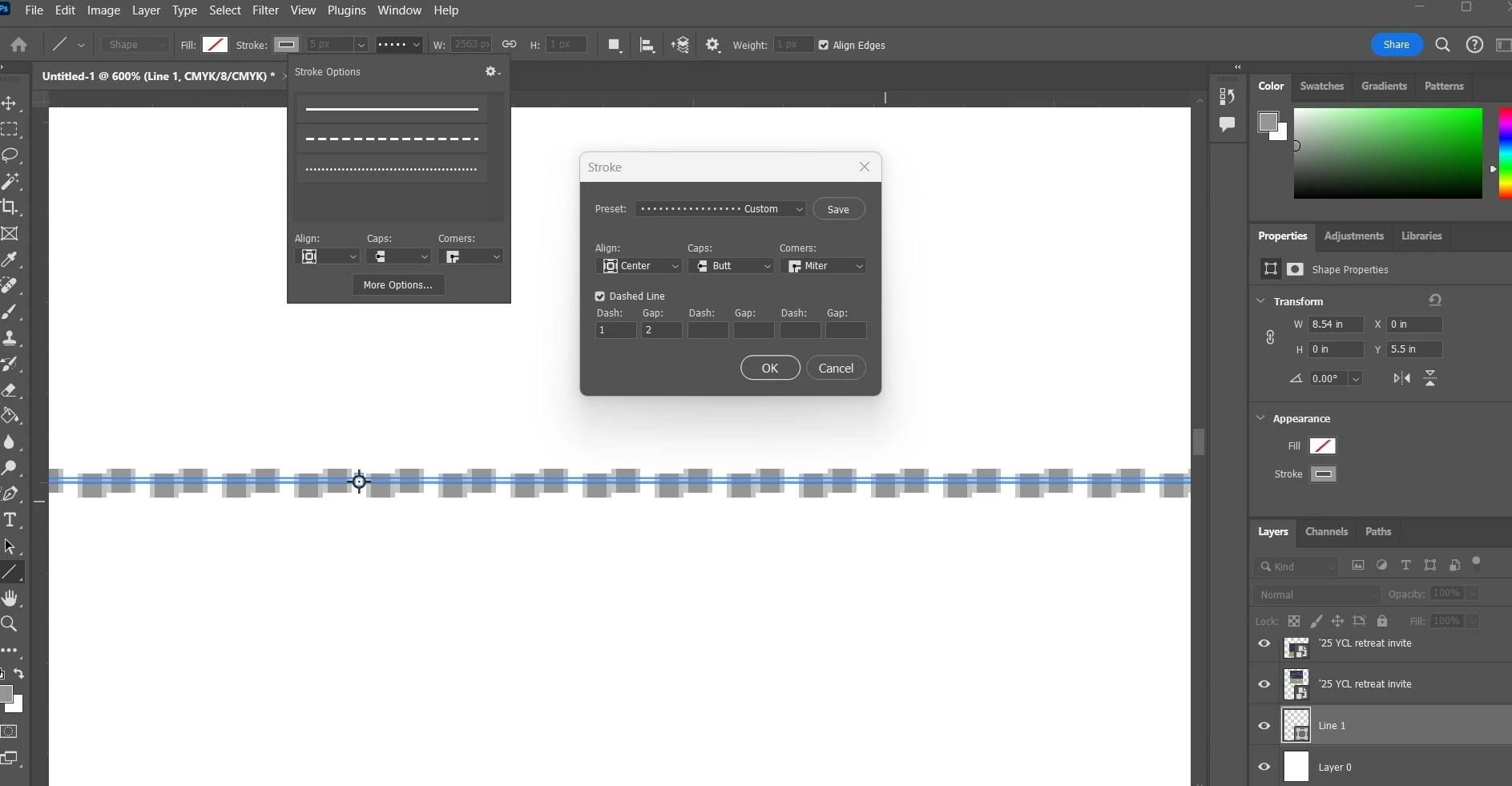
Line tool: When I draw a line, with SHAPE selected, FILL transparent, dashed line chosen, it gives me dashed lines that are somewhat offset and overlapping. See settings and line below.
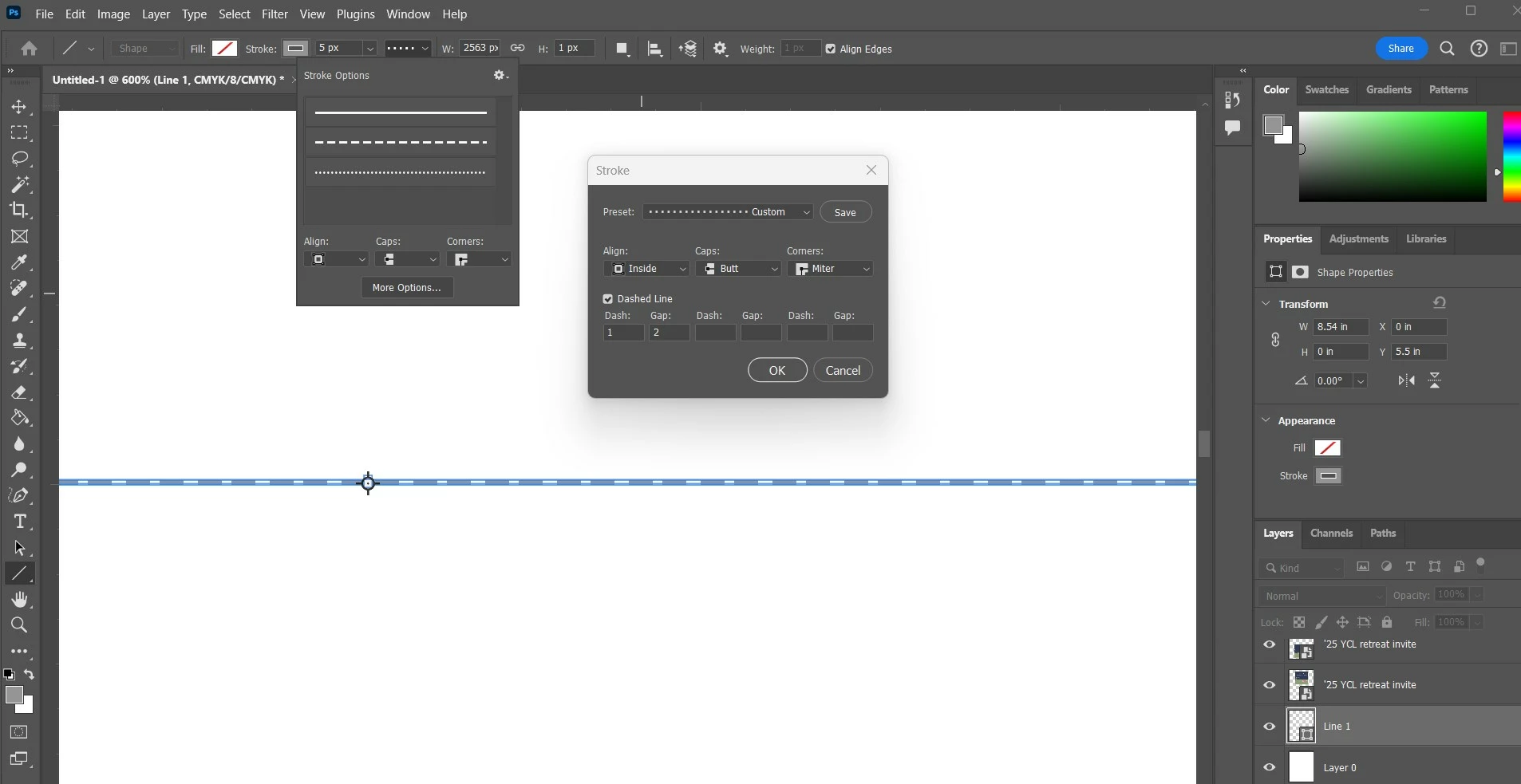
And when I change the alignment to INSIDE, it creates this dashed line with almost like sets of dashes, with a longer gap between each set of two dashes. See below.
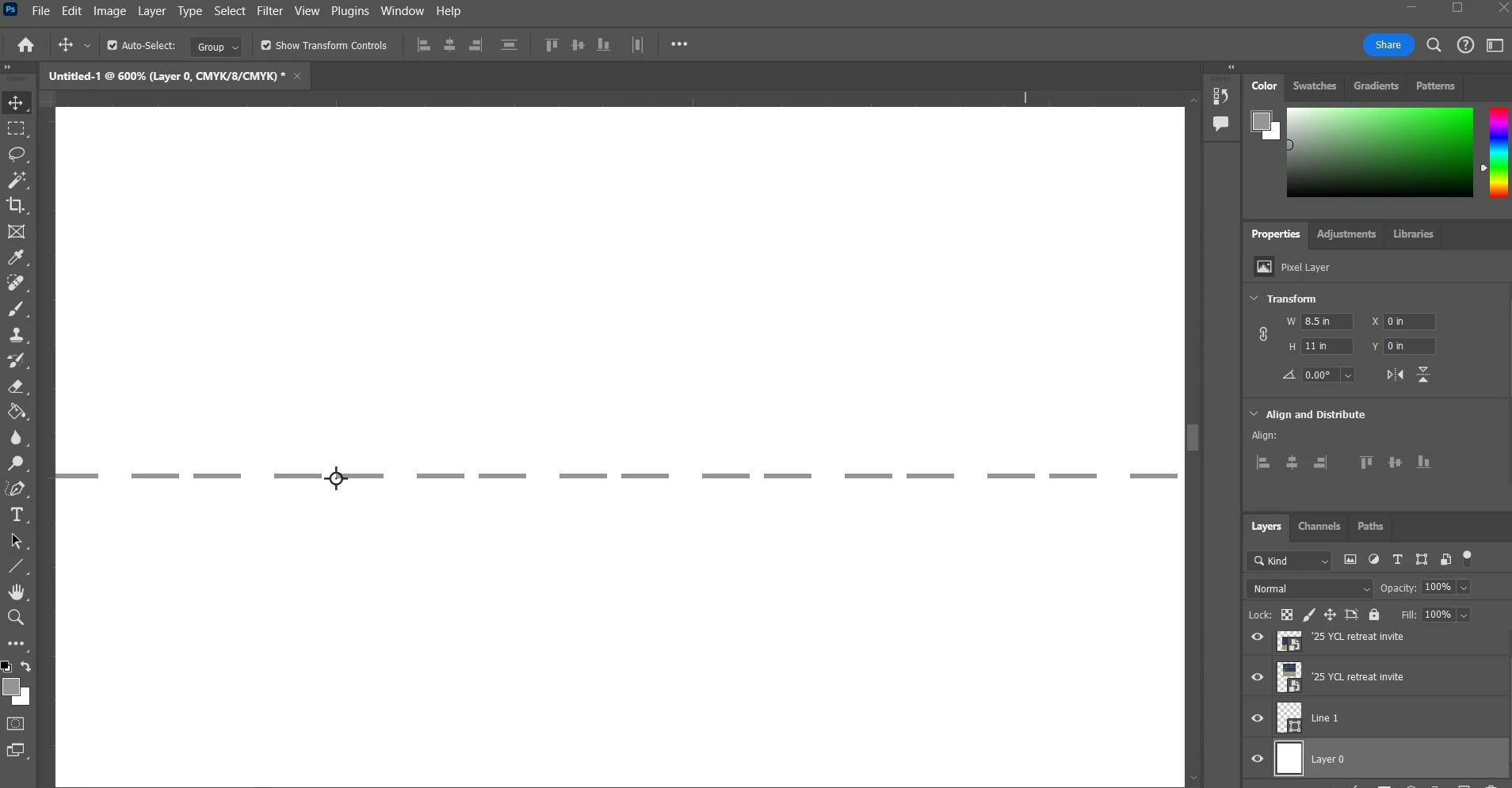
Now for the pen tool (same settings - SHAPE selected, FILL set to transparent): When I click the pen tool, the pen with it's little squiggly line and a tiny empty circle appear, but no anchor point appears. Nothing happens if I try to drop a second anchor point. Then if I click and drag the pen tool, I get a wonky dashed line.
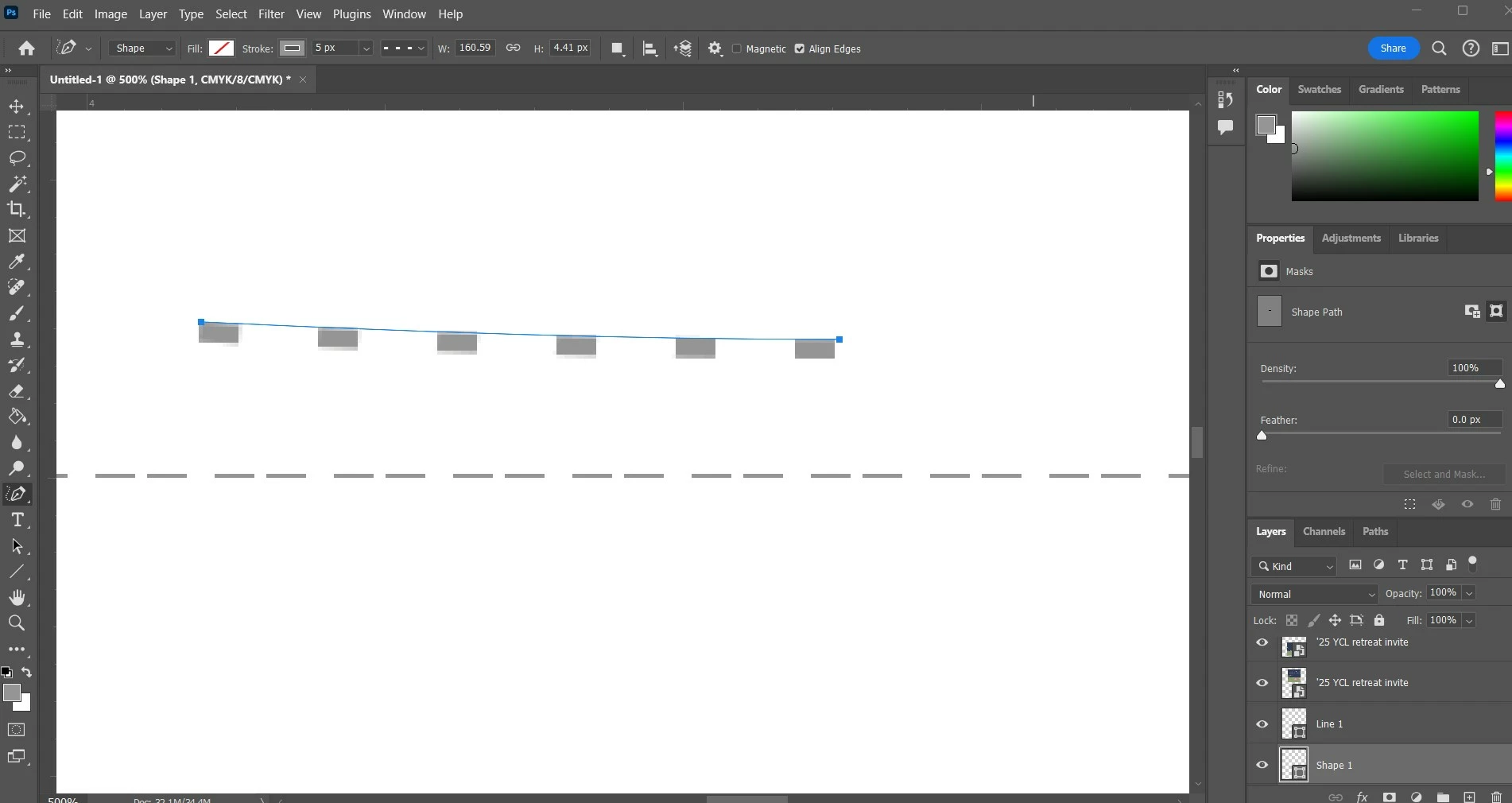
But when I hold shift, then click and drag the pen tool, I don't get a straight dashed line. It still draws a wonky line.
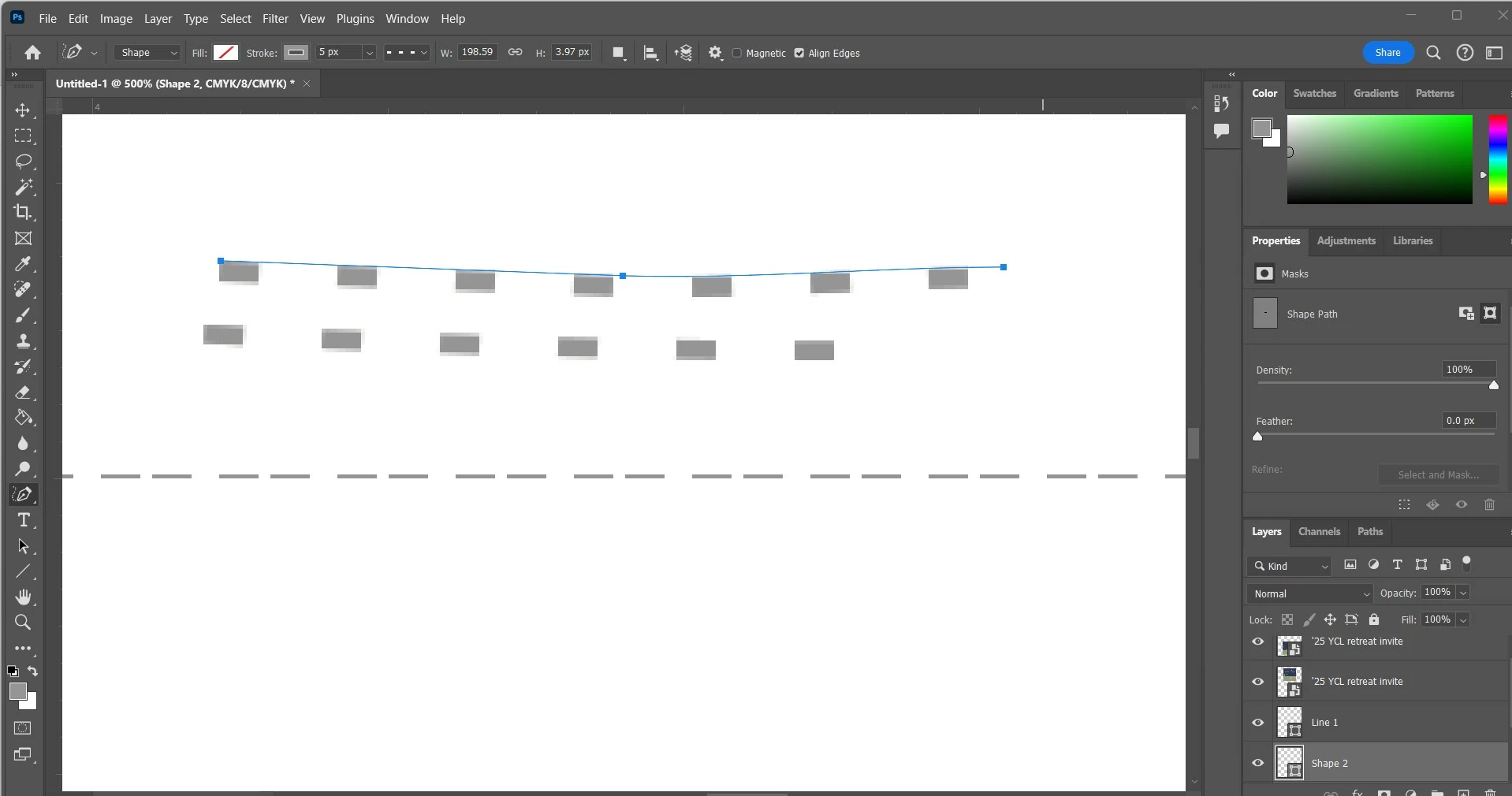
WHY?!?! What is going on?! I've googled, I've watched youtube tutorials about dashed lines and about the pen tool, but when I do what they do, I don't get the same results! Please, someone have an answer for what is happening!
Caps lock is off, but I've tried things both ways, on and off. Doesn't make a difference.
 AdChoices