


Exit
  • Global community
    • Language:
      • Deutsch
      • English
      • Español
      • Français
      • Português
  • 日本語コミュニティ
  • 한국 커뮤니티
0

Deactivated Adobe Fonts Appear in PS Font List
Explorer ,
Dec 11, 2020 Dec 11, 2020


2020-12-11 (3).png

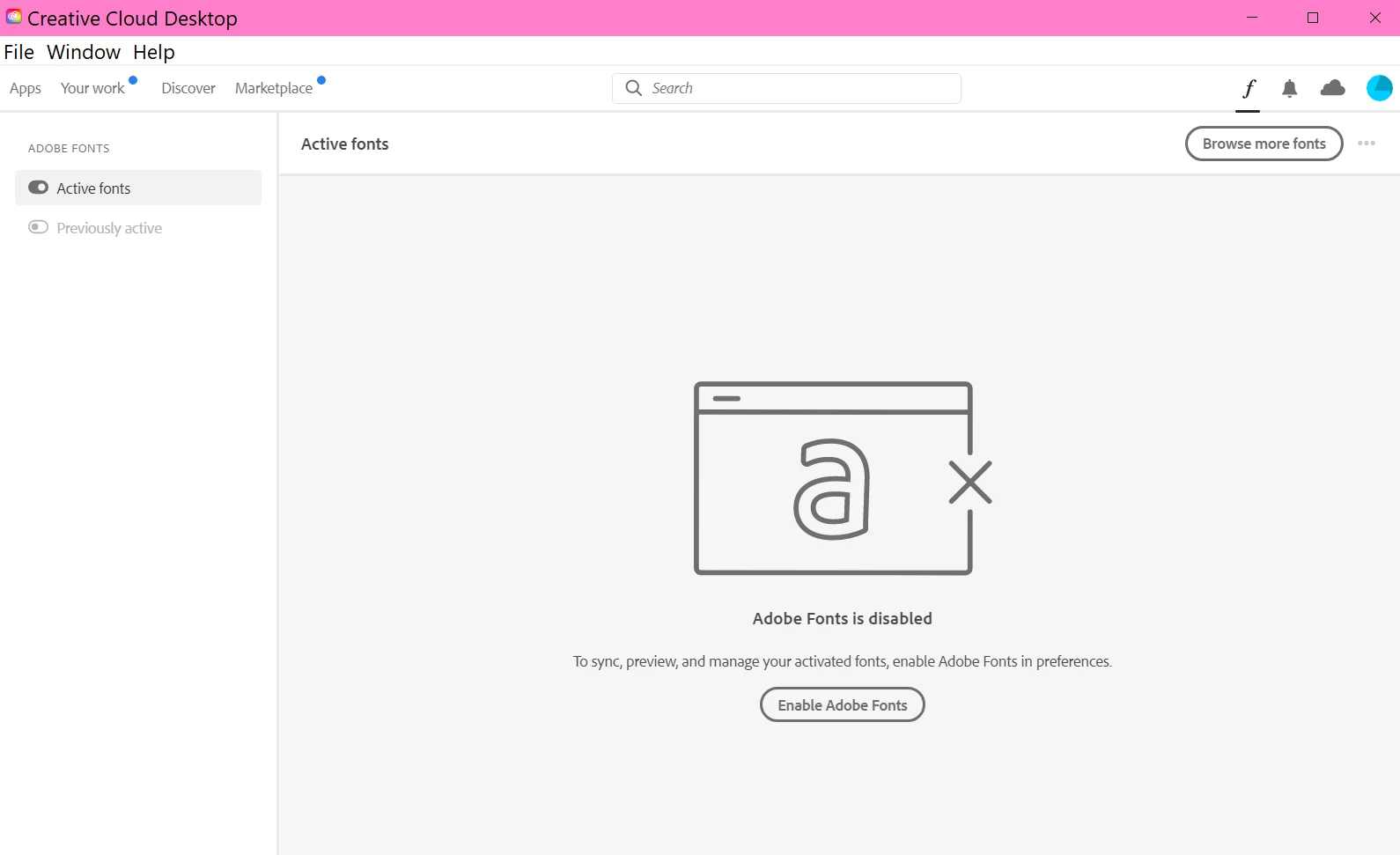
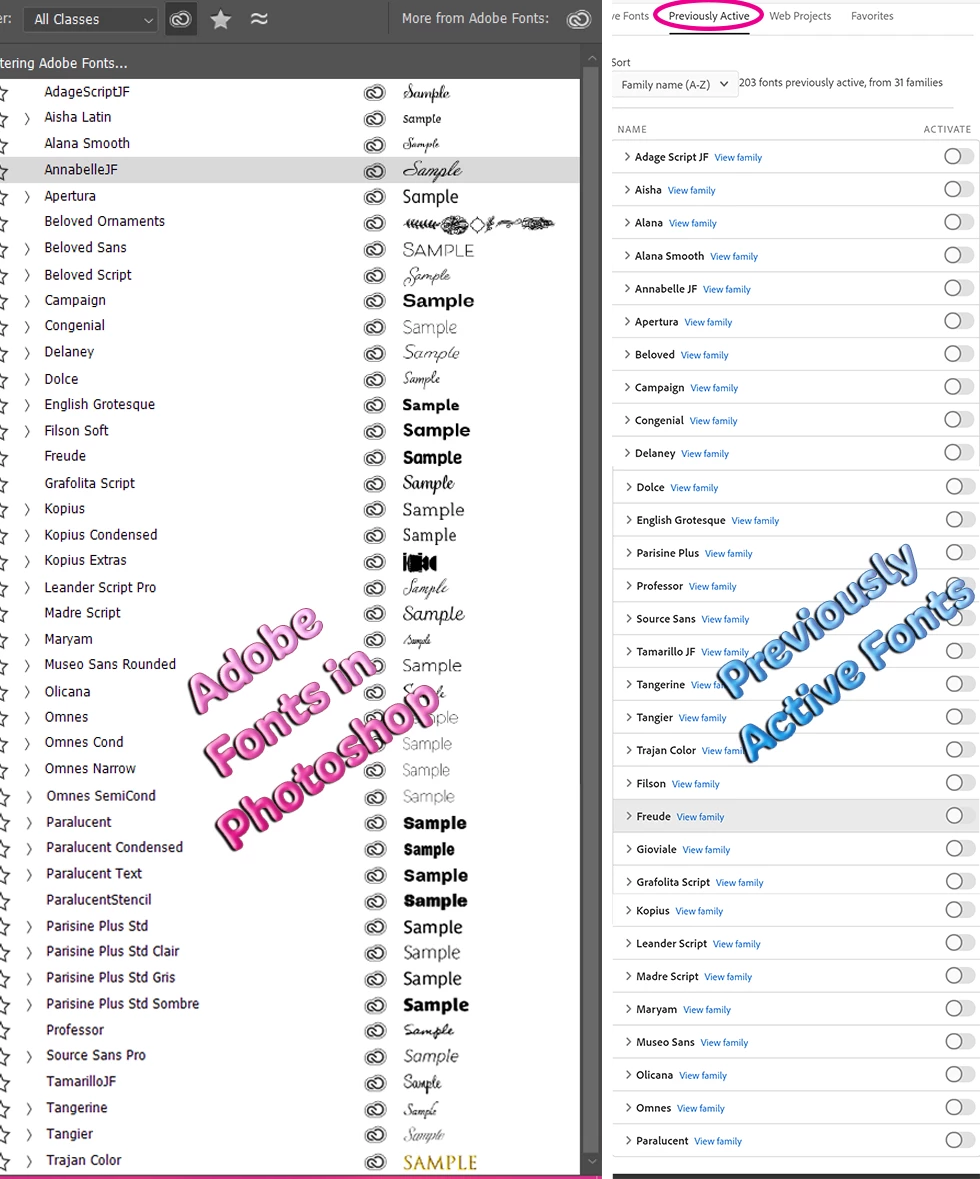
All of my Previously Activated Fonts are showing up in Photoshop's drop-down font list. I double-checked with CC and My Adobe Fonts that they were deactivated (see screenshot at right). I also deleted Adobe's font cache in my PC (.lst files) and restarted PS, but the fonts are still there. I can't quite figure this one out. Any ideas? 


Version: Photoshop CC 22.1.0
 

combo.png


TOPICS
Windows
1.3K
Translate
Report
Community guidelines
Be kind and respectful, give credit to the original source of content, and search for duplicates before posting. Learn more
community guidelines
Adobe
Explorer ,
Dec 11, 2020 Dec 11, 2020

I just activated Adage Script, only to discover that four additional font families were activated along with it. Then I deactivated Adage, but it's still in the font list. Basically, this whole Adobe Fonts thing is acting up in multiple strange ways. Are other people experincing bugs with the fonts? 

Translate
Report
Community guidelines
Be kind and respectful, give credit to the original source of content, and search for duplicates before posting. Learn more
community guidelines
Community Expert ,
Dec 11, 2020 Dec 11, 2020

Coul the fonts be installed in your OS?

image.pngimage.pngimage.png

JJMack
Translate
Report
Community guidelines
Be kind and respectful, give credit to the original source of content, and search for duplicates before posting. Learn more
community guidelines
Explorer ,
Dec 11, 2020 Dec 11, 2020
LATEST

I forgot to include that screenshot in my post. I had it ready to go, since that's the obvious first question anyone would ask. Thanks for reminding me. 


I realize how my situation must sound (like I'm a dummy who doesn't understand how Adobe Fonts works). The fonts used to work fine, but I recently reinstalled Windows 10, and after that, things were different. There was another font issue too, but it's pretty involved, so I'm not sure I should get into it or whether it's relevant to this. Anyway, here are my system fonts. I recently set them back to Windows default, then deleted a few. So there are only 82 installed font families. 


2020-12-11 (10).png

Translate
Report
Community guidelines
Be kind and respectful, give credit to the original source of content, and search for duplicates before posting. Learn more
community guidelines