
Question
Delete default tool presets
Hi,
I just installed the new Brushbox and every time I load PS I get a message asking me to synchronise presets unless I add a bunch of tool presets I don't want.
That's them in the screenshot below. I've deleted the presets from the Presets Tools folder in Program Files and have also deleted them from the box below but they keep coming back. Is there any way I can have this box empty since the tool presets of my own were recommended to me by PS to load as brushes which I did.
Thanks.
That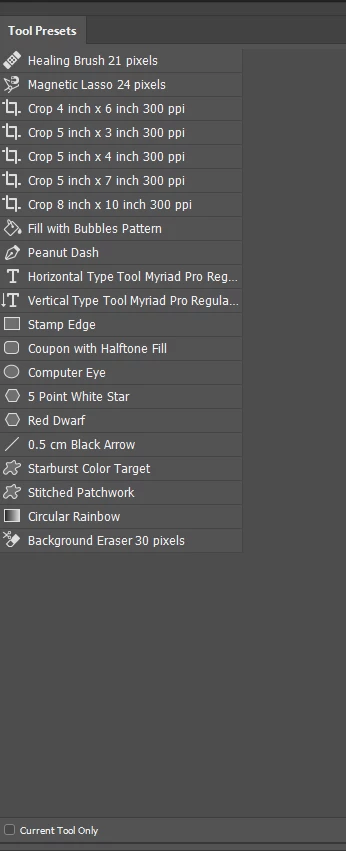
 AdChoices