
Inspiring
November 5, 2020
Question

Deleting what's outside of a mask?

  • November 5, 2020
  • 3 replies
  • 2031 views

I'd like to make a transparent overall but, would like to mask this background.


Now what If I have over 50 layers. I sit there and literally rasterize those 50 layers just to get what I want?
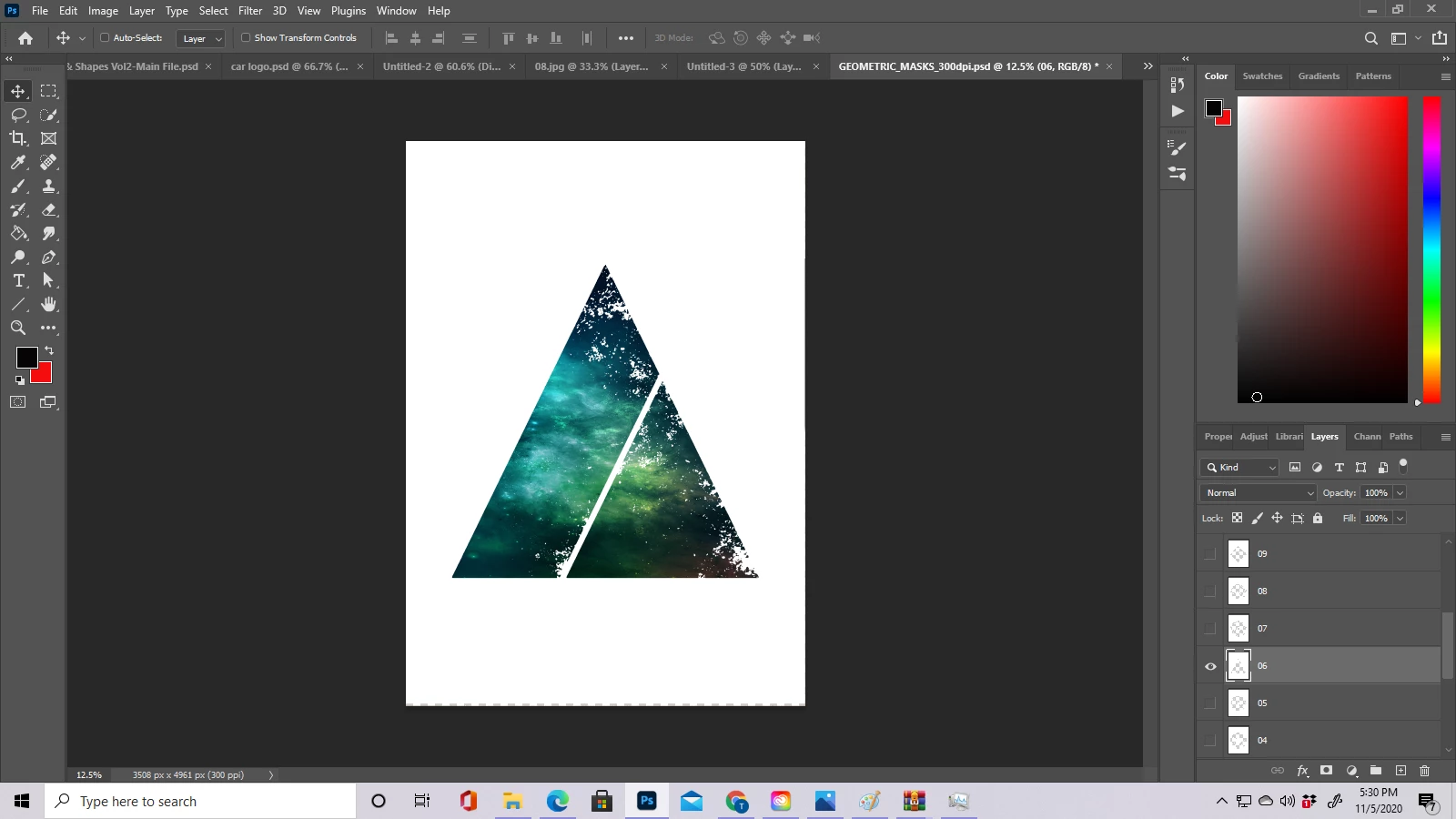
Id like for that mask to be applied to a nebular background as to acquire that shape. But I want nothing outside of that mask. 


How do I go about this without erasing everything outside of that mask shape?

This topic has been closed for replies.

3 replies

@mj
Community Expert
Community Expert
November 6, 2020

Hi @UnderDogNowOnTop,


This can be achieved quite easily.

You already have the mask building blocks.

Choose a layer or layers that make up your image area.

Ctrl+click the layer thumbnail to have the layer pixels as a selection.

If you need to add, subract or combine from multiple layers, see this reference.

https://helpx.adobe.com/photoshop-elements/using/keys-layers-panel.html

Now that you have your selection, group all your layers, then apply a layer mask to the group.

Voila.

Good luck

mj


Inspiring
November 6, 2020

Ok thank you. I've been using clipping path for several months now but I build so many layers, so I figured theres gotta be a different way cause I can be 40 layers in sometimes

Bojan Živković11378569
Community Expert
Community Expert
November 6, 2020

Lets clear what you want in first place:

You want to hide content outside of desired area on each layer where content is present? 

You want to keep layers without merging them?


You have good sugestion: create group from all layers then apply layer mask what will hide any content outside of mask.


"I sit there and literally rasterize those 50 layers just to get what I want?" 

Not sure why you must rasterize layers? Do you have vector based or smart object layers? Have you tried Select > All Layers then to rasterize them all from once? You can also select manually range of layers to rasterize, no need to go manually through all of them. 


Please provide more informations if above answers can not help you.

Grant H
Community Expert
Community Expert
November 6, 2020

I am not 100% what you are actually asking for, I think what you want is to create a group with those layers and then create a group mask. /G