Participant
May 30, 2021
Question

Detached outline

  • May 30, 2021
  • 4 replies
  • 3216 views

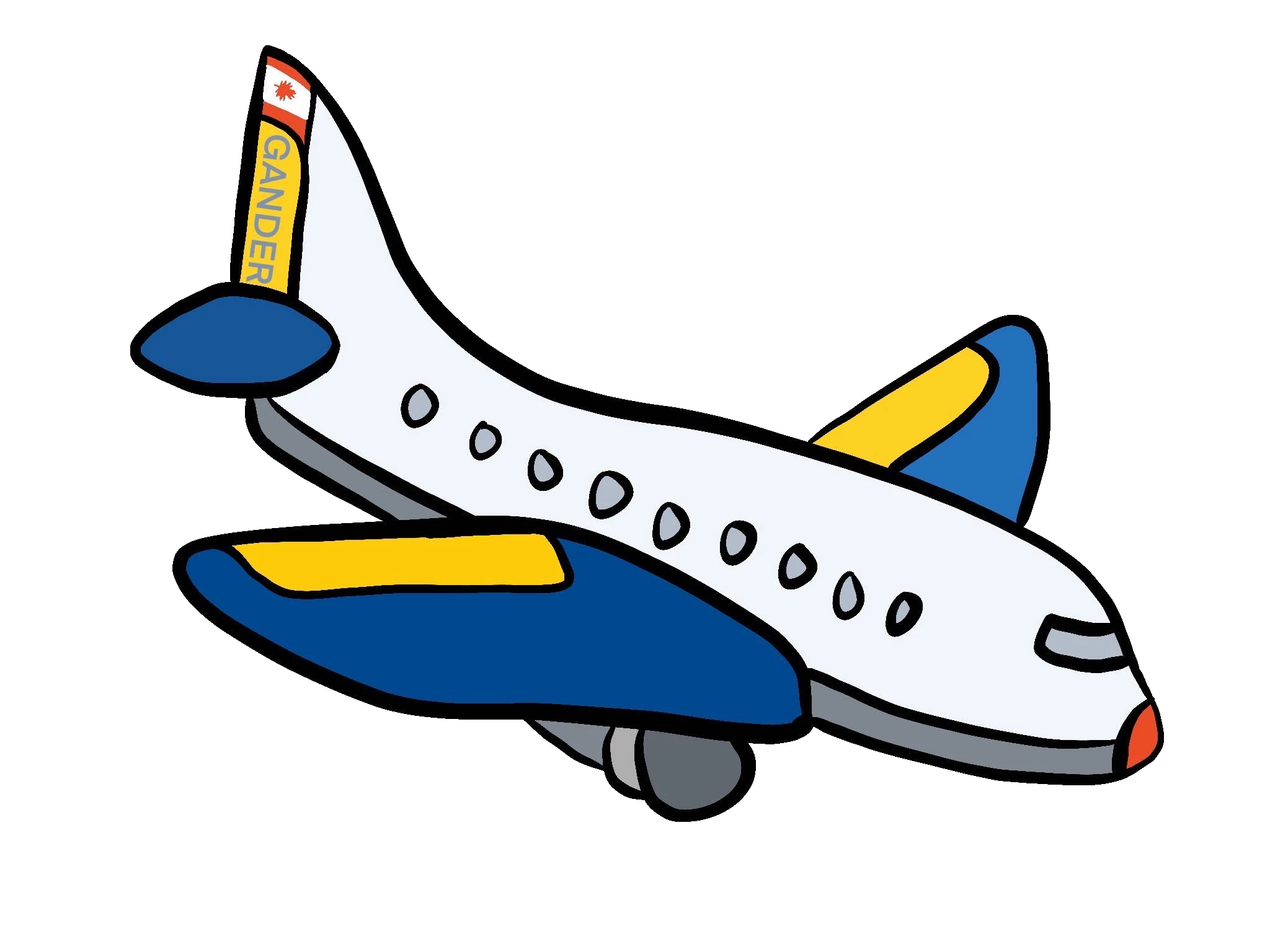
Hi, I want to create a single outline around a vector image (png) that I have. I want the outline to be .25" from the image itself. Can't figure out how to do that! Here is my image. Can anyone help?  Thanks!  

--Jackie
This topic has been closed for replies.

4 replies

PECourtejoie
Community Expert
Community Expert
May 31, 2021

Hi, I would add a stroke of a few pixels wide, either in black, whose blending mode you would set to Screen, (or white set to multiply...) then add another stroke, with the + button, set it to black, in normal blending mode this time, and increase its size value to be bigger than the first one.

The only issue you would have is that the stroke setting is in pixels, you have to know the resolution to compute the correct amount of pixels (at 100 ppi, .25in would be 25px, 200ppi, .25 would be 50 px, etc.)

Semaphoric
Community Expert
Community Expert
May 31, 2021

Here's a quick one I just did, with both Strokes set to Normal blending mode.


c.pfaffenbichler
Community Expert
Community Expert
May 31, 2021

A Shape Burst Stroke might be an option. 


Edit: I changed the screenshot, I had accidentall set the Stroke to Center indtead of Outside. 

And as @jane-e already pointed out: png is not a vector image format. 

Participant
May 31, 2021

Thanks, I am a beginner/mildly intermediate photoshop user! Can you tell me what gradient you chose? The ones I choose show an actual gradient and not white.


Jackie

Participant
May 31, 2021

Actually I think I got it! Thank you!

Jackie

jane-e
Community Expert
Community Expert
May 31, 2021

@jacquelineh11943948 wrote:

vector image (png) 


A png is raster, not vector. It looks like it was originally created as vector (with anchor points), but it became raster when saved as a png (pixels). Do you have the vector version and Illustrator? If not, try the workaround already given.


~ Jane


Jumpenjax
Community Expert
Community Expert
May 31, 2021

Double click layer to own stylize box. Go stroke add 0.25 stroke> select the color you would like the stroke.


If you have a vector it maybe easier to do this in illustrator.

Lee- Graphic Designer, Print Specialist, Photographer
Jumpenjax
Community Expert
Community Expert
May 31, 2021

If you just want the image outlined? Duplicate layer add the 0.25 in stroke. Rasterize the style on the duplicate layer. Go back to the original layer, select background. Then select inverse and go back to the duplicate layer and hit delete.

Lee- Graphic Designer, Print Specialist, Photographer
Participant
May 31, 2021

Thank you, that does give me an outline, but I want it to leave .25" between the image and the outline. Here is a poorly drwawn one with my mouse :{ I want to see both of them....does that make sense?


Jackie
