
dzgnr89
Inspiring
March 11, 2018
Answered

Different windows of same document with varying layer visibility

  • March 11, 2018
  • 2 replies
  • 842 views

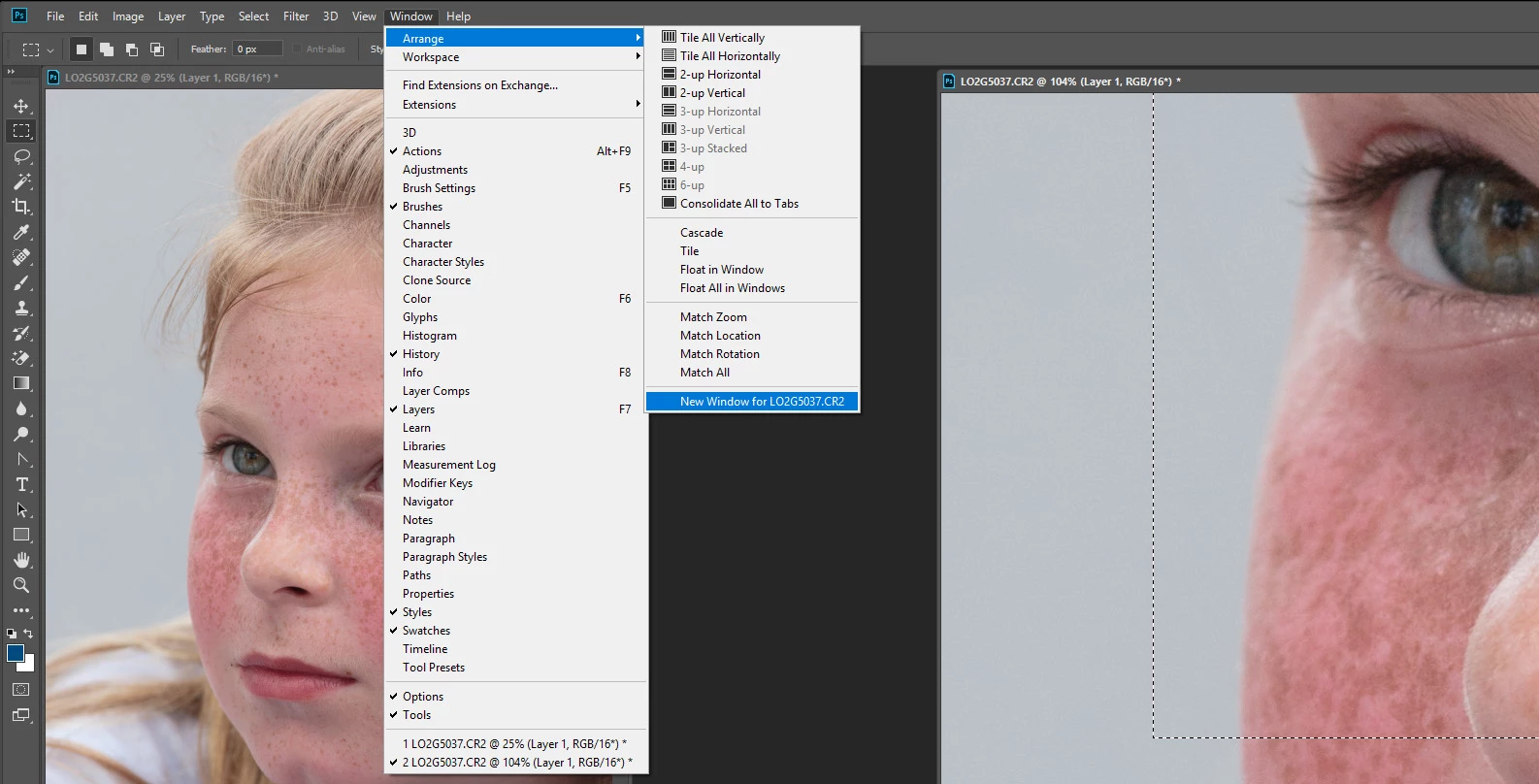
I want to open two windows of same document in Photoshop to do comparison of two layers. I want this to happen.

Window 1 - Layer A is on, layer B is off

Window 2 - Layer B is on, Layer A is off

How can I do it without creating a new copy of the same document? If I create a new window, the layer visibility gets controlled in both of them simultaneously.

I am using CC 2018 version.
    This topic has been closed for replies.
    Correct answer JJMack

    You can have two views of an open document at different zoom levels but because it a single document the layers that are visible will be the same in both views. It is a single document can not have two different document states. What you do in one window will be reflected on the other window it the area is visible in the window not scroll out of the window.

    2 replies

    DrTc
    Inspiring
    February 28, 2022

    Ai can have different layer visibilty settings per document window. Why is this not available on PS yet?

    It could for instance show one layer comp on one window while working on another layer comp in seond window.

    JJMack
    Community Expert
    JJMackCommunity ExpertCorrect answer
    Community Expert
    March 11, 2018

    You can have two views of an open document at different zoom levels but because it a single document the layers that are visible will be the same in both views. It is a single document can not have two different document states. What you do in one window will be reflected on the other window it the area is visible in the window not scroll out of the window.

    JJMack