marcom21487508
Participant
July 19, 2021
Answered

Dirt/dust effect - Pattern, brushes...?

  • July 19, 2021
  • 1 reply
  • 2210 views

Hello everyone,

im currently looking for a dirt or dust effect for my siteplan. On top of simple colours i want something like in the picture below.

Is there a easy way to do this with a pattern or brush or anything like this? I tried to make my own pattern but i am not able to do this seasmless. The size of the siteplan is so big that i cant work with a random PNG file because you can see all the edges when its not seamless.


Thanks in advance for helping 🙂
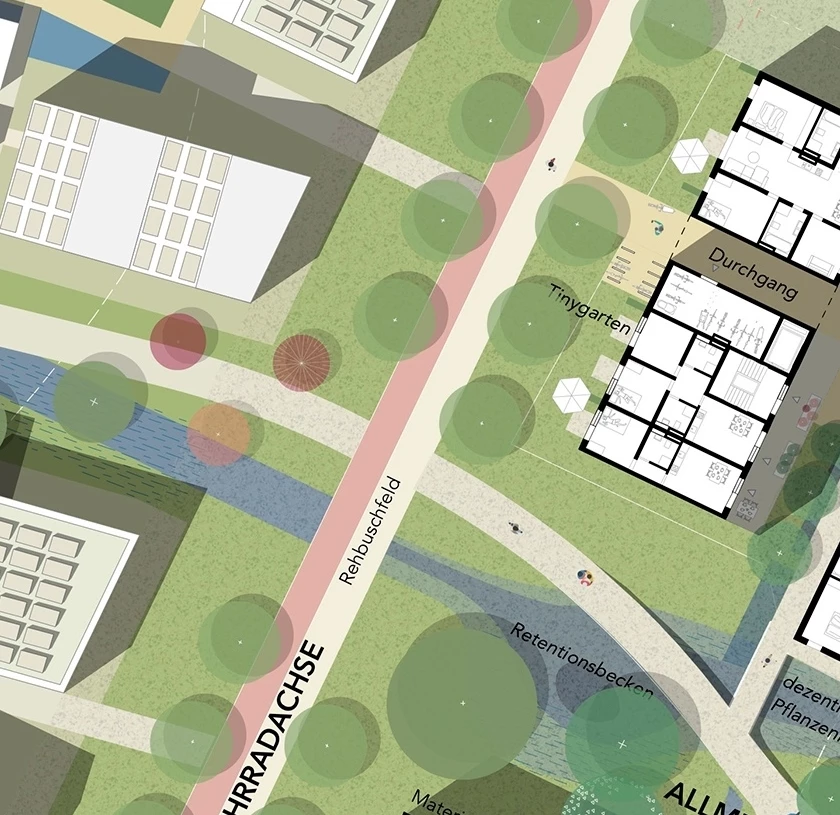
(What i want it to look like)
 

This topic has been closed for replies.
Correct answer c.pfaffenbichler

The Filter Clouds will produce seamless results if the image’s sides’ lengths are multiples of 512px. 


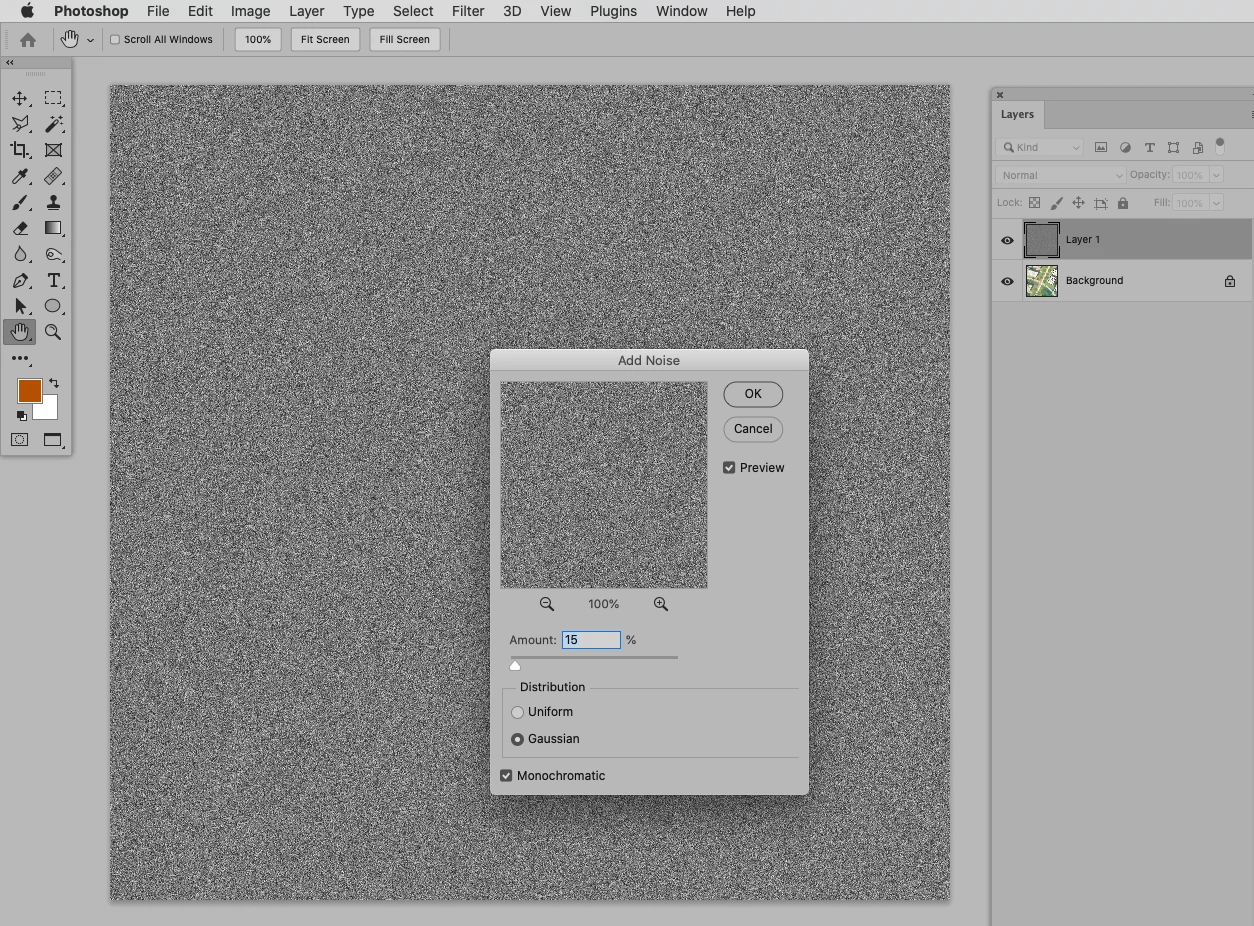
I think Add Noise of 50% gray will provide a starting point for this. 

Then set the Pattern Layer to the Blend Mode Linear Light, scale it and reduce the Opacity as necessary. 


1 reply

c.pfaffenbichler
Community Expert
c.pfaffenbichlerCommunity ExpertCorrect answer
Community Expert
July 19, 2021

The Filter Clouds will produce seamless results if the image’s sides’ lengths are multiples of 512px. 


I think Add Noise of 50% gray will provide a starting point for this. 

Then set the Pattern Layer to the Blend Mode Linear Light, scale it and reduce the Opacity as necessary. 


marcom21487508
Participant
July 19, 2021

Wow this works really good!! Thank you very much! 🙂

c.pfaffenbichler
Community Expert
Community Expert
July 19, 2021

In teh screenshots I didn’t create a Pattern and a Pattern Layer, but you may want to do that if you need it ferquently. 

But be aware that the Resample Methos used in the scaling of Pattern Layers is not great – so it might be better if you scale the image yourself before defining a Pattern (but check the seams).