January 29, 2020
Question

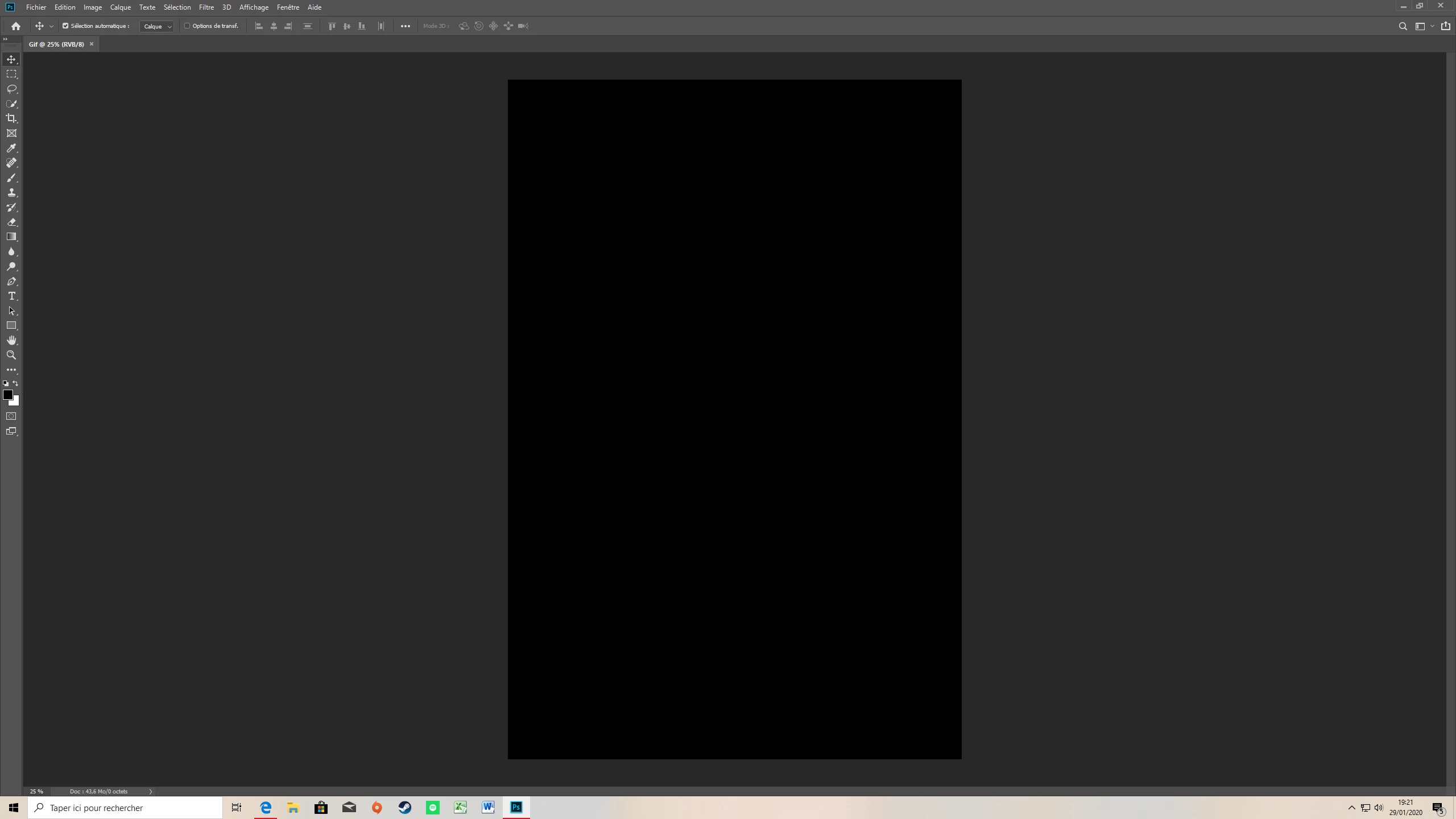
Disappearance of layer windows and others

  • January 29, 2020
  • 3 replies
  • 901 views

Hi, I just put PhotoShop on and I had a problem: I think I accidentally deleted the layers window and all the ones on the left. How can I make them come back? Thanks in advance.

This topic has been closed for replies.

3 replies

Peru Bob
Community Expert
Community Expert
January 29, 2020

Scroll down at the link I posted and it says this:

To manually restore preferences to default:

To restore preferences quickly using a keyboard shortcut:

  • Press and hold Alt+Control+Shift (Windows) or Option+Command+Shift (Mac OS) as you start Photoshop. You are prompted to delete the current settings. The new preferences files are created the next time you start Photoshop.

Note: Using the keyboard shortcut, preference files for custom shortcuts, workspaces, and color settings will also be reset to default.

melissapiccone
Community Expert
Community Expert
January 29, 2020

Upper right corner there is a dropdown for workspaces. Choose Essentials and then choose reset essentials workspace.

Melissa Piccone | Adobe Trainer | Online Courses Author | Fine Artist
Peru Bob
Community Expert
Community Expert
January 29, 2020
January 29, 2020

Thank you but I have Windows 10 and this video is for mac and windows 7