New Participant
September 16, 2019
Question

Distorted color display

  • September 16, 2019
  • 2 replies
  • 375 views

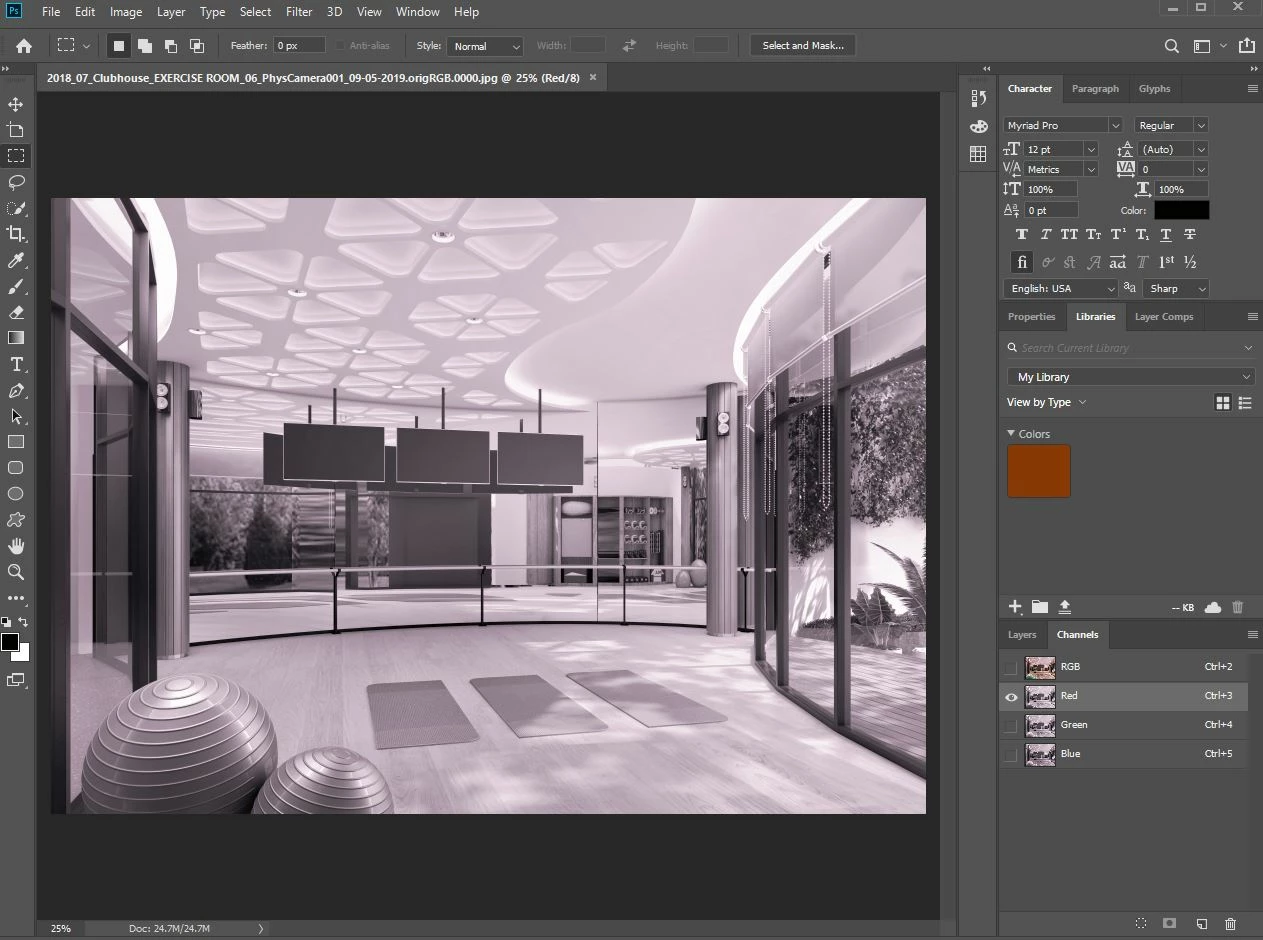
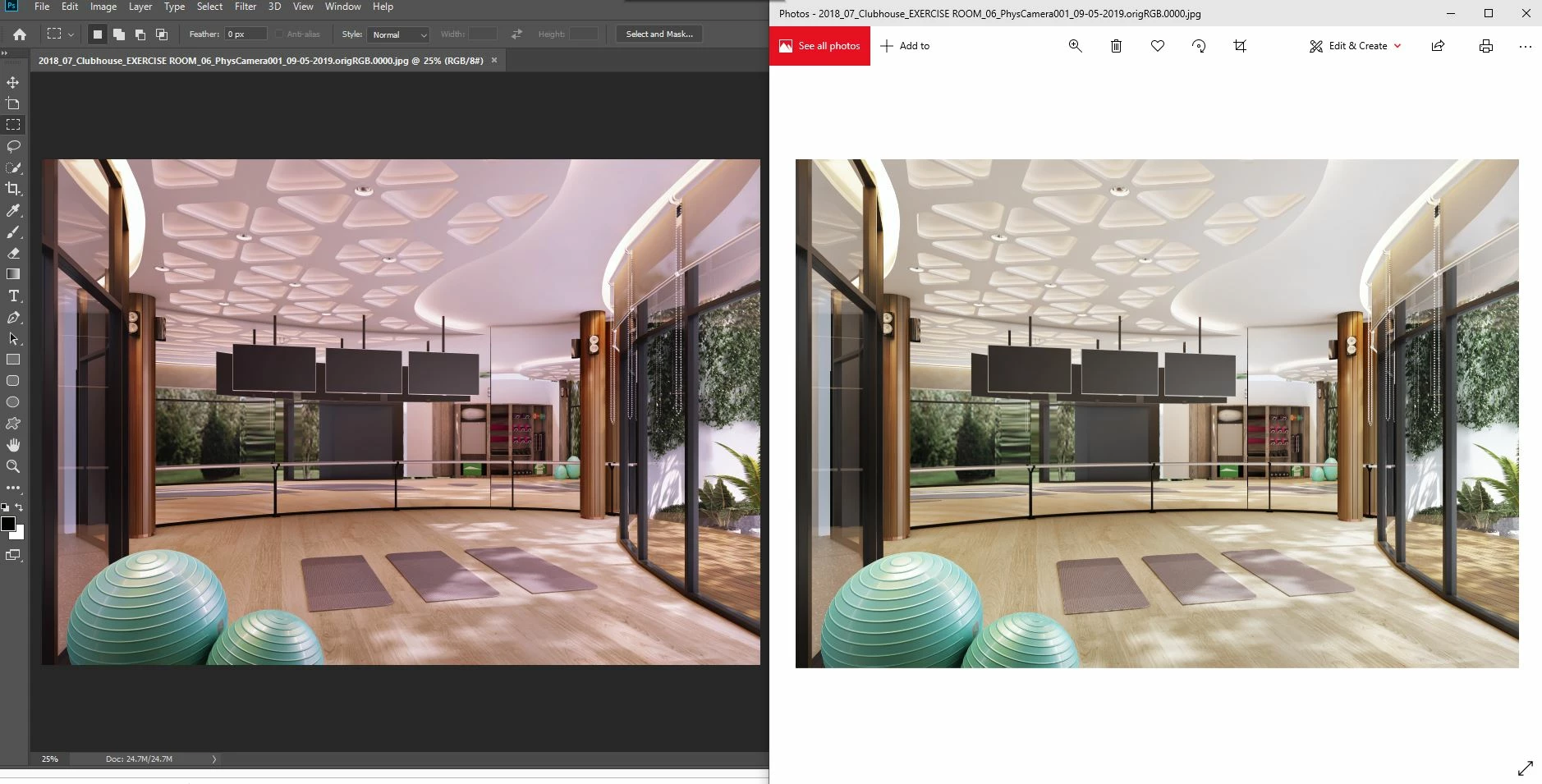
I have used Adobe Photoshop for many months, and it worked fine until today. Any images that I open in the program are distorted in color (see the attached images ), but when I open in other photo review program, the color looks correct.   Further, each color channels are not in b&w but have a tint color too. please help.


This topic has been closed for replies.

2 replies

D Fosse
Community Expert
September 16, 2019

Yes, that's a defective monitor profile.


Note that Windows Photos is not color managed and doesn't use the monitor profile at all. So it is entirely unaffected by a bad profile (but never as accurate as Photoshop when the profile is healthy).


This is why people own calibrators. That way you're always in full control of your monitor profile, which is a critical component in any color managed workflow.

davescm
Community Expert
September 16, 2019

Hi

That is the classic sign of a broken monitor profile. Photoshop uses the monitor profile to correct colors the browser is using them uncorrected.
In Windows 10 Look in Windows >Settings> System >Display Color profile it will tell you what Profile is being used

Go down the page to advanced display settings. Then choose Display adapter properties  then the Color management tab.

As a temporary measure - if you have a standard display set the profile to sRGB IEC1966-2.1 if you have a wide gamut monitor try Adobe RGB (1998).


If that improves - then you need a new color profile for your monitor.


Dave

PaonAuthor
New Participant
September 17, 2019
Hi Dave! thank you for your answer. The import images are in correct color except the color of each channel. They are still in purple color. Do you know what happen?