
Answered
DNG raw 360 file - save dual spheres back to rectangular format for 360 degree viewing
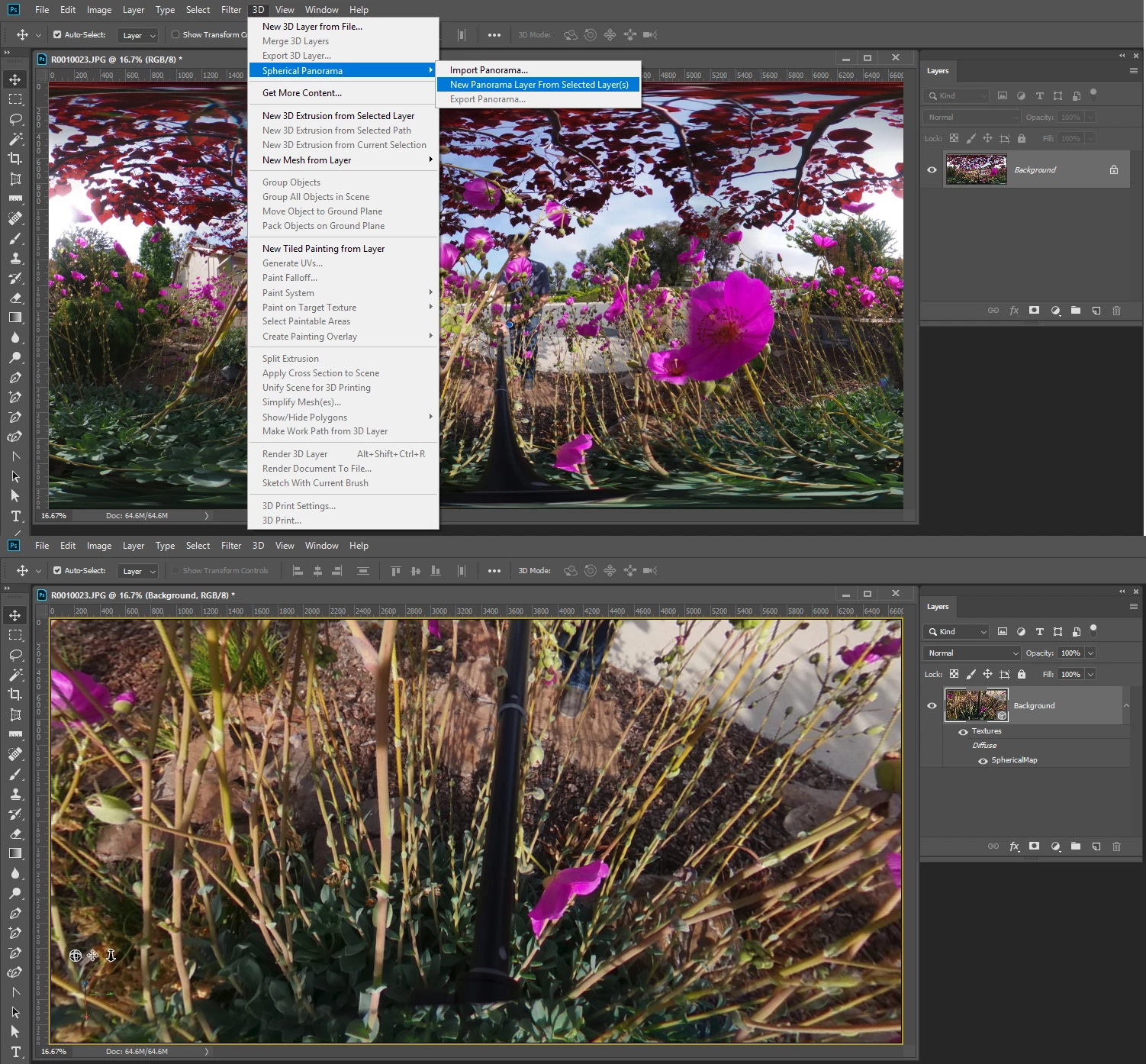
Greetings, the Ricoh Theta Z1 produces both JPG and DNG files in one shutter release. When opening the DNG file to edit in Photoshop the workspace has two spheres. After applying the adjustments (white balance etc.), I am unable to save to the rectangular format used for viewing in 360 degree viewers. The original JPG file (rectangular format) can be edited and saved correctly but do not have the editing richness like the raw DNG files. Please advise how to save out the edited raw DNG files (two spheres) into a 360 degree viewable format (rectangular). Thank you, Scott
 AdChoices