Inspiring
September 29, 2021
Question

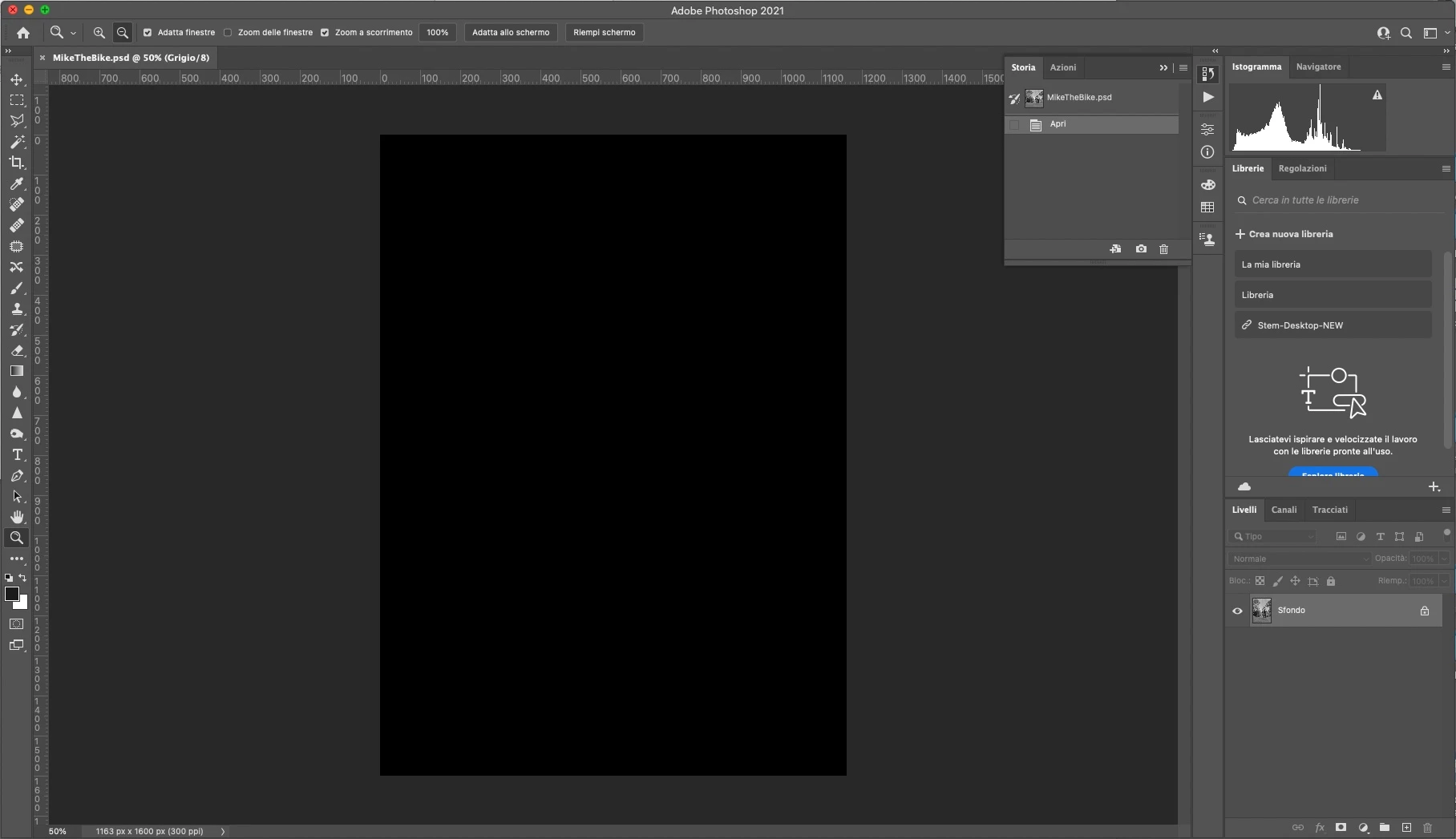
Documents open with a Black screen in Photoshop 22.5.1 on M1 running macOS Big Sur

  • September 29, 2021
  • 4 replies
  • 972 views

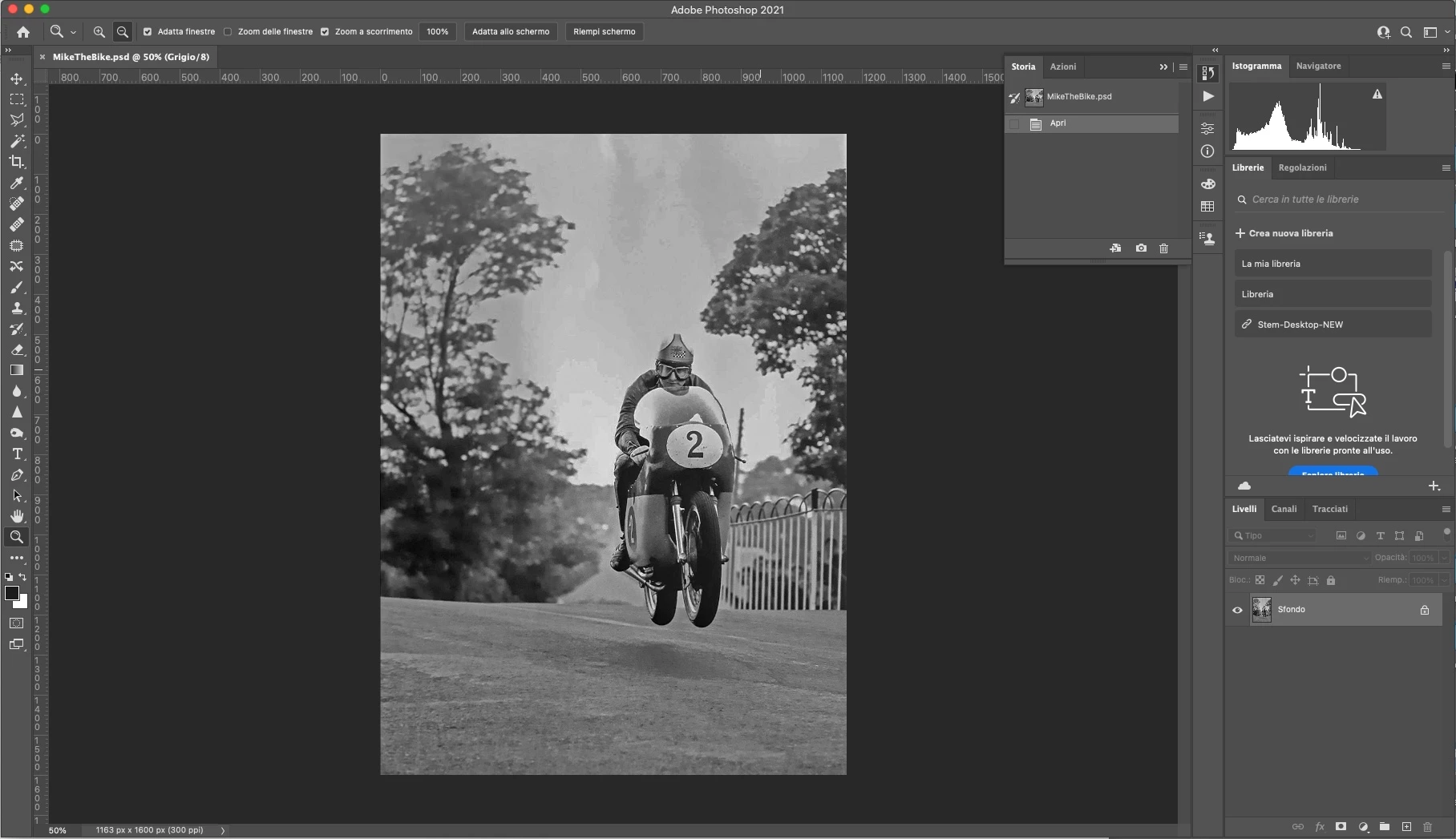
Why Photoshop shows black screen opening .psd files(not always but often)?

If you enlarge the image over screen size  then comes back.

The image is not that big, greyscale, 1163x1600 pixel.

Guido


MacBook Air (M1, 2020)

Apple M1 - 8 GB Ram

Photoshop 22.5.1


{Thread title edited by moderator}
 

This topic has been closed for replies.

4 replies

Community Expert
September 30, 2021

Hi have you tried to disable or to configure "use graphic processor"?

https://helpx.adobe.com/photoshop/kb/photoshop-cc-gpu-card-faq.html


Otherwise try to fully reinstall photoshop with this tool:

https://helpx.adobe.com/creative-cloud/kb/cc-cleaner-tool-installation-problems.html


nikunj.m
Legend
September 29, 2021

@guidobis sorry to hear that. You can try to reset the preferences of Photoshop using the steps mentioned here: https://adobe.ly/2Qzc0K3

Please backup your settings prior to resetting the preferences. You can check: https://adobe.ly/2vNz6FG


Let us know how it goes!

Regards,

Nikunj

guidobisAuthor
Inspiring
September 29, 2021

Hi Nikunj, it's already set in this way.

nikunj.m
Legend
September 29, 2021

Hi,


We're sorry about the trouble while opening your files in Photoshop 22.5.1. Please try enabling the option to Deactivate Native Canvas in Photoshop by going to Preferences, then Technology Previews. Once done, quit & relaunch Photoshop to check if that helps.


Let us know if it helps!

Regards,

Nikunj