
Inspiring
November 29, 2021
Answered

Does not update Camera Raw

  • November 29, 2021
  • 1 reply
  • 1554 views

I have updated Creative Cloud including 14.0.1 from Camera Raw.
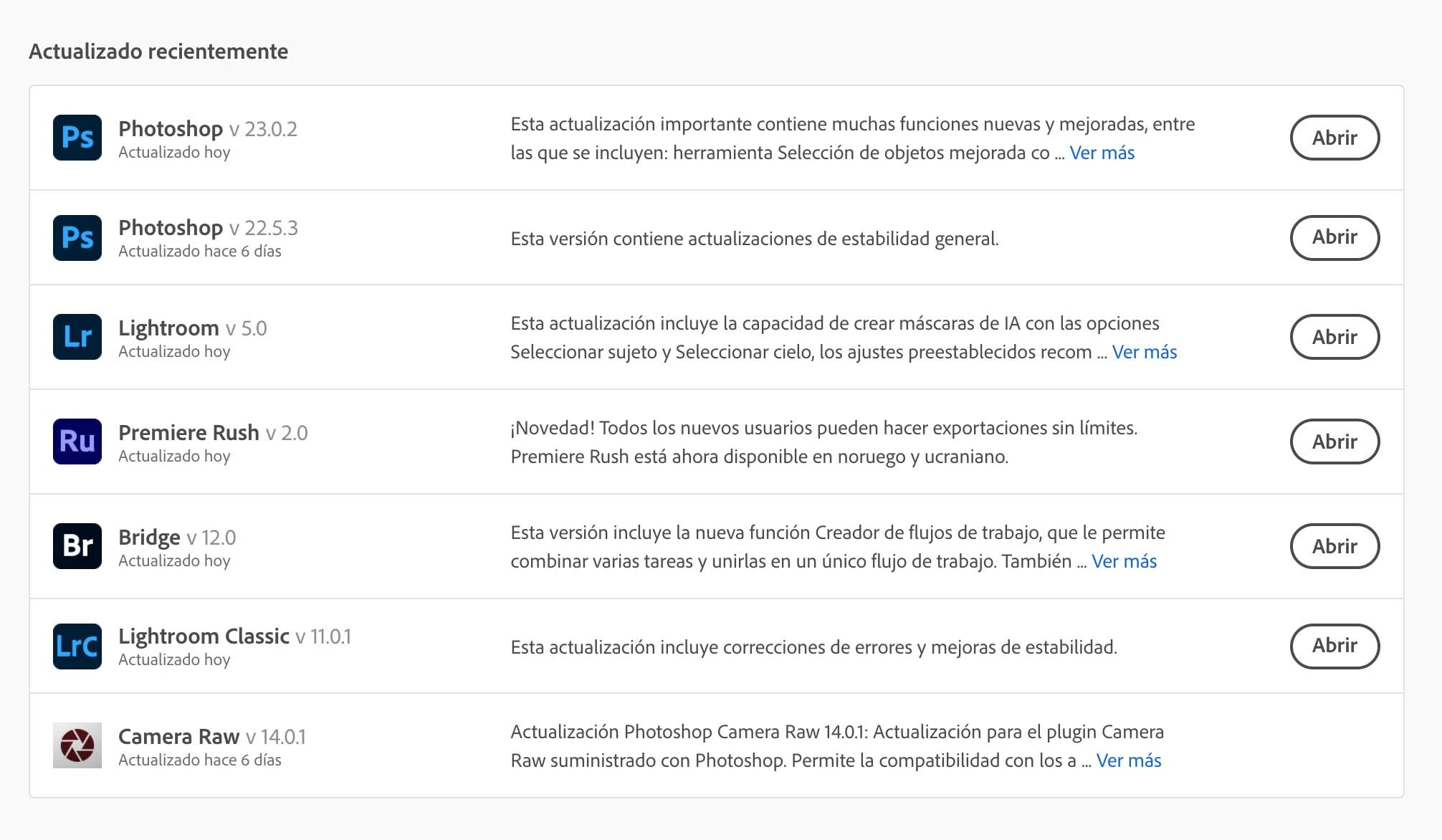
When I open Photoshop and Bidge they keep the previous version (13.4.0.872) and I don't know how I can update to (14.0.1) which is the one I have downloaded. I can't find any information about it.

Lightroom Classic is updated to 14.0.1

This topic has been closed for replies.
Correct answer Ged_Traynor

Hi

Download the standalone version from here, don't use the Update Creative Cloud apps option

https://helpx.adobe.com/camera-raw/kb/camera-raw-plug-in-installer.html

Close all your Adobe apps and run the installer and see if it fixes the issue

1 reply

Ged_Traynor
Community Expert
Ged_TraynorCommunity ExpertCorrect answer
Community Expert
November 29, 2021

Hi

Download the standalone version from here, don't use the Update Creative Cloud apps option

https://helpx.adobe.com/camera-raw/kb/camera-raw-plug-in-installer.html

Close all your Adobe apps and run the installer and see if it fixes the issue

Participant
January 29, 2022

Except that the page you link to doesn't provide a stand alone download option. It simply says, "Use the Creative Cloud desktop app to update Camera Raw to the latest version."

Ged_Traynor
Community Expert
Community Expert
January 29, 2022

Did you try clicking on the Windows or MACOS options