



Question
Dotted stroke : is there a better way to achieve this?
Hi folks,
I am looking for a better way to achieve a specific work
I was working on this question :
- Isolate a subject with an effect
- Circle that subject with dot stroke
- All effects must be non destructive and settings must be changed afterward at anytime
That is what I did :
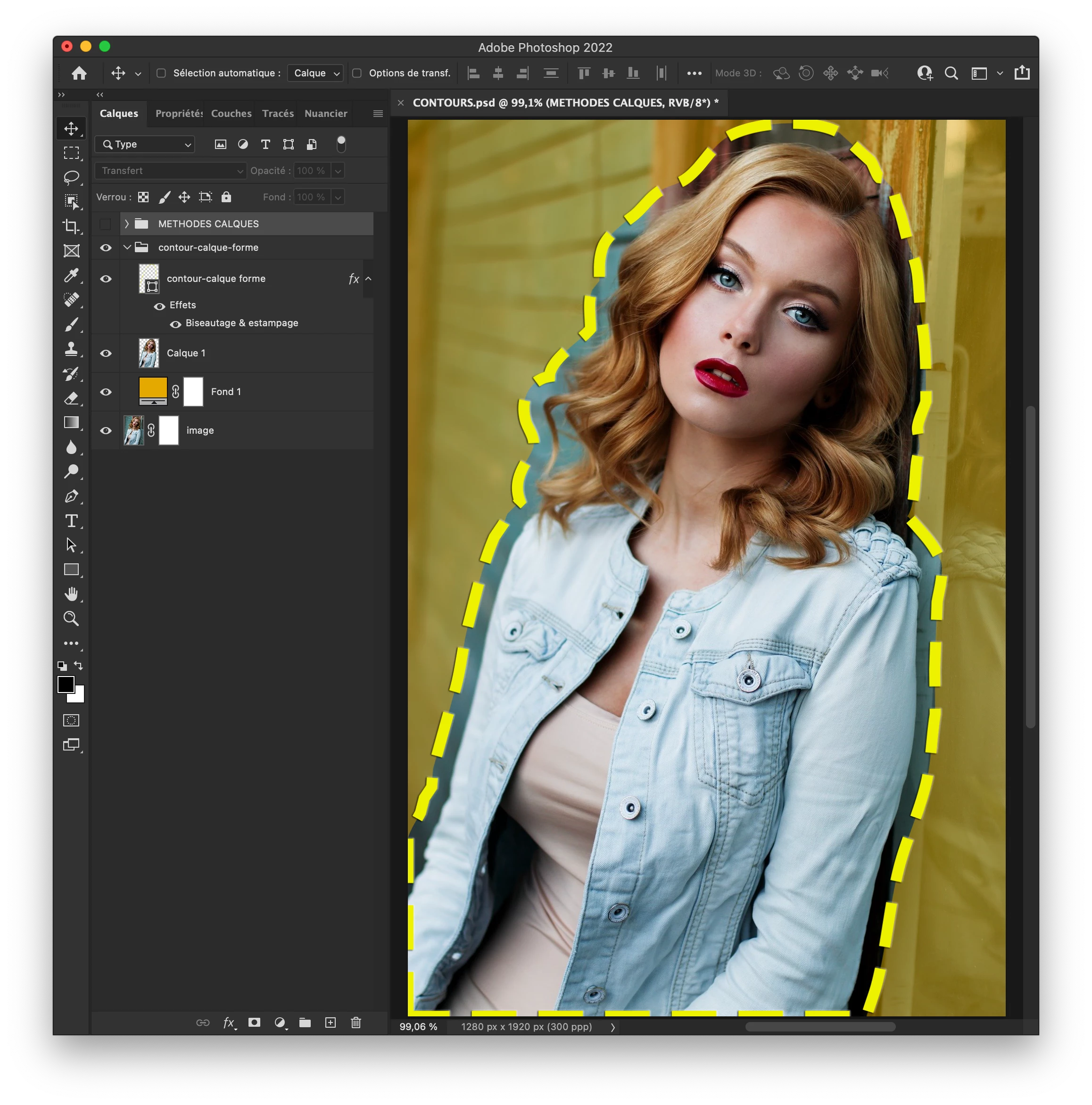
My process :
Dot lines :
- Expand subject selection
- Convert selection to path
- Layer > New fill layer to get a shape from the path
- Then simply editing stroke and fill for the selection
My question :
- Do you know a better way to get this result?
- Or maybe to go further (i.e. with a global smart layer)
Subject isolation is not an issue. I simply duplicated the subject and placed a color underneath. Blending modes did the trick.
Thanks for your thoughts and Happy Holidays y'all
Didier
 AdChoices