
Known Participant
August 11, 2018
Question

Dragging documents between screens causes issue with said documents

  • August 11, 2018
  • 1 reply
  • 734 views

Hi, I'm working with a dual-monitor setup (laptop+secondary 4k monitor), in which i have photoshop on the 4k monitor.  I'm trying to drag some documents to my laptop screen, and it causes the entire document to go grey (like when you overscroll, the grey space that normally surrounds the document contents), and occassionally I will also get a handful of scroll bars inside that document too.  See image below
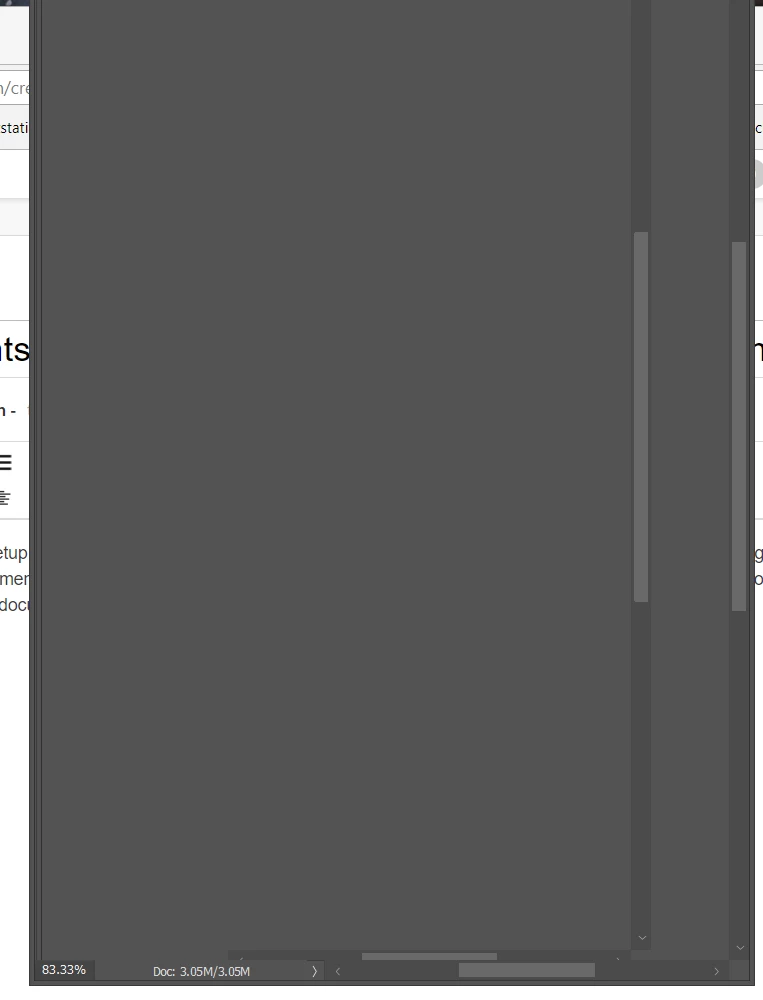
Not sure why this is happening, would really appreciate some insight.  Thanks in advance!

This topic has been closed for replies.

1 reply

JJMack
Community Expert
Community Expert
August 11, 2018

What OS are you using are you scaling you 4k Display in you system settings,  What version of Photoshop.  Photoshop does not use systems scaling. Photoshop CC 2018 19.1,y scales its UI and Image windows independently. Older versions of Photoshop do not have UI scaling or the ps version Adobe UI scaling feature has issues.   Is your  laptop's display also 3840x2160 Pixels.

Supply pertinent information for quicker answers

  • The more information you supply about your situation, the better equipped other community members will be to answer. Consider including the following in your question:
  • Adobe product and version number
  • Operating system and version number
  • The full text of any error message(s)
  • What you were doing when the problem occurred
  • Screenshots of the problem
  • Computer hardware, such as CPU; GPU; amount of RAM; etc.
JJMack
Known Participant
August 12, 2018

Laptop is not 4k, im using the latest Windows 10 OS, newest version of photoshop CC.  I've scaled the secondary monitor's resolution in the windows system settings. 

JJMack
Community Expert
Community Expert
August 12, 2018

One Problem I can guess that could here is if you  make Photoshop view mode fullscreen or fullscreen with menu on you 4K display.  Photoshop's Image Window display area  will nearly fill the 4K Display It will be nearly 3840px by 2160px and that many pixels plus the rest of Photoshop UI  will not fit on your laptop display two scaling need to be done.  When you drag windows between displays your using a Windows feature to begin with and in this case somewhere in the process Windows would need Adobe'd UI  Scaling help to re-map Photoshop  UI and image for the lower resolution display fewer pixels. The re-map image area will have fewer Pixel in it the it had on the 4k Display.  Photoshop would need to change the area of the image that is being displayed in its image display area to maintain the same zoom level the image is being displayed at.  Photoshop scales its UI and image independently.  Because of this Photoshop would have to change the image area being displayed in its UI the Image display area has changed in size.  So its quite complex the Windows Applications window is being scaled two way when you drag Photoshop Application window between displays that have different scaling settings.  Other Application just use Windows scaling to scale all they display windows does all scaling.

JJMack