
Known Participant
November 3, 2020
Question

Drawing & Measuring Each Degree in a Circle

  • November 3, 2020
  • 3 replies
  • 2326 views

Hi there all, 


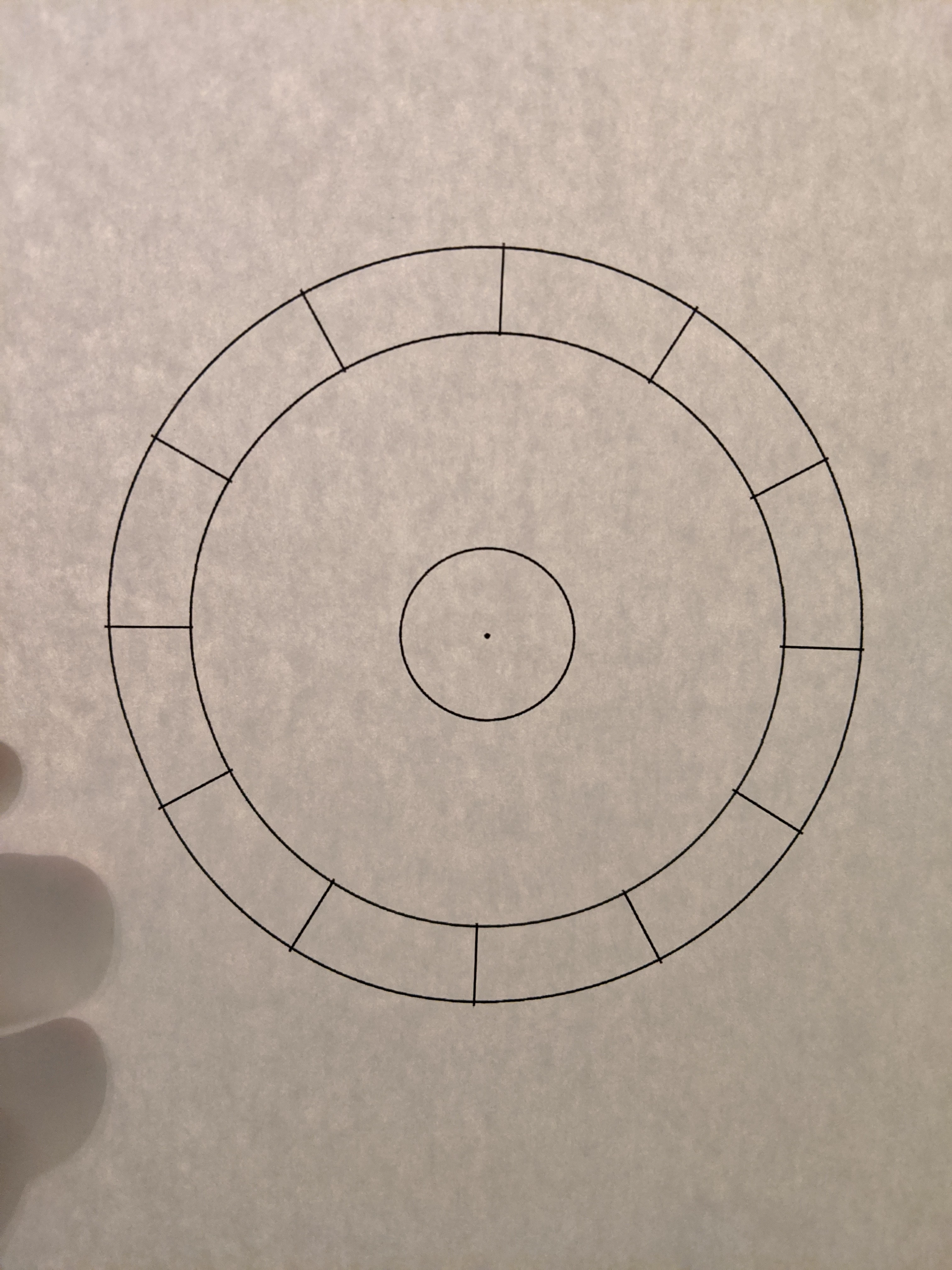
I'm currently using Photoshop CC to create a template for an astrology chart. I drew a circle and then drew lines at 30° increments so that my circle is cut into 12 slices. What I now need to do is create lines to mark each degree in the entire circle—in other words, I need to draw 29 lines within each of the 12 slices. Is there an automated way for me to do this or would I have to manually go in and draw every single line? Also, if I do have to draw them all manually, how would I be able to measure them to ensure that each line is a degree apart?


Thanks in advance for any tips and suggestions! 
This topic has been closed for replies.

3 replies

Semaphoric
Community Expert
Community Expert
November 4, 2020

Make a set of vertical ands horizontal guides that intersect at the center of the circle, and be sure Snap to Guides is set in the View menu.Use the Pen tool to make a short path with both end points on one of the guides.


Be sure Show Reference point When Using Transform is set in the preferences. Select the path with the Path Selection tool, and Control+Alt+T / Command+Option+T to transform a duplicate. Drag the reference point to the intersection of the guides. In the Angle field of the Transform options, enter 1.0°, and press Enter.


Now for every press of Shift+Control+Alt+t / Shift + Command + Option+T, you will get a new lie rotated by one degreee. For an entire circle, you would have to do this 359 times, so you'd likely want to make a Script for this.


Once you have a complete set of lines, yo can then stroke them with th Brush tool.


JJMack
Community Expert
Community Expert
November 4, 2020

You could use a script like my RotateLayerAbout.jsx to rotate a line layer about a point.  However for 360 lines you will need a thin line and a large radius. It will take some time to run and you cam merger the 360 layer in the layer group created.

JJMack
Nancy OShea
Community Expert
Community Expert
November 4, 2020

Personally, I would do this in a vector graphics editor like Illustrator or Inkscape as you have much more control.

Or you could look for a Template.  I found this online.


Nancy O'Shea— Product User & Community Expert
Known Participant
November 4, 2020

Thank you for these suggestion! I unfortunately do not have either of the programs you mentioned. As far as using an already made template, I haven't been able to find one that is bare bones enough to meet my needs (as my intention is to draw in the details myself). 

Nancy OShea
Community Expert
Community Expert
November 4, 2020

Inkscape is free.


Nancy O'Shea— Product User & Community Expert
JJMack
Community Expert
Community Expert
November 3, 2020

Ruler tool

JJMack
Known Participant
November 4, 2020

Thank you for this suggestion! But as far as I understand, I can only measure with the ruler tool not draw with it. I'm wanting for each line on each degree to be visible (something like the image in this screenshot).