
richardr39545771
Participant
January 9, 2018
Answered

Drop shadow on colored background

  • January 9, 2018
  • 4 replies
  • 746 views

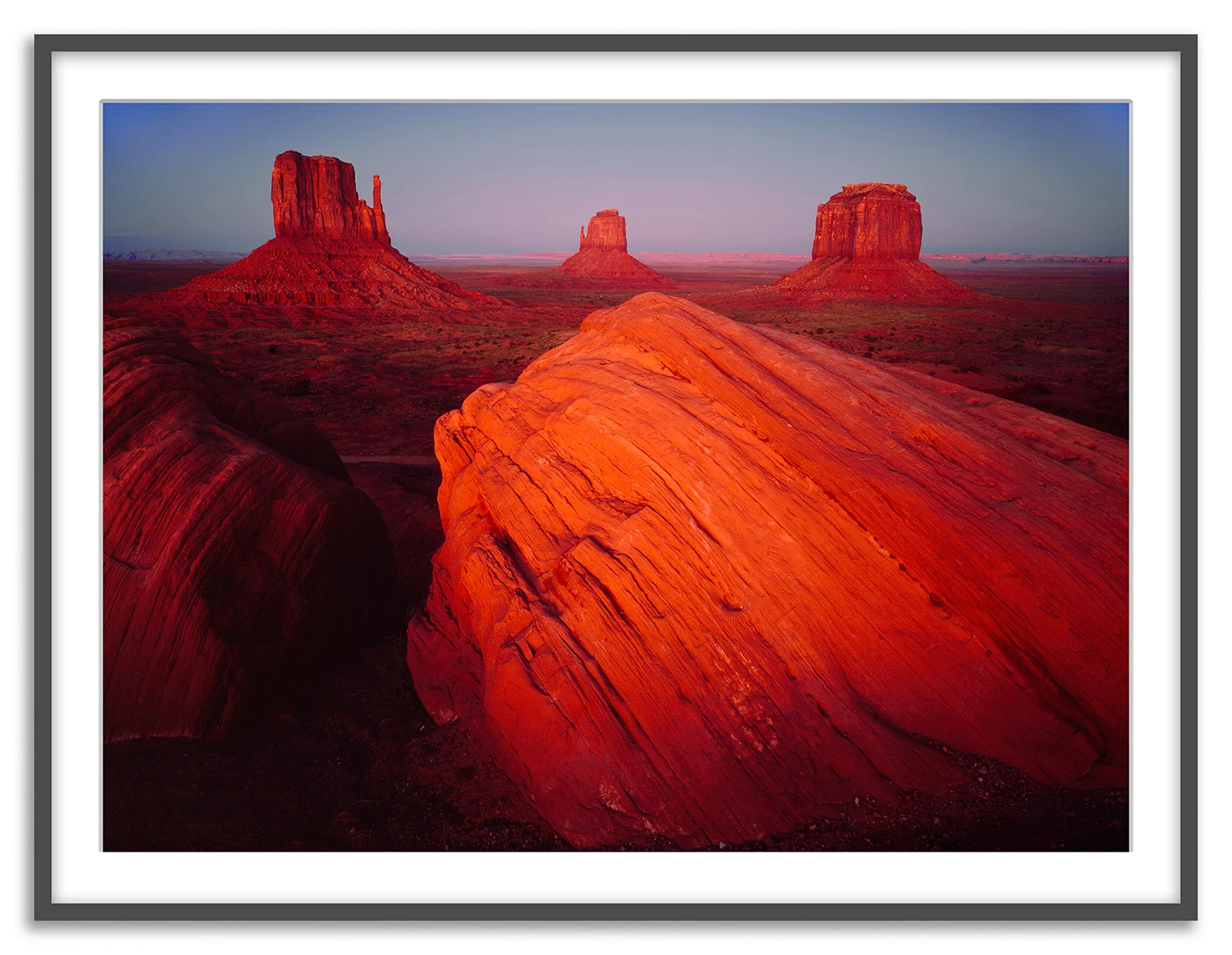
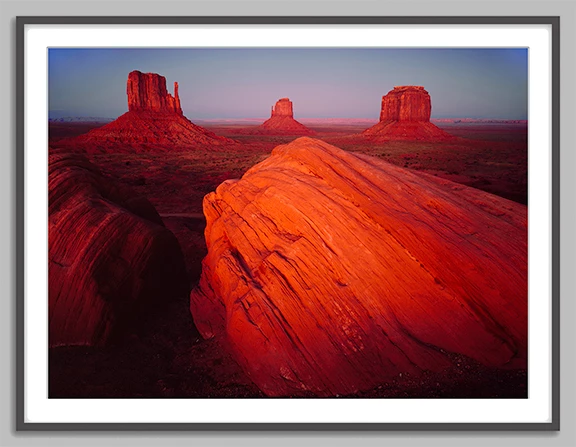
I have an image that is in a picture frame (that I created in Photoshop), and I want to add a drop shadow over a gray background. I added a gray background to the framed image (by extending the canvas) and created a drop shadow, but when I flatten the image the gray background turns white. Is there a way to have a gray drop shadow on top of a lighter gray background?
    This topic has been closed for replies.
    Correct answer Norman Sanders

    If this is the result you want and the file has already been flattened:

    Make a rectangular selection that includes the frame, but not its drop shadow.

    Inverse the selection

    Add a blank layer below the image layer and Edit > Fill with light gray

    Set the Blending mode to Multiply

    Deselect the marching ants.

    4 replies

    richardr39545771
    Participant
    January 9, 2018

    norman sanders, yes that is what I want. Thank you!

    Norman Sanders
    Legend
    January 9, 2018

    Happy to be able to help. Good luck!

    richardr39545771
    Participant
    January 9, 2018

    I want the outermost white b/g area to be a shade of gray, lighter than the drop shadow.

    c.pfaffenbichler
    Community Expert
    Community Expert
    January 9, 2018

    Please post a screenshot (pre-flattening) with the pertinent Panels (Layers, Channels, …) visible.

    Norman Sanders
    Norman SandersCorrect answer
    Legend
    January 9, 2018

    If this is the result you want and the file has already been flattened:

    Make a rectangular selection that includes the frame, but not its drop shadow.

    Inverse the selection

    Add a blank layer below the image layer and Edit > Fill with light gray

    Set the Blending mode to Multiply

    Deselect the marching ants.